
How to Create an AI Influencer in 2026: A Step-by-Step Guide

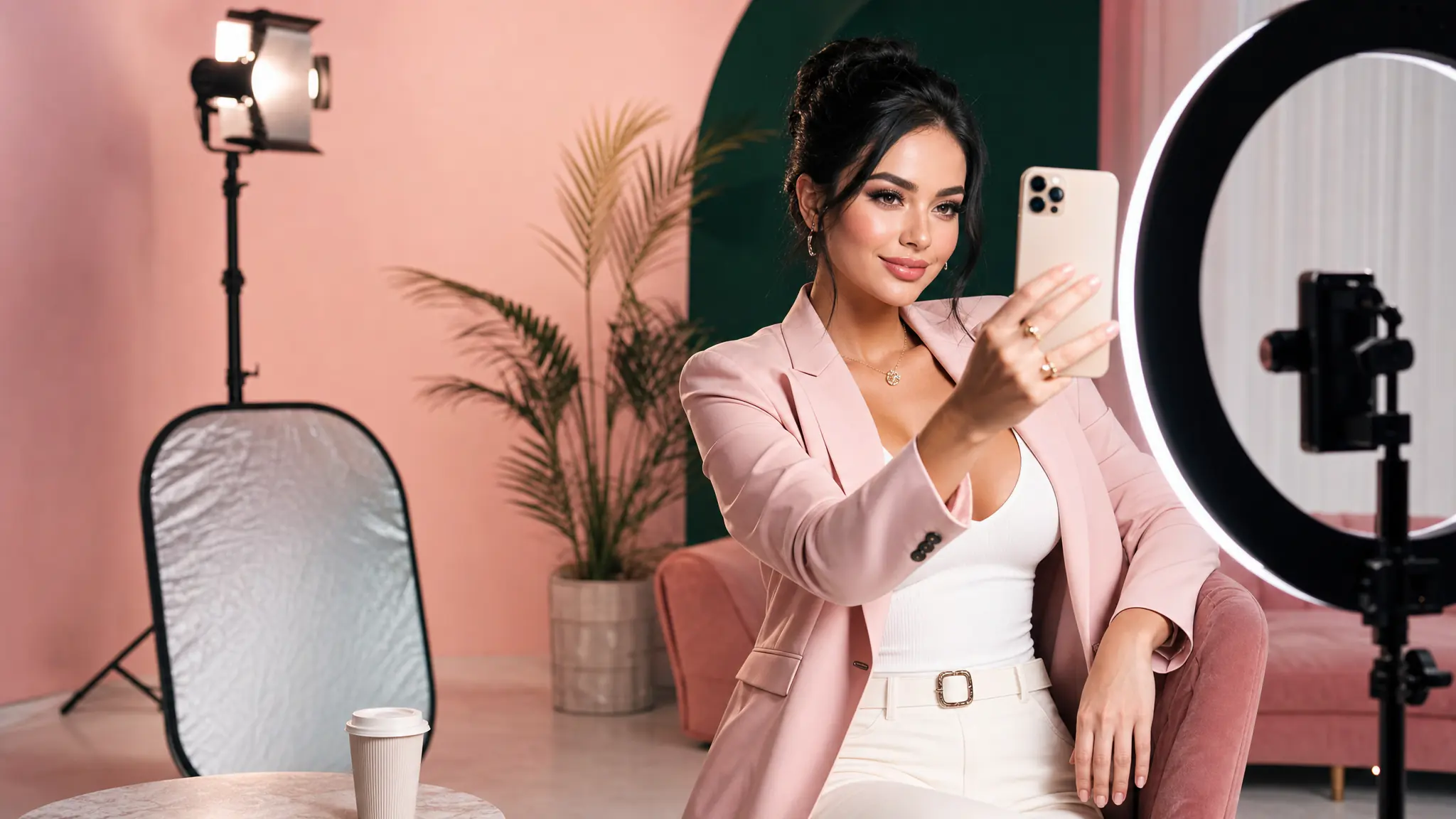
The hard part of being a creator used to be the production: filming, editing, photographing, recording. AI changes that — but only if you can produce content that's consistent enough to build an audience around. A different-looking face in every post doesn't compound; a single recognisable character does.
That's what an AI influencer is. Not a one-off generation, but a persistent virtual AI artist you reuse across hundreds of posts.
What is an AI influencer (and why brands are using them)
An AI influencer is a virtual character with a fixed identity — face, body, voice, signature aesthetic — that posts entirely AI-generated content. They look and feel like a creator: their feed has a coherent visual style, their videos lip-sync to their voice, their followers form a parasocial bond with the character.
Brands are leaning in for three concrete reasons:
- Production economics. A campaign with a human UGC creator costs $300-2,000 per asset and takes 5-14 days. The same asset from an AI influencer costs the price of a few credits and lands in minutes.
- Always-on schedule. AI influencers post every day if you want. They don't have other clients, vacations, or off days.
- Brand-safe by construction. No off-platform behaviour, no controversial old tweets, no PR risk from things they did before signing the deal.
The handful of AI influencers that have crossed a million followers — Lil Miquela, Aitana, Imma — proved the format works for human audiences. The bottleneck since then has been the tooling.
Step 1: Define your influencer's identity
Skip this and you'll waste credits on disconnected variations. Spend twenty minutes here and the rest of the build accelerates.
Write out, on a single page:
- Niche. Fashion? Tech reviews? Fitness? Travel? Pick one. You can broaden later but starting wide diffuses everything.
- Visual identity. Hair, skin tone, body type, eye colour, fashion register, recurring colour palette. Three reference images you'd want them to resemble.
- Voice and personality. Tone (warm, dry, snarky, confident), recurring topics, taboos, age, accent.
- The "why." What problem do they solve for their audience? Whose attention are you actually trying to win?
This page becomes the brief for every future generation.
Step 2: Generate the visual identity
Open the AI Artist Generator (this is where 7ART starts every influencer). Describe the look you wrote in step 1: the visual identity becomes a long prompt with appearance, style, lighting, and aesthetic.
Design your AI artist in four quick screens – name, gender and age, ethnicity, art style and hair. 7ART renders their avatar, a reusable reference sheet and a debut track with a matching voice persona.
Generate ten to twenty variations. Don't lock in the first one you like — generate enough that you can compare. The right character feels obviously theirs against the others.
Step 3: Lock in character consistency
This is the step that separates an AI influencer from a series of one-off images. In 7ART, save your chosen character as a reference. Every future generation — image, video, music video, lipsync — references this saved identity, so the character looks like the same person across thousands of pieces.
Generate 5–10 different angles of your influencer (front, three-quarter, profile, back, candid) and save them all to the reference set. Diversity in references reduces drift in future generations.
Step 4: Build the content engine
This is where most people lose momentum. The fix is a content matrix, not vibes-based posting.
Pick three formats your influencer will run:
- Daily posts: static images in their environment (city, studio, gym, beach — whatever fits the niche). Cheap, fast, builds the visual vocabulary.
- Weekly videos: 5-10s clips for Reels/TikTok. Variety: walking shots, talking-to-camera, demonstrating a product, reacting.
- Bi-weekly long-form: 30-60s videos with proper voice — narration over a montage, a "day in the life," a tutorial.
Then batch-generate. One sitting can produce two weeks of static posts; another sitting handles videos. Don't generate post-by-post in real time — that's where production costs creep back in.
Studio portrait of [SAVED_CHARACTER]: golden hour lighting, oversized cream sweater, minimal makeup, soft smile, looking off-camera, shot on 50mm, shallow depth of field, magazine editorial styleFor talking-head videos, the pipeline is: generate the still → generate voice via text-to-speech → lipsync the still to the audio. 7ART chains these in one workflow.
Make any portrait speak in sync with your audio. Upload a face or pick one from your library, add a voice clip, and get a talking video – up to 5 minutes on Kling Avatar Pro, 60 seconds on the other four engines.
Step 5: Distribute across platforms
The same character, the same voice, three platforms with different rhythms:
- Instagram: square + portrait, 4–5 posts/week, Reels weekend
- TikTok: 9:16 vertical, 4–7 short videos/week, daily if you can
- YouTube Shorts: repost vertical content, longer-form monthly
Cross-post but adapt captions. The same content with platform-native voicing performs roughly 2× better than blind cross-posts.
Spin up your first AI influencer this weekend
The tools, the consistency, and the workflow — all in one place.
Common pitfalls to avoid
A few things every new AI-influencer builder gets wrong, in roughly the order they hit you.
Inconsistent character. This is the #1 failure mode. Solve it once by saving the character properly in step 3 and never go back to one-off generations.
Generic content. "AI influencer at coffee shop" doesn't drive engagement. Pick a niche, lean into it, repeat. Your most successful first post is usually a tightly-targeted piece your niche community can immediately recognise.
Skipping disclosure. Brand deals require disclosure that the creator is AI in the EU and increasingly elsewhere. Bake it into the bio, don't bury it. Audiences accept it; regulators don't accept hiding it.
Going dark. Algorithms reward consistency. Posting four pieces in a week then disappearing for two weeks kills momentum. Batch-generate enough content for two weeks at a time so a busy week doesn't break the schedule.
Before any commercial campaign, double-check the disclosure requirements for your audience's location. EU + UK + most of LATAM now require some form of "AI generated" labeling. Failing to disclose can kill brand deals retroactively.
The tooling has reached the point where the bottleneck isn't generation any more — it's deciding what to make and posting consistently. That part is up to you.
Try the tools mentioned
AI Influencer Creator
Build a virtual influencer for your brand — one face, every cut. UGC ads, product placements and paid social without casting, contracts or shoot days.
AI Artist Generator
Design your AI artist in four quick screens – name, gender and age, ethnicity, art style and hair. 7ART renders their avatar, a reusable reference sheet and a debut track with a matching voice persona.
AI Image Generator
Create your AI artist once, then generate every image around them. Sixteen models, batches of up to four, and up to ten aspect ratios – in one place.
Frequently asked questions

George R
Writes about AI creation tools, character consistency, and how to actually ship content with AI. Part of the 7ART team based in San Francisco.
Stay updated
Newsletter signup coming soon.
Continue reading
How to Make UGC-Style Ads with AI (Without Hiring Creators)
Replace expensive UGC creator briefs with AI-generated UGC ads. A complete guide for marketers and brands.
 Gera B·May 8, 2026
Gemini Omni: What Google Actually Shipped, and How It Works on 7ART
Google's next-generation video model landed at I/O 2026 — and it isn't called Veo 4. What Gemini Omni Flash does, what Google documents, what it still can't do, and the exact settings and credit costs on 7ART.
 Ilyas I·Aug 13, 2026
Best Kling 3.0 Prompts for Cinematic AI Videos in 2026
A curated collection of Kling 3.0 prompts that produce cinematic, high-quality AI video. Plus prompt structure templates you can adapt.
Ilyas I·May 5, 2026