
AI Lipsync – bring any portrait to life with speech
Make any portrait speak in sync with your audio. Upload a face or pick one from your library, add a voice clip, and get a talking video – up to 5 minutes on Kling Avatar Pro, 60 seconds on the other four engines.
Try Lipsync freePowered by the best generation models







What AI Lipsync can do
Any portrait, alive in seconds
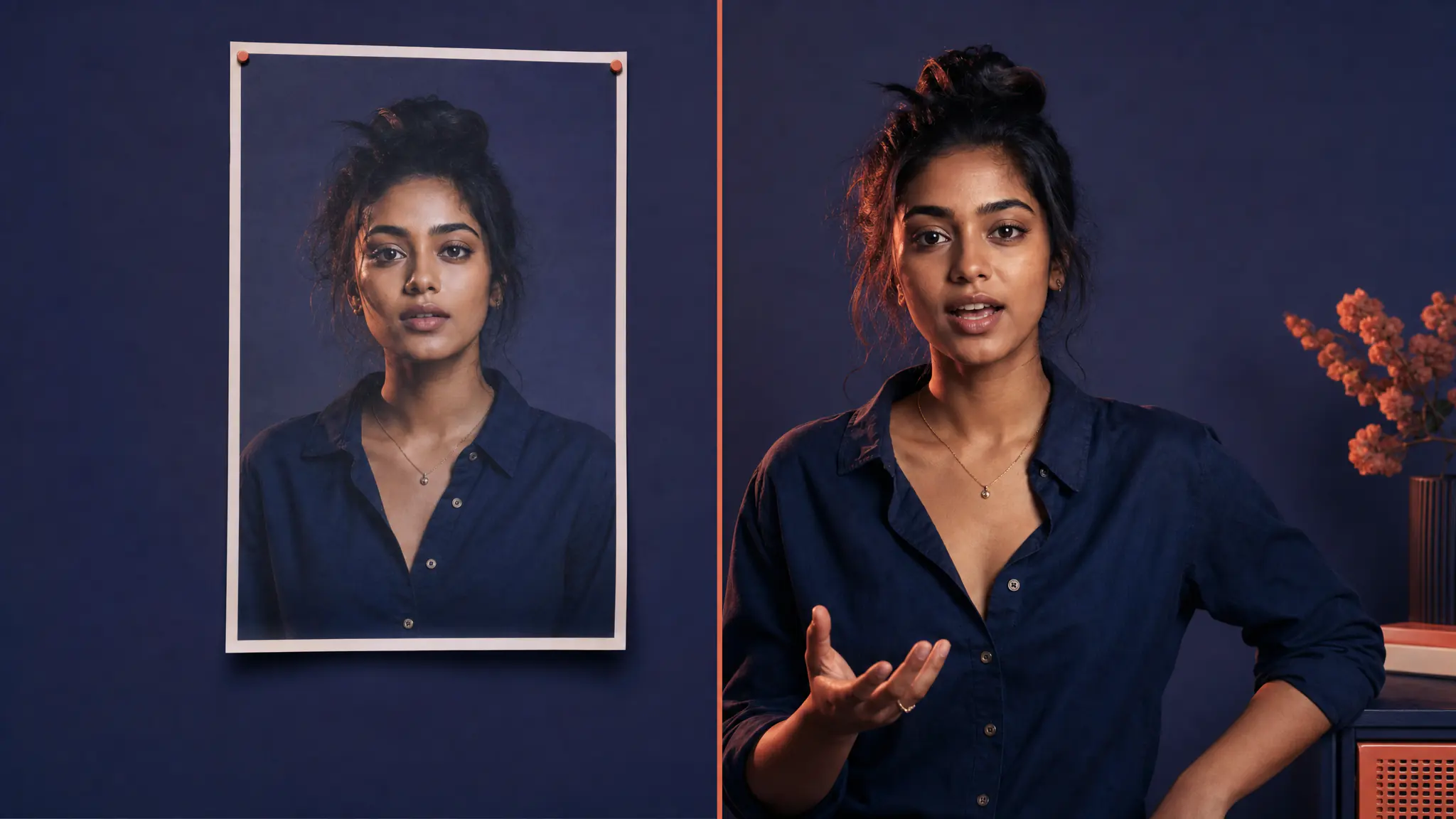
Upload a single static portrait and 7ART turns it into a talking video. The face stays in place, the mouth moves to the audio, the eyes blink, the head shifts naturally. Works on any clear face — photographs, illustrations, AI generations, even paintings.
Your character, talking
Pick any image you have already generated — including a frame of a saved 7ART artist — straight from your library, and that becomes the portrait. The face stays consistent across clips because it is the same source image every time, which is what makes a recurring character deliver dialogue scene after scene.
Three ways to bring the audio
Upload an audio file, record straight from your microphone, or pick a clip you already generated in 7ART Voice — speech, dialogue or sound effect — from the Voice picker. Nothing leaves the studio, so a script you voiced in Text-to-Speech is two clicks from a finished talking video.
No language setting to pick
The engines sync to the audio itself rather than to a transcript, so there is no language field in the form — use a clip in whatever language you recorded it and generate. Results vary by clip; clear, close-miked speech syncs best.
Up to 1080p, up to five minutes
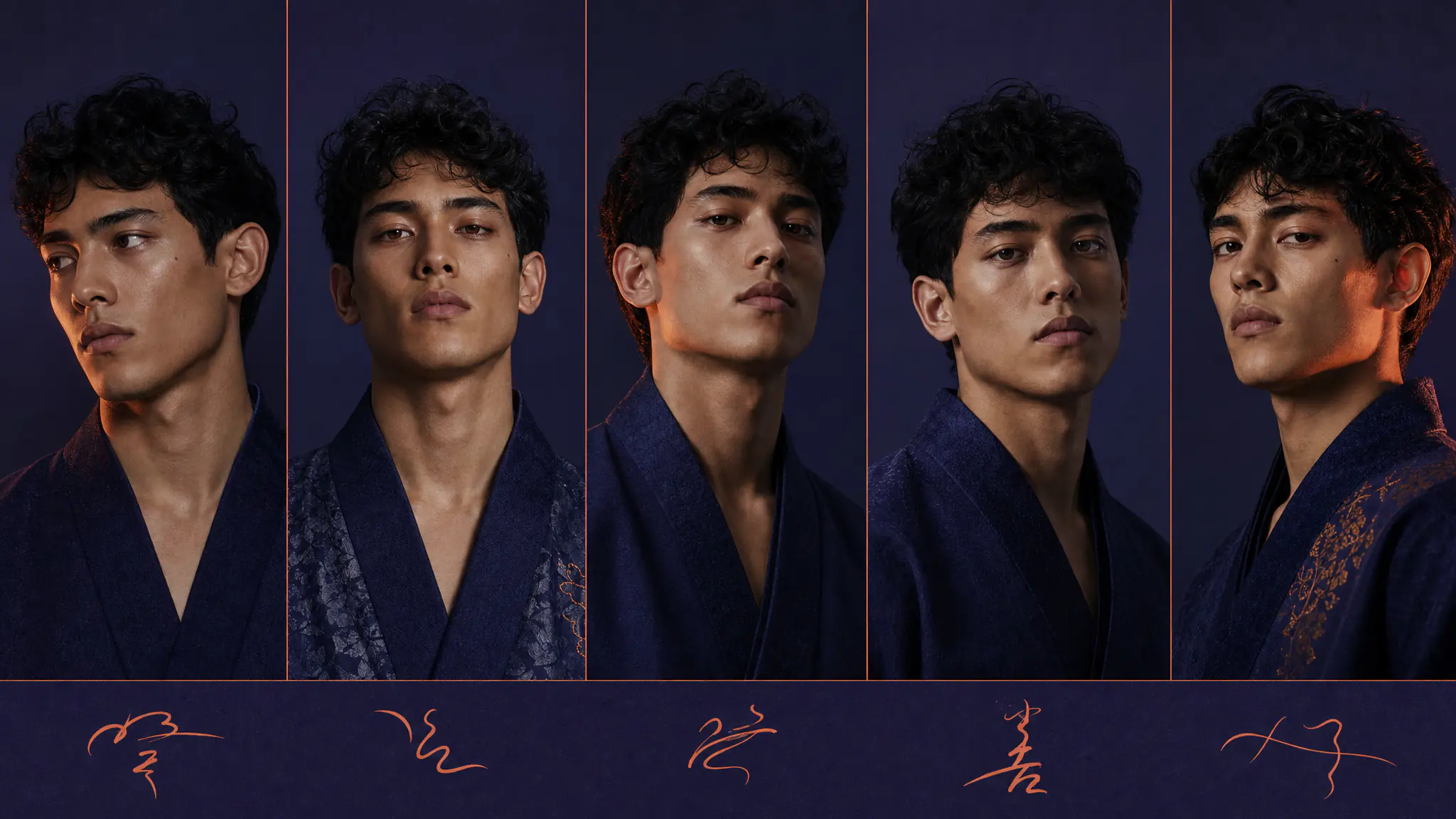
Kling Avatar Standard renders 720p at 8 credits per second; Kling Avatar Pro renders 1080p and accepts audio up to 5 minutes. Omnihuman 1.5 and HeyGen Avatar IV also offer 720p or 1080p, capped at 60 seconds. You are billed on the measured length of the audio you supply, not on an estimate.
More than a moving mouth
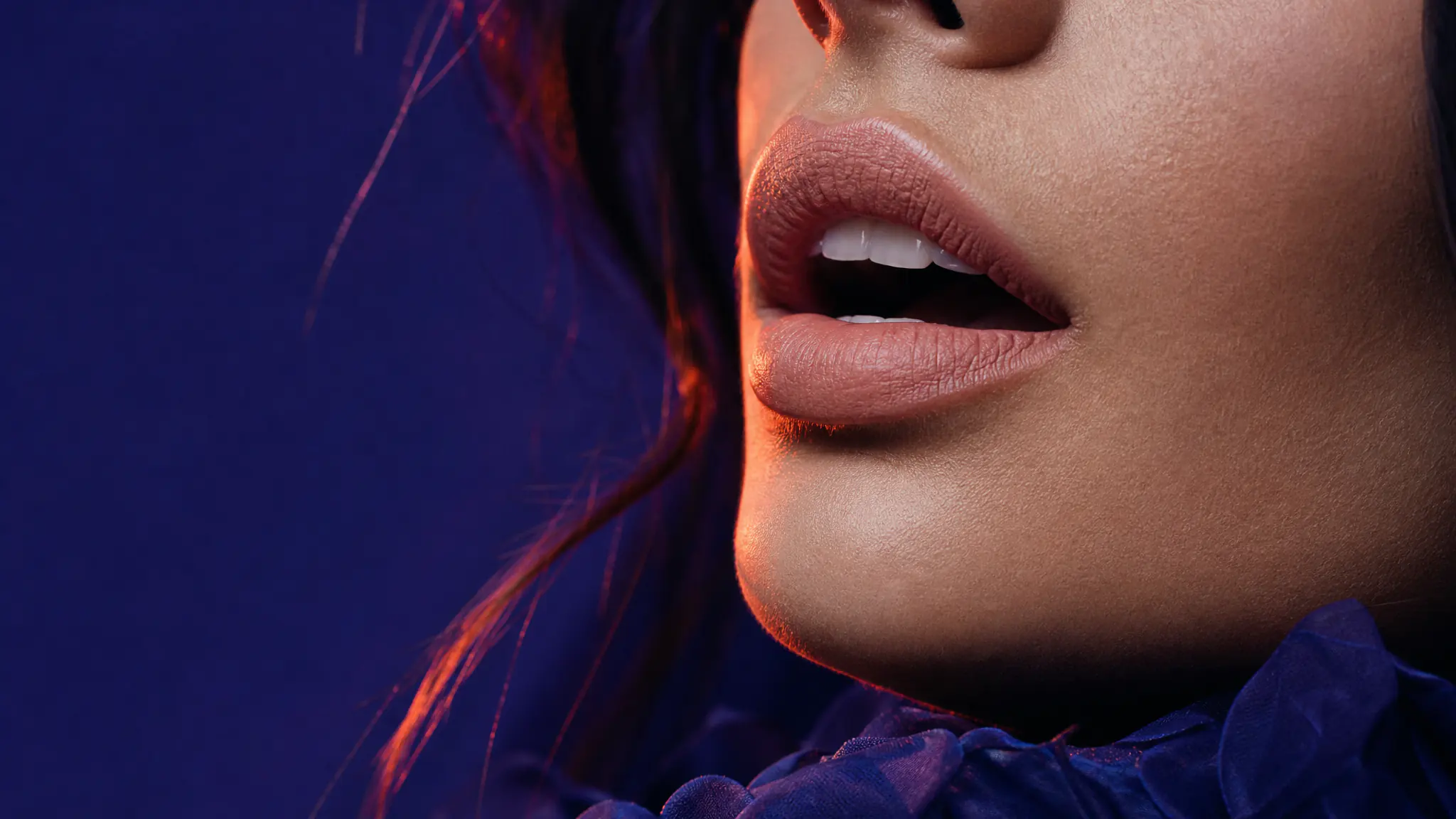
The avatar engines animate the head and face, not the lips alone — blinks, small head movement, expression that tracks the delivery. Kling Avatar Pro at 1080p holds up best on close-ups; Omnihuman 1.5 and HeyGen Avatar IV are there when you want a different look.
Generate now
Named models, not a black box
You see which engine renders each job, and you pick it yourself — on one credit balance, with no separate subscription per model.
Powered by
Kling Lipsync Voices for the audio track
Plans
Every plan unlocks the whole studio. They differ only in how long they run.
4 weeks
Save 61%Try the whole studio for a month.
for your first 4 weeks, then $38.95 every 4 weeks · $9.74/week
- 3,000 credits every 4 weeks
- Every app, model and studio
- 4K downloads, no watermark
- Commercial use permitted by our Terms
- Download everything you generate
12 weeks
Save 61%The one most people pick.
for your first 12 weeks, then $66.65 every 12 weeks · $5.55/week
- 4,500 credits every 12 weeks
- Every app, model and studio
- 4K downloads, no watermark
- Commercial use permitted by our Terms
- Download everything you generate
Year
Save 61%Lowest price per week.
for your first year, then $149.99 every year · $2.88/week
- 7,600 credits every year
- Every app, model and studio
- 4K downloads, no watermark
- Commercial use permitted by our Terms
- Download everything you generate
Frequently asked questions
Get insights from our experts
Tutorials, model deep dives, and creator workflows. New articles every week — bookmark the blog and never run out of ideas.
Read more
Combine with other 7ART features
AI Text to Speech
Turn a script into natural-sounding speech in seconds. 22 studio voices, three ElevenLabs models, adjustable speed, and multi-speaker dialogue – up to 5,000 characters a run.
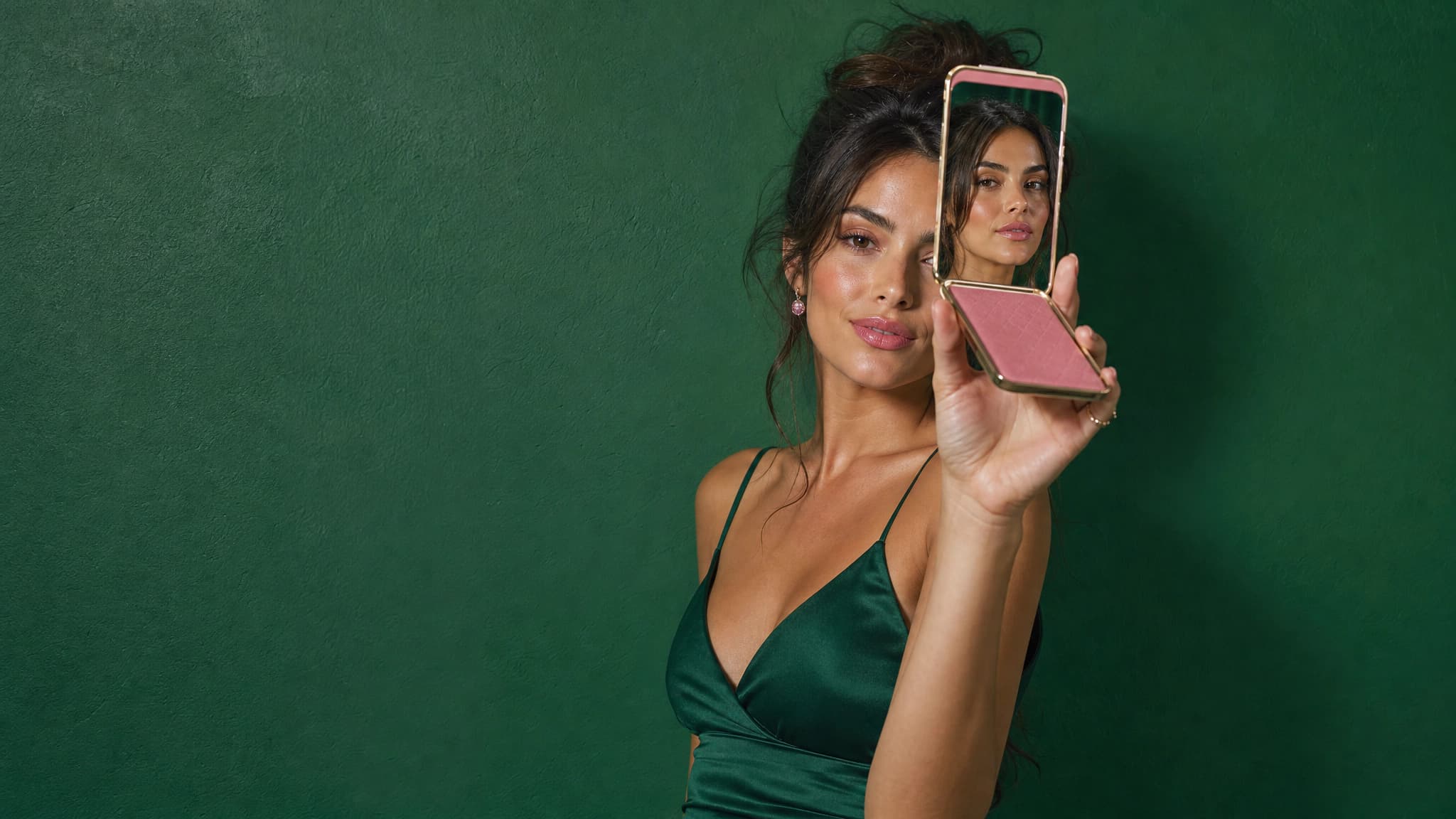
AI Influencer Creator
Build a virtual influencer for your brand — one face, every cut. UGC ads, product placements and paid social without casting, contracts or shoot days.
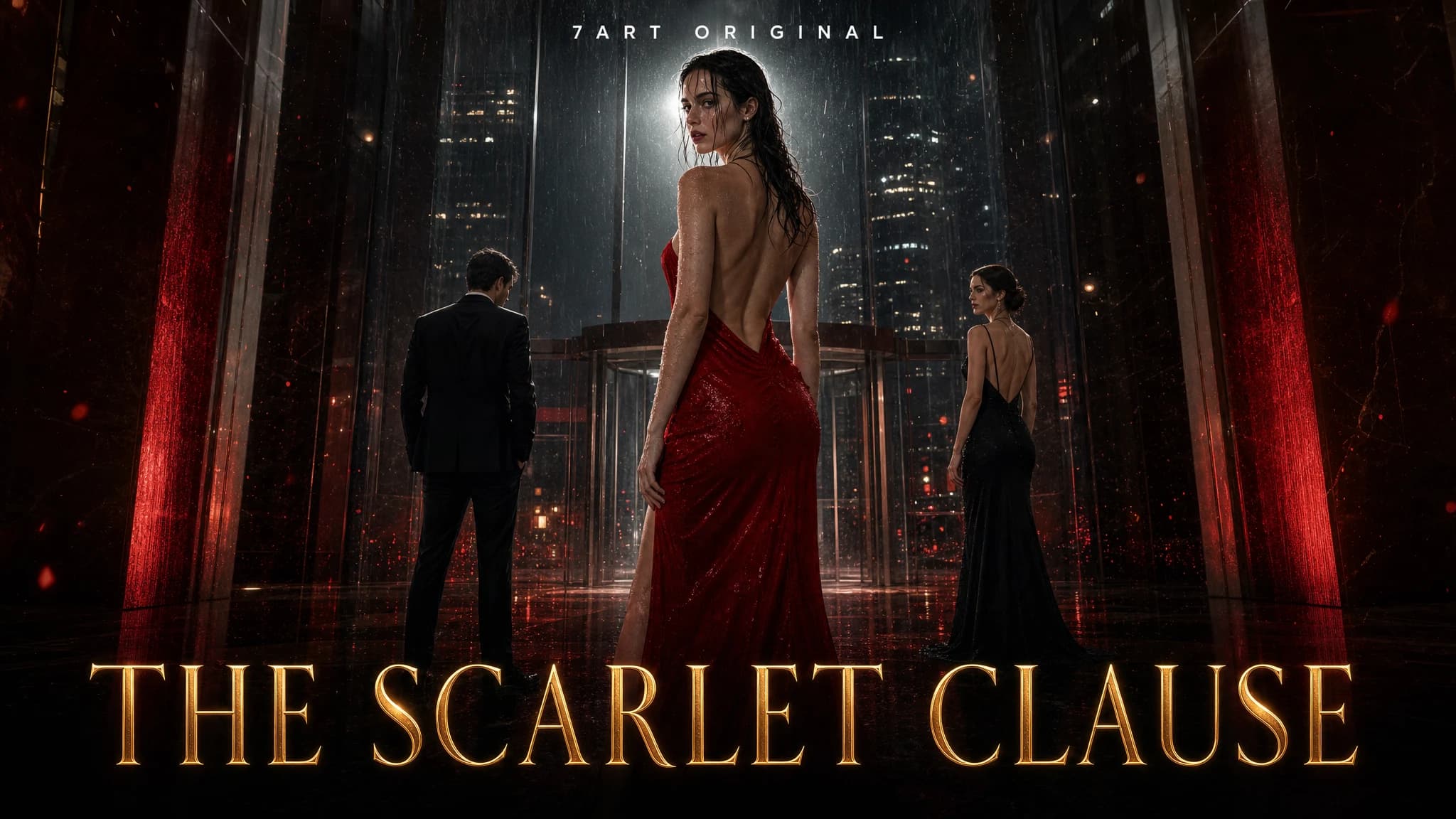
AI Short Drama Generator
Take one idea to a finished vertical series. An AI showrunner writes the episodes and the cliffhangers, you cast the characters and lock the sets once, and every scene is filmed with the same faces.