
AI Video Generator – Your Character in Every Model
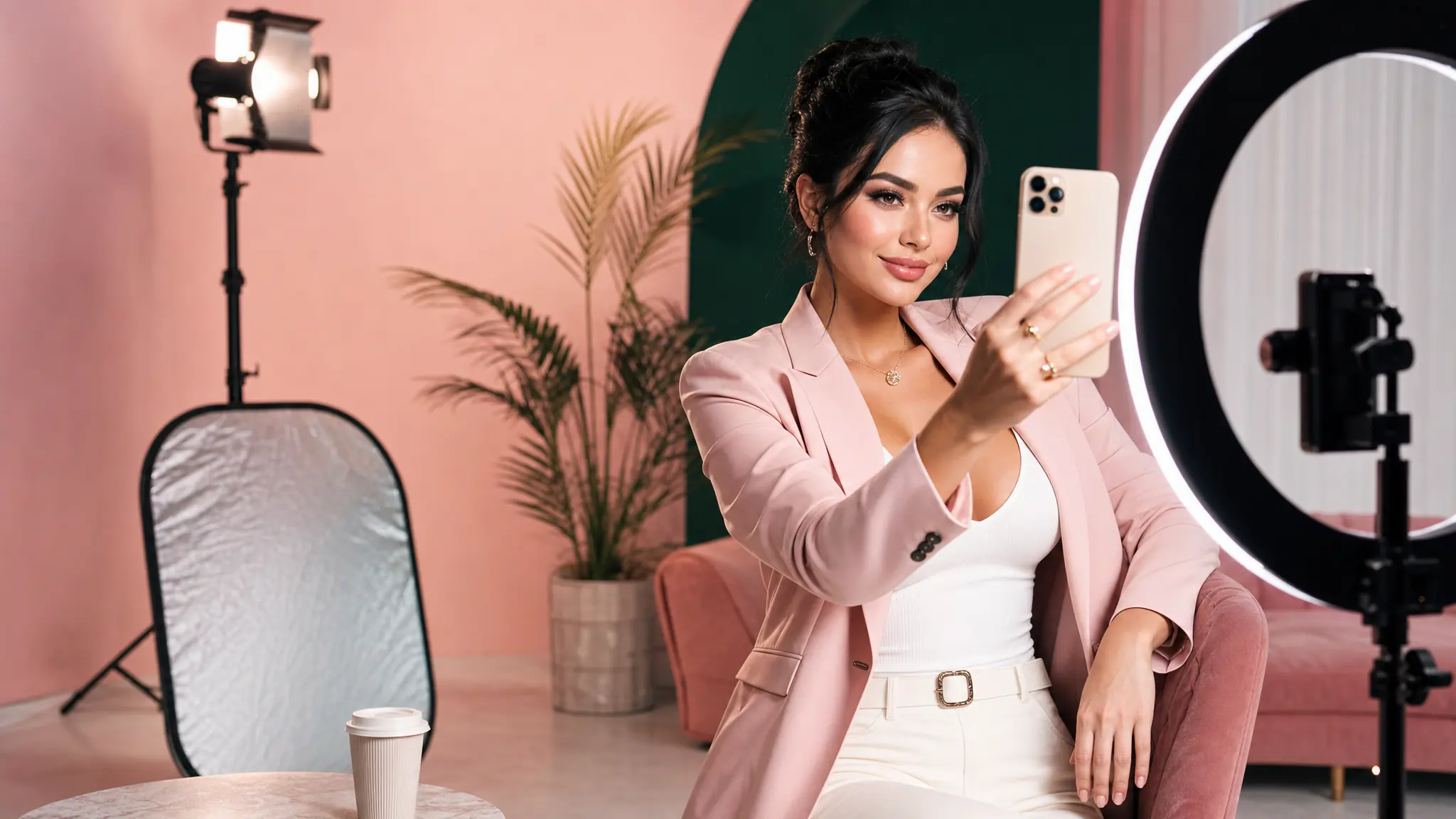
Animate your AI artist into Reels, TikToks, ads and cinematic clips. Kling, VEO 3.1, Seedance, Wan, Grok Imagine, MiniMax H3 and our own 7Video – every major video model in one workspace.
Try Video freePowered by the best generation models







Made with 7ART AI Video Generator
Named models, not a black box
You see which engine renders each job, and you pick it yourself — on one credit balance, with no separate subscription per model.
Powered by
Kling 3.0 · 2.6 · 2.5 TurboVeo 3.1 · 3.1 Lite · 3Seedance 2.5 · 2.0 · Fast Wan 2.7 · 2.6 · 2.5
 MiniMax H3Gemini Omni
What AI Video Generator can do
Every major video model, one workspace
Kling 3.0, 3.0 Turbo, 2.6 and 2.5 Turbo. VEO 3.1 Quality, Fast and Lite. Seedance 2.5, 2.0, 2.0 Fast and 2.0 Mini. Wan 2.7, 2.6 and 2.5. Gemini Omni Video, Grok Imagine, HappyHorse 1.1, MiniMax H3 — plus 7Video, our own house preset. Switch model mid-project without switching tool, and see the exact credit cost on the Generate button before you spend anything.
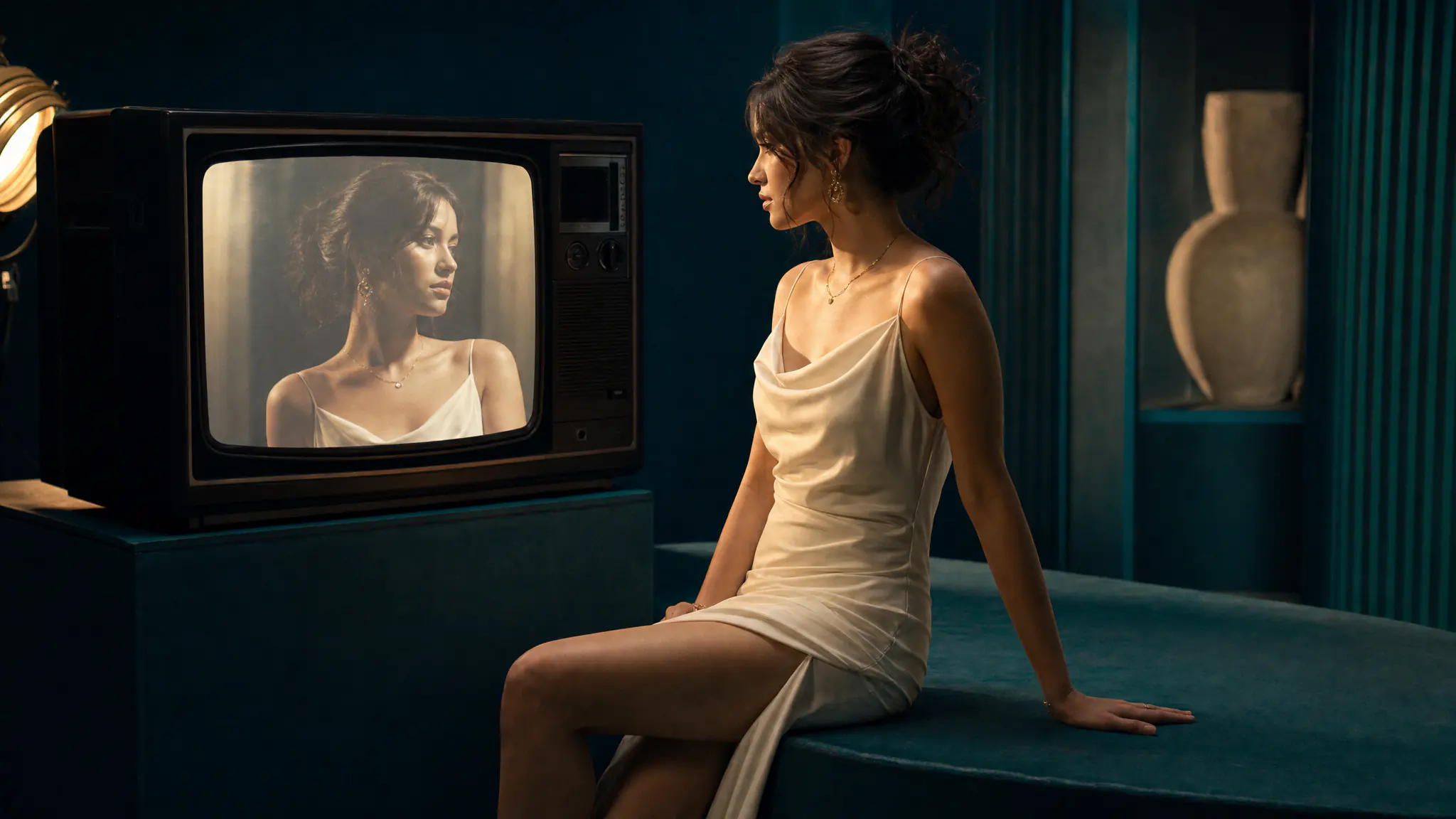
Your AI artist, on screen
Save your artist once and reuse them everywhere. On Kling 3.0 you @mention them in the prompt as an Element and the model holds the face across shots. On Seedance, HappyHorse, Gemini Omni Video and MiniMax H3 you attach their reference images; on the frame-based models you set them as the start frame. Same artist, whichever engine you pick — and the same artist in your images, music, lipsync and motion control.
One-tap apps instead of a blank prompt
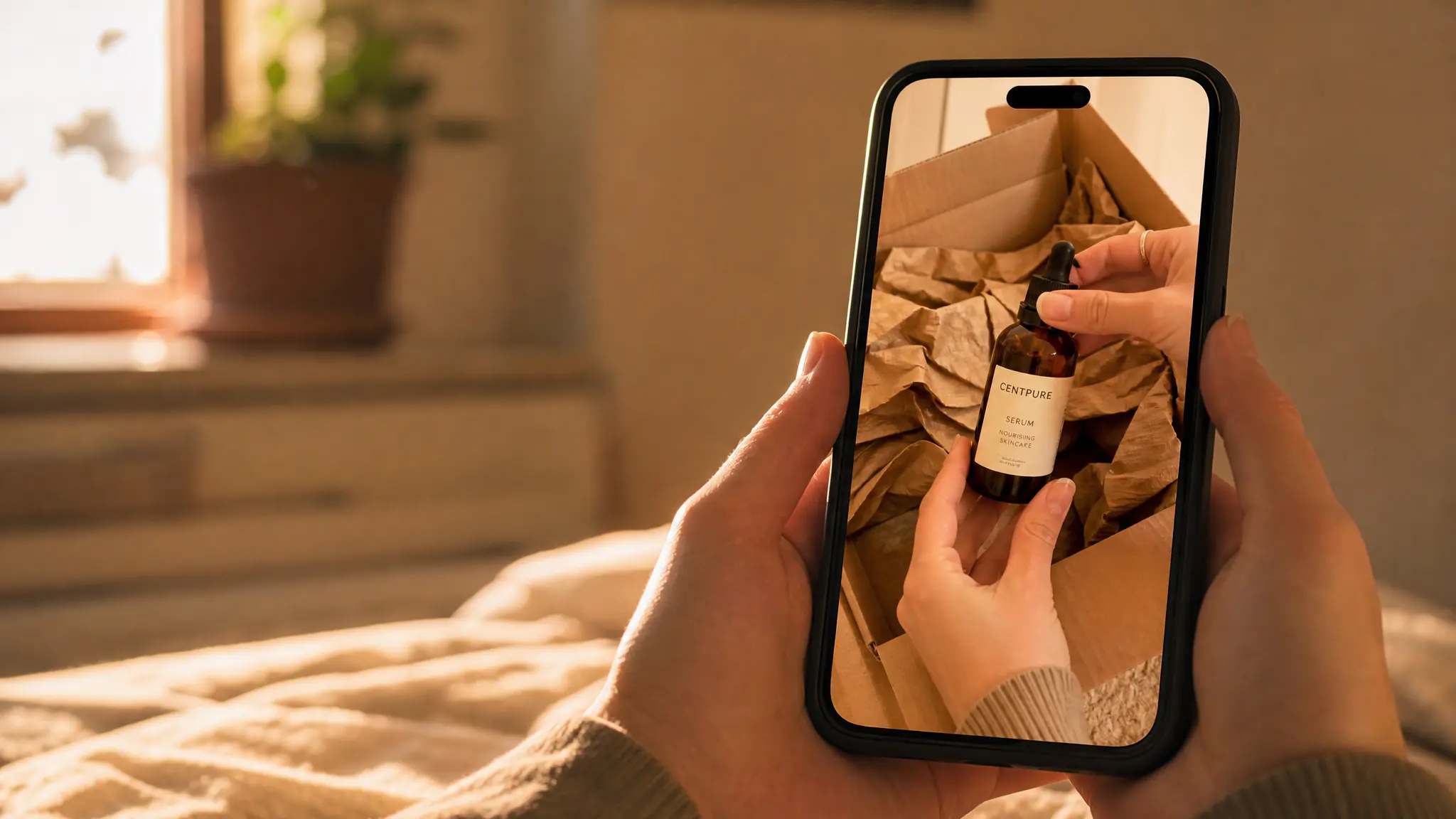
Pick a saved character or upload a photo, then tap an app — Luxury Vlog, Japan Vlog, Gym Pump, GTA Style and dozens more, each one a prompt we already tuned. Video apps chain an image into a clip for you, and everything lands in the same library as your manual generations.
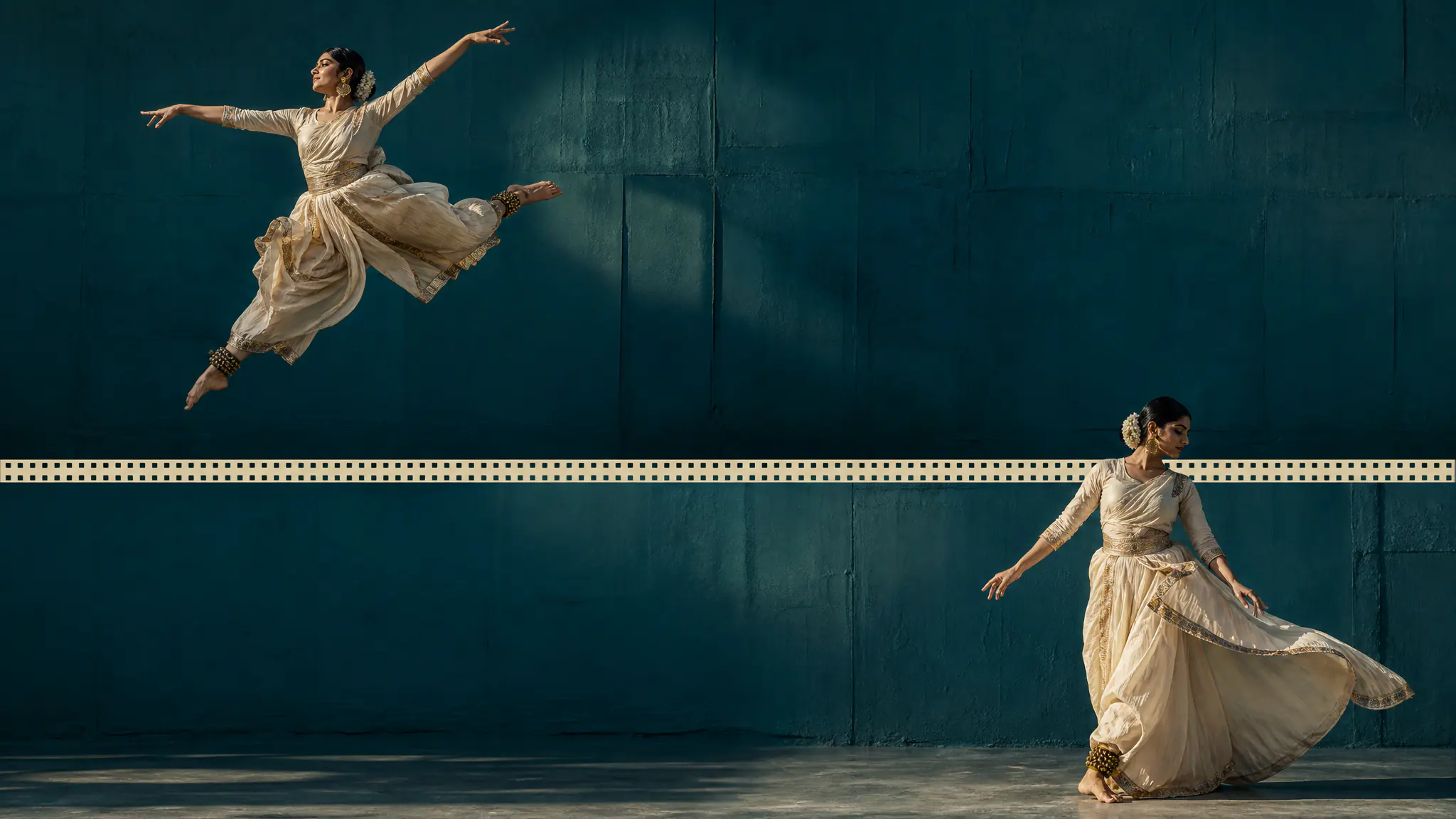
Start frame, end frame, full control
Lock the opening frame, lock the closing frame and let the model fill the middle — start and end frames are supported on Kling, Wan and Seedance. Or switch on Multi-shots (Kling 3.0 and Wan 2.6) and write up to five shots, each with its own prompt and duration, rendered as one clip.
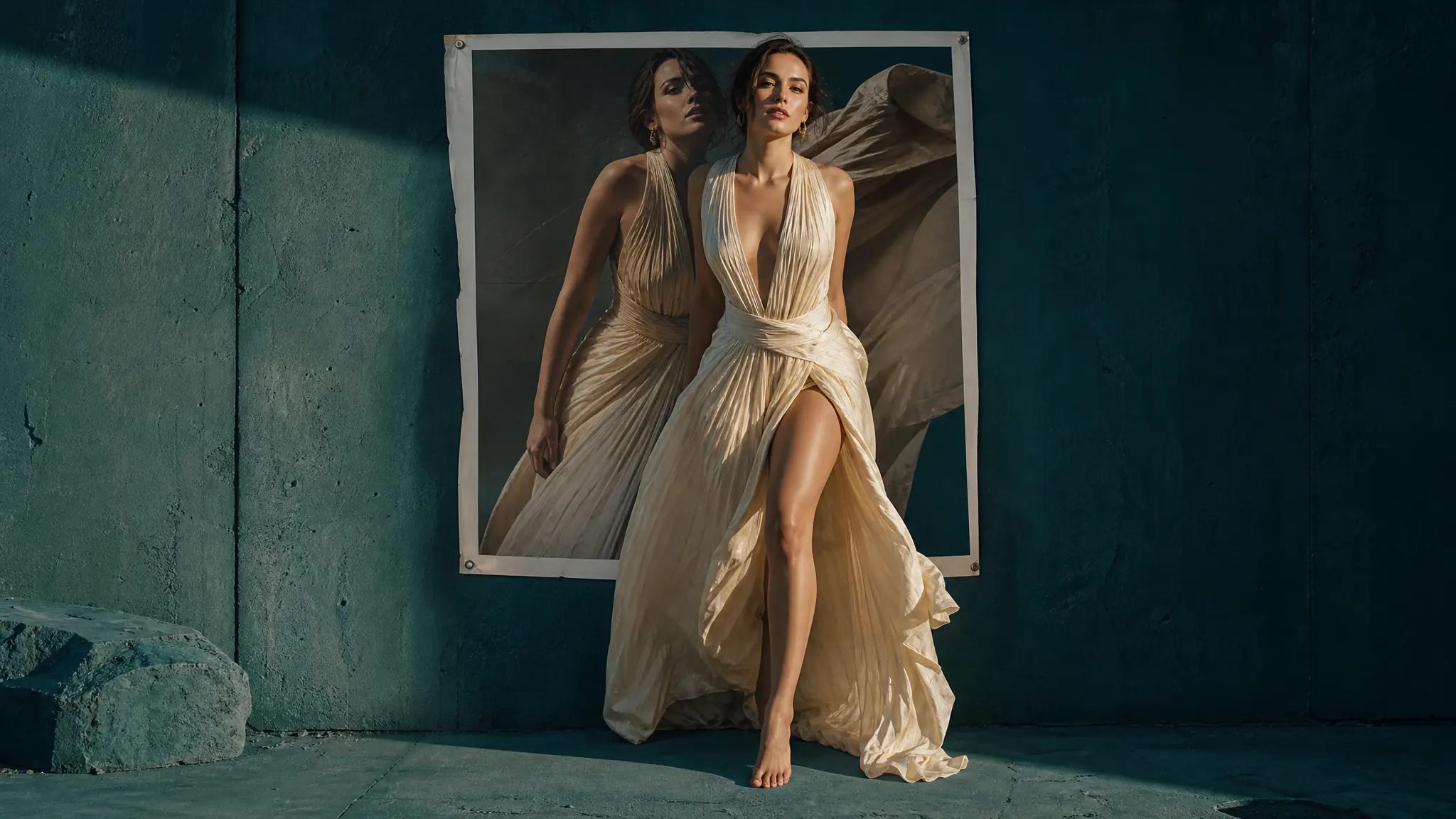
Static image, alive in seconds
Drop in any image — a generated artist portrait, a product shot, a moodboard — and 7ART animates it into a video clip. Cameras move, hair flows, eyes blink. The fastest way to add motion to anything.
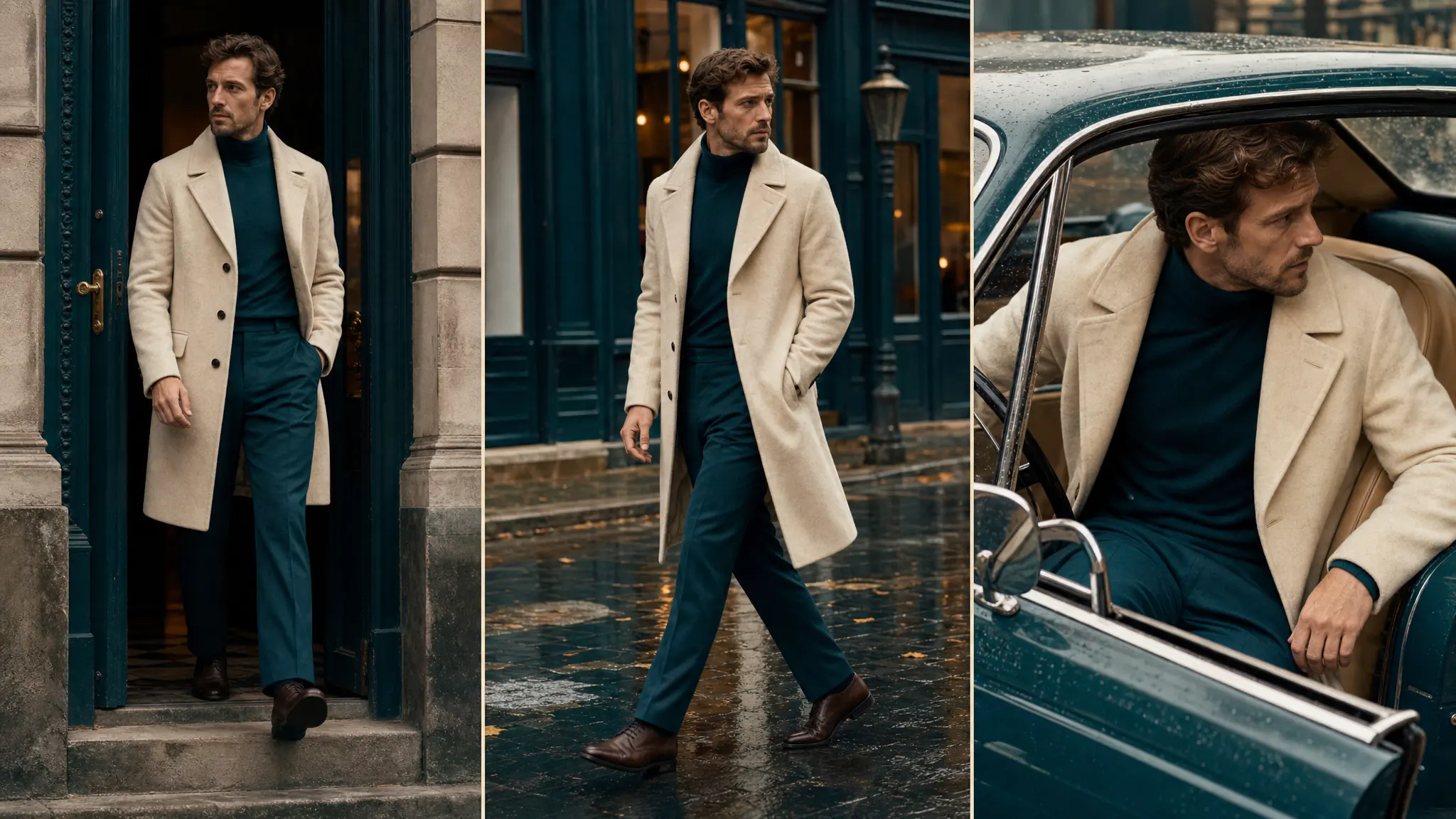
Five shots in one generation
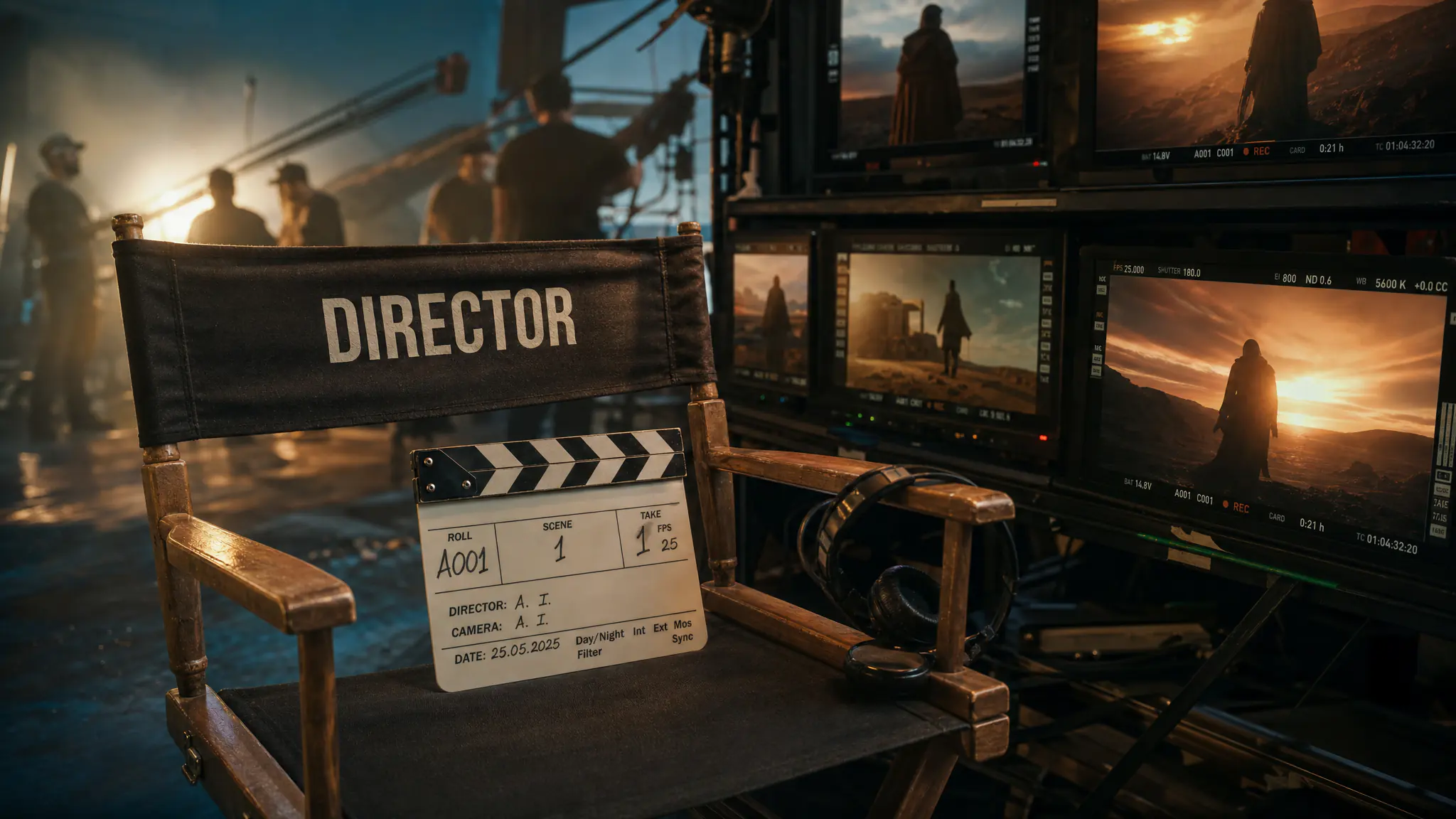
Multi-shots on Kling 3.0 and Wan 2.6 takes up to five prompts — a character walks in, turns, speaks — and renders them as a single clip with audio on. For anything longer, the built-in video editor puts your generations on a timeline and cuts them together into a full scene or an episode.
How 7ART compares
| Feature | 7ART | Runway Gen-4 | Pika | Kling | Sora |
|---|---|---|---|---|---|
| Multiple video models in one workspace | 19 models | 1 | 1 | 1 | 1 |
| Character consistency across clips | ✓ | ✓ | partial | ✓ | ✓ |
| Use the same artist for image, music, lipsync | ✓ | — | — | — | — |
| Sound included with video | On some models | — | ✓ | ✓ | ✓ |
| Image to video | ✓ | ✓ | ✓ | ✓ | ✓ |
| Multi-shot scenes | ✓ | ✓ | partial | ✓ | ✓ |
| Max clip duration | 3–30s (model-dependent) | ~60s | Up to 25s | Up to 2 min | 10–25s |
Plans
Every plan unlocks the whole studio. They differ only in how long they run.
4 weeks
Save 61%Try the whole studio for a month.
for your first 4 weeks, then $38.95 every 4 weeks · $9.74/week
- 3,000 credits every 4 weeks
- Every app, model and studio
- 4K downloads, no watermark
- Commercial use permitted by our Terms
- Download everything you generate
12 weeks
Save 61%The one most people pick.
for your first 12 weeks, then $66.65 every 12 weeks · $5.55/week
- 4,500 credits every 12 weeks
- Every app, model and studio
- 4K downloads, no watermark
- Commercial use permitted by our Terms
- Download everything you generate
Year
Save 61%Lowest price per week.
for your first year, then $149.99 every year · $2.88/week
- 7,600 credits every year
- Every app, model and studio
- 4K downloads, no watermark
- Commercial use permitted by our Terms
- Download everything you generate
Frequently asked questions
Get insights from our experts
Tutorials, model deep dives, and creator workflows. New articles every week — bookmark the blog and never run out of ideas.
Read more
Combine with other 7ART features
AI Motion Control
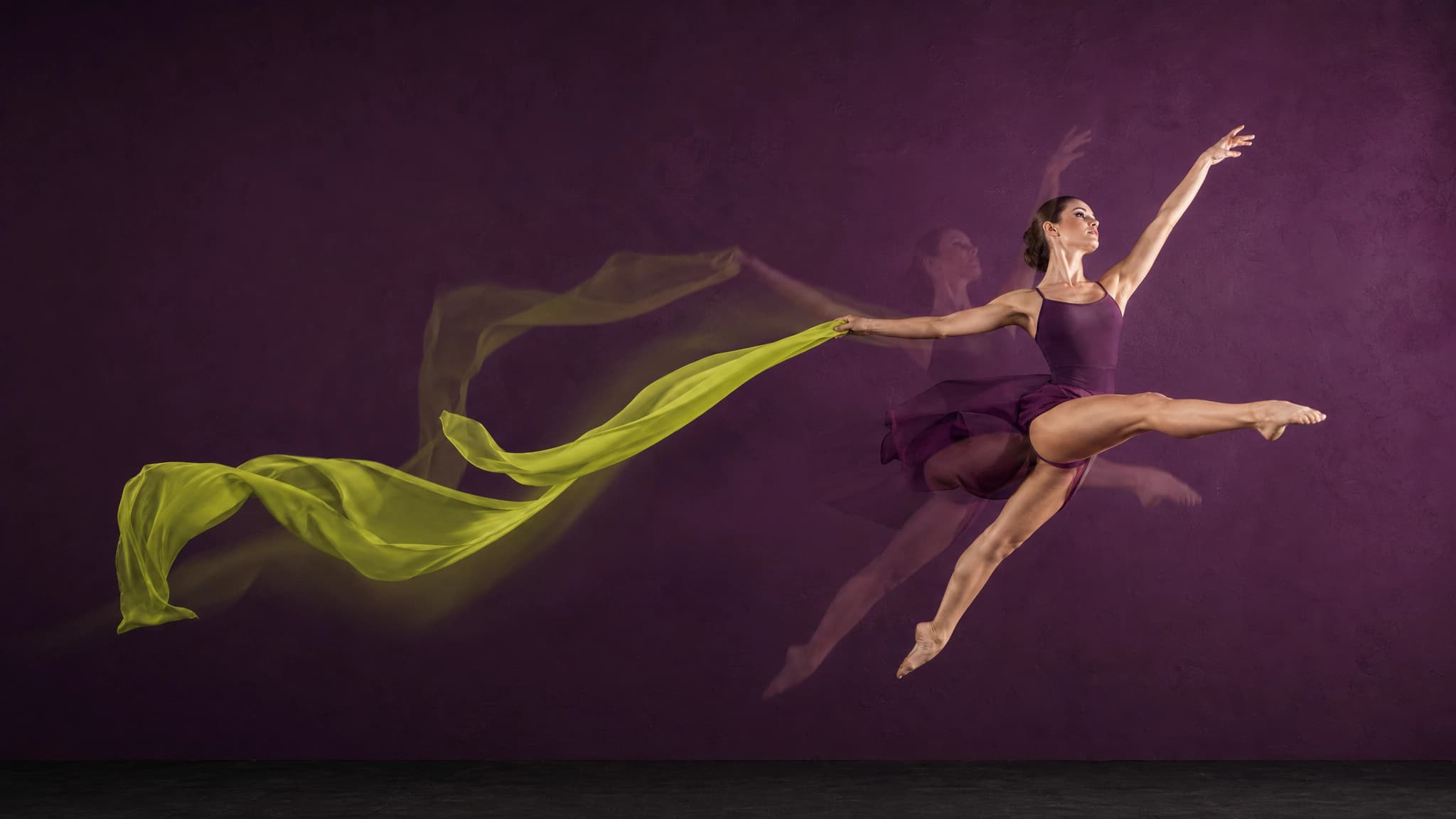
Take any video – a dance, a walk, a gesture – and apply its motion to your AI character. Same movement, your face.
AI Short Drama Generator
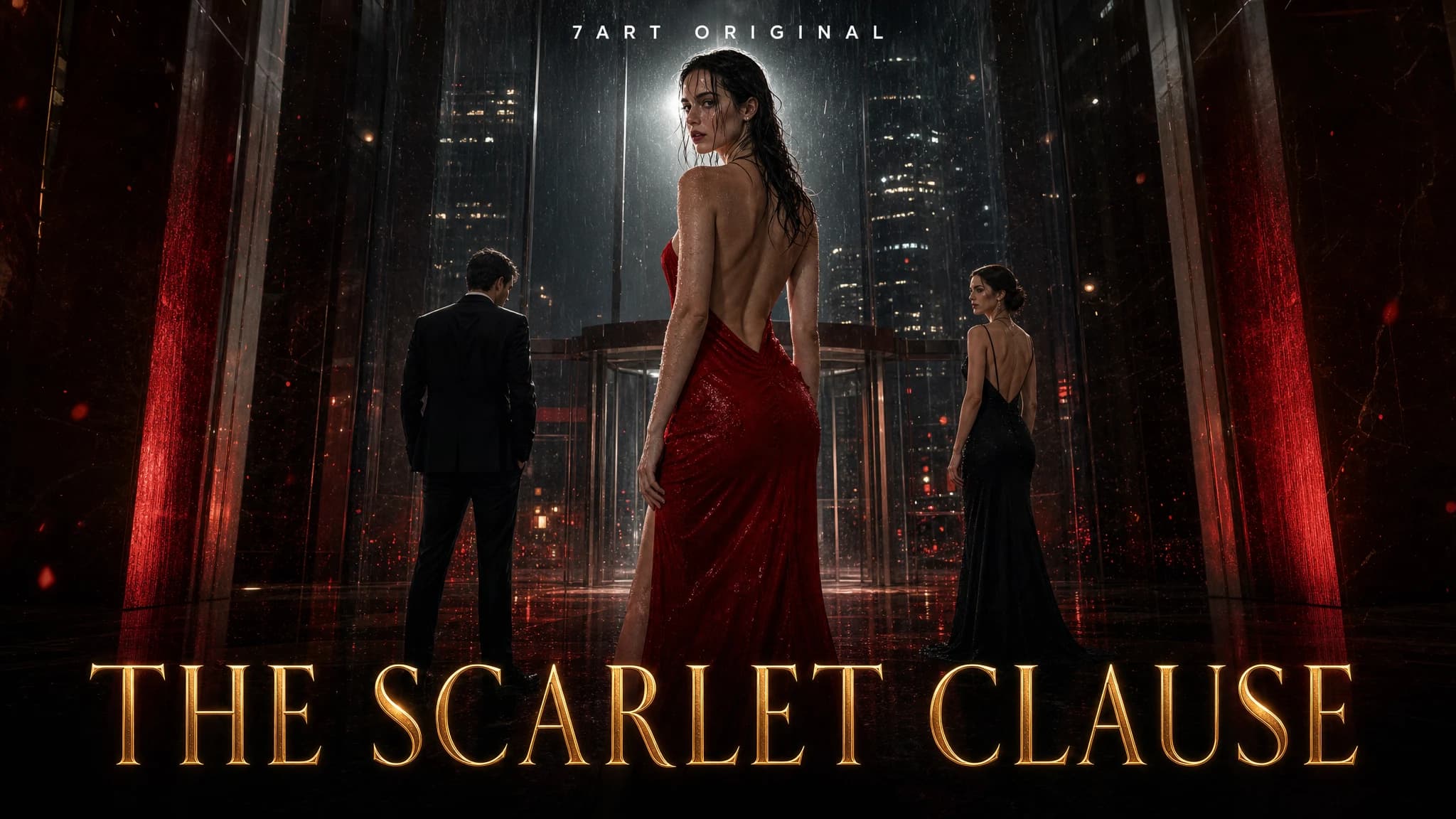
Take one idea to a finished vertical series. An AI showrunner writes the episodes and the cliffhangers, you cast the characters and lock the sets once, and every scene is filmed with the same faces.
AI Sound Effects Generator
Upload a silent video and get sound effects, music, or both, generated against what is on screen and muxed back into the clip. Or make standalone effects and music from a line of text.