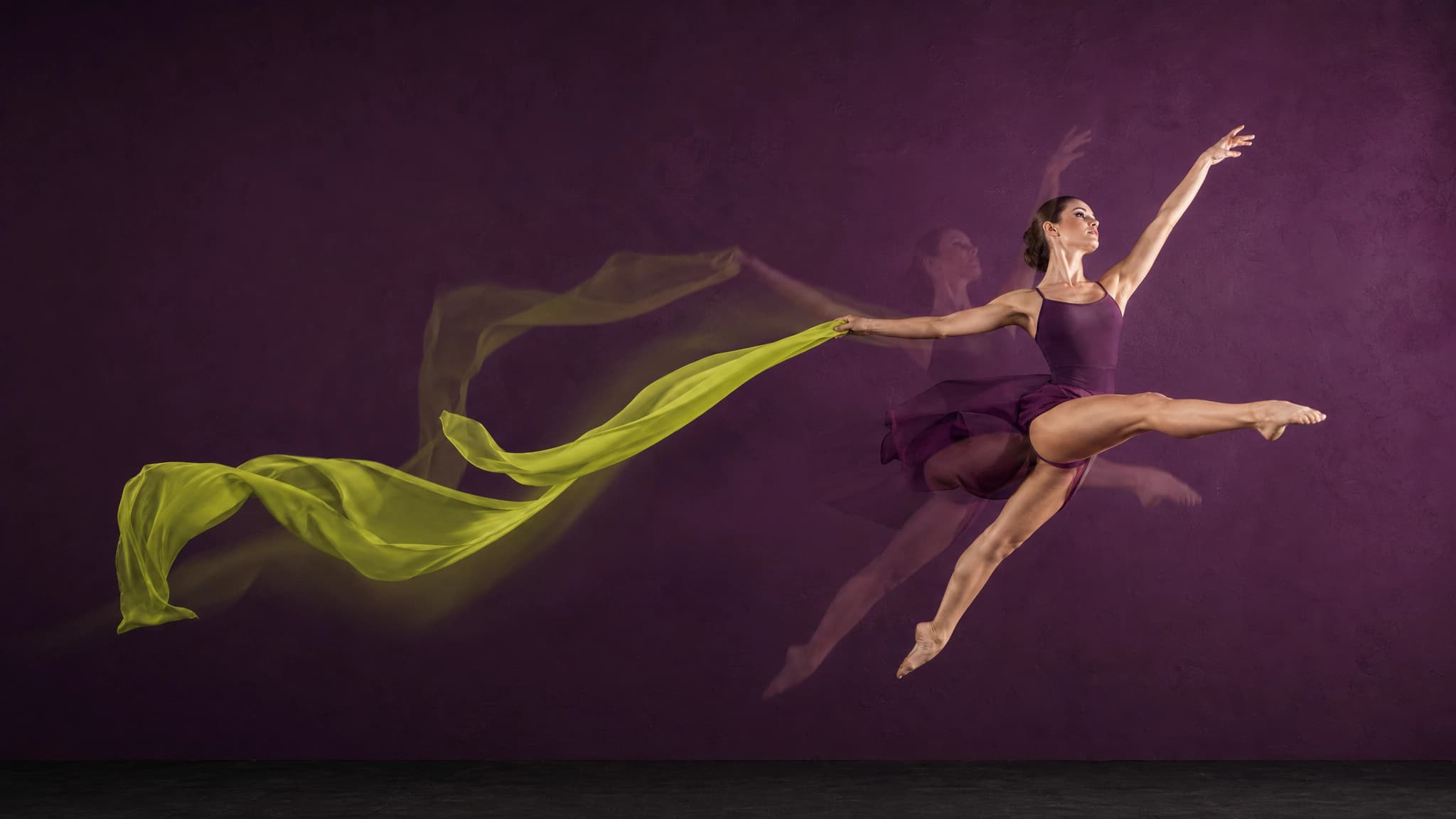

AI Motion Control – Any Movement, Your Character
Take any video – a dance, a walk, a gesture – and apply its motion to your AI character. Same movement, your face.
Try Motion Control freePowered by the best generation models







What AI Motion Control can do
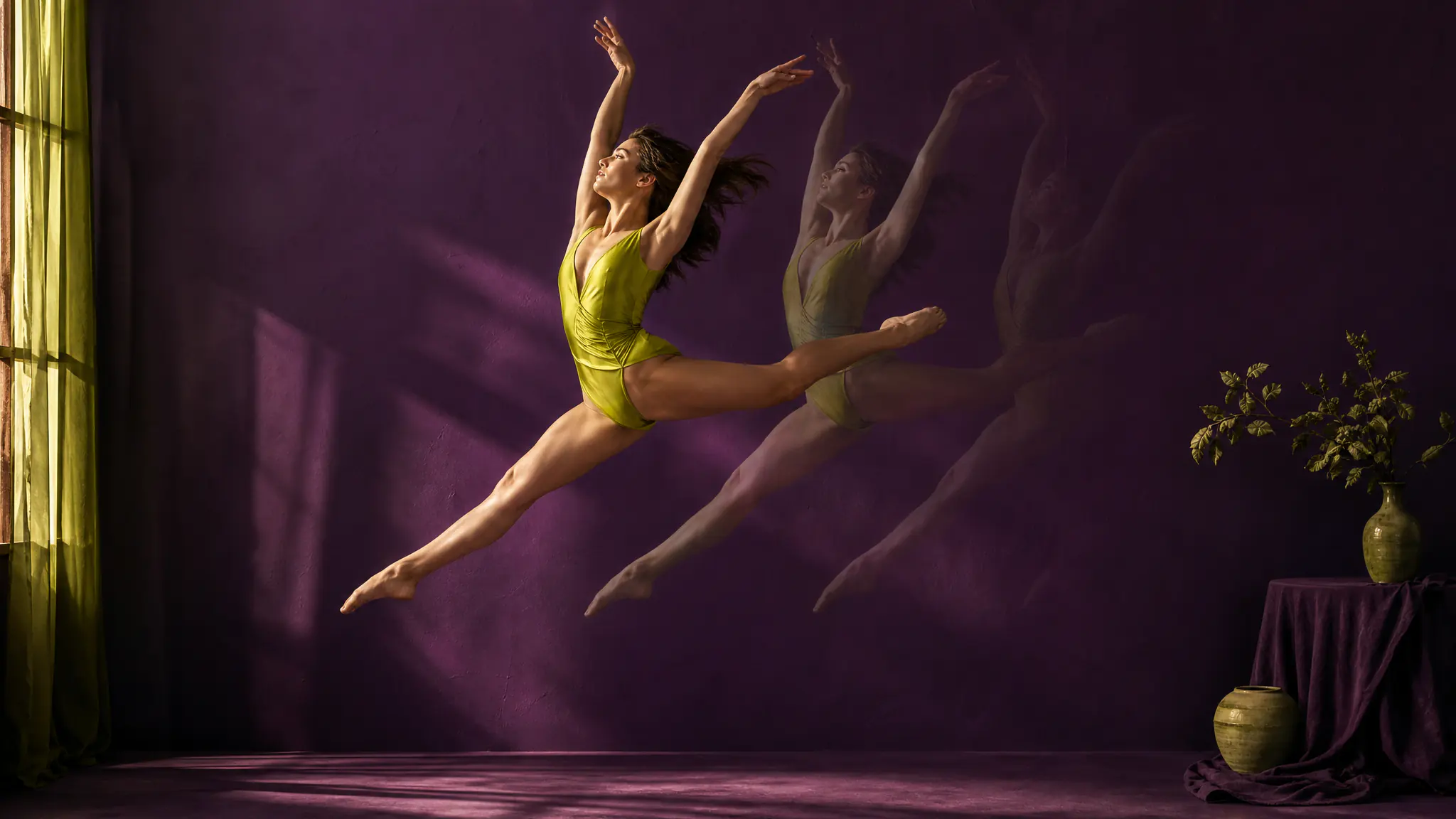
Apply any motion to your character
Upload a video of any human movement — a dance, a workout, a gesture — up to 30 seconds. Pick a character image from your 7ART library or upload one. 7ART renders a new video of your character performing that motion, at 720p or 1080p, for the length of your reference clip.
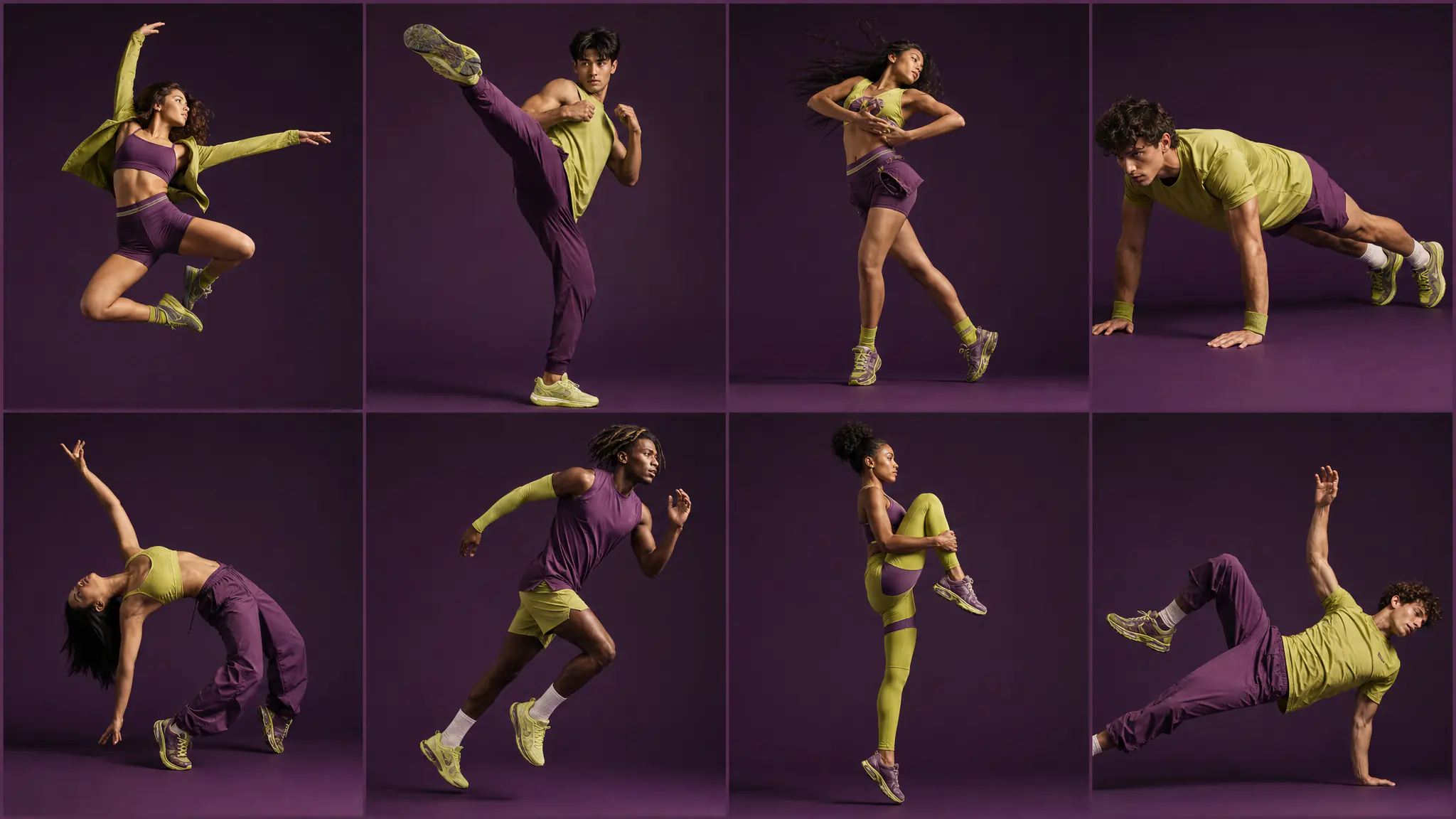
Reuse the character you already have
Pick the character still from your 7ART library — an artist portrait, an image you generated this morning, a frame from an earlier video — or upload one. The reference clip is the only thing you supply yourself: anything up to 30 seconds, filmed by you or properly licensed.
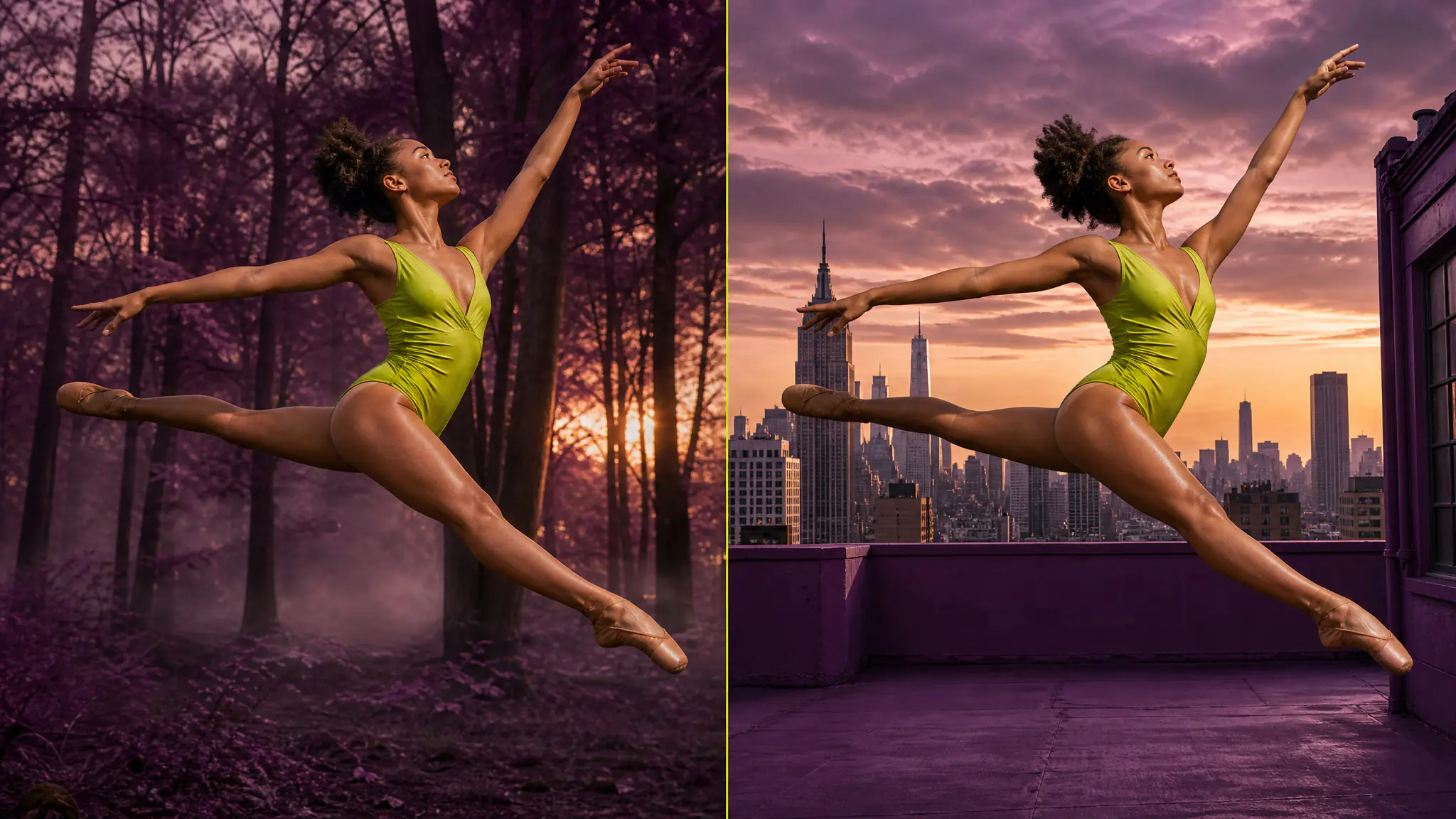
Choose where the scene comes from
One switch decides whose background you keep — the motion video's, or your character image's. A second switch decides which of the two the character is extracted from. Leave both off and the model decides for you.
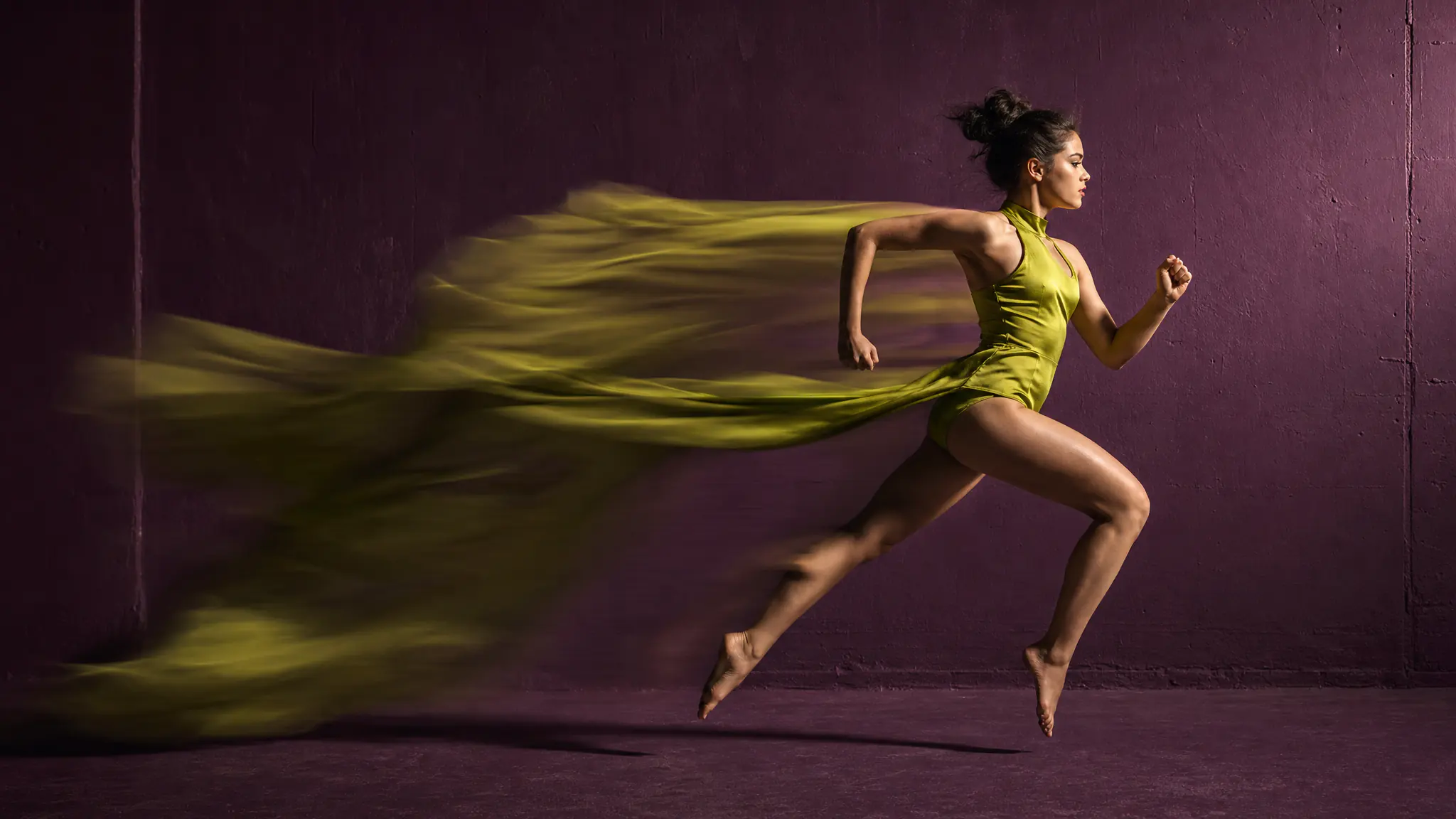
Your character, their motion
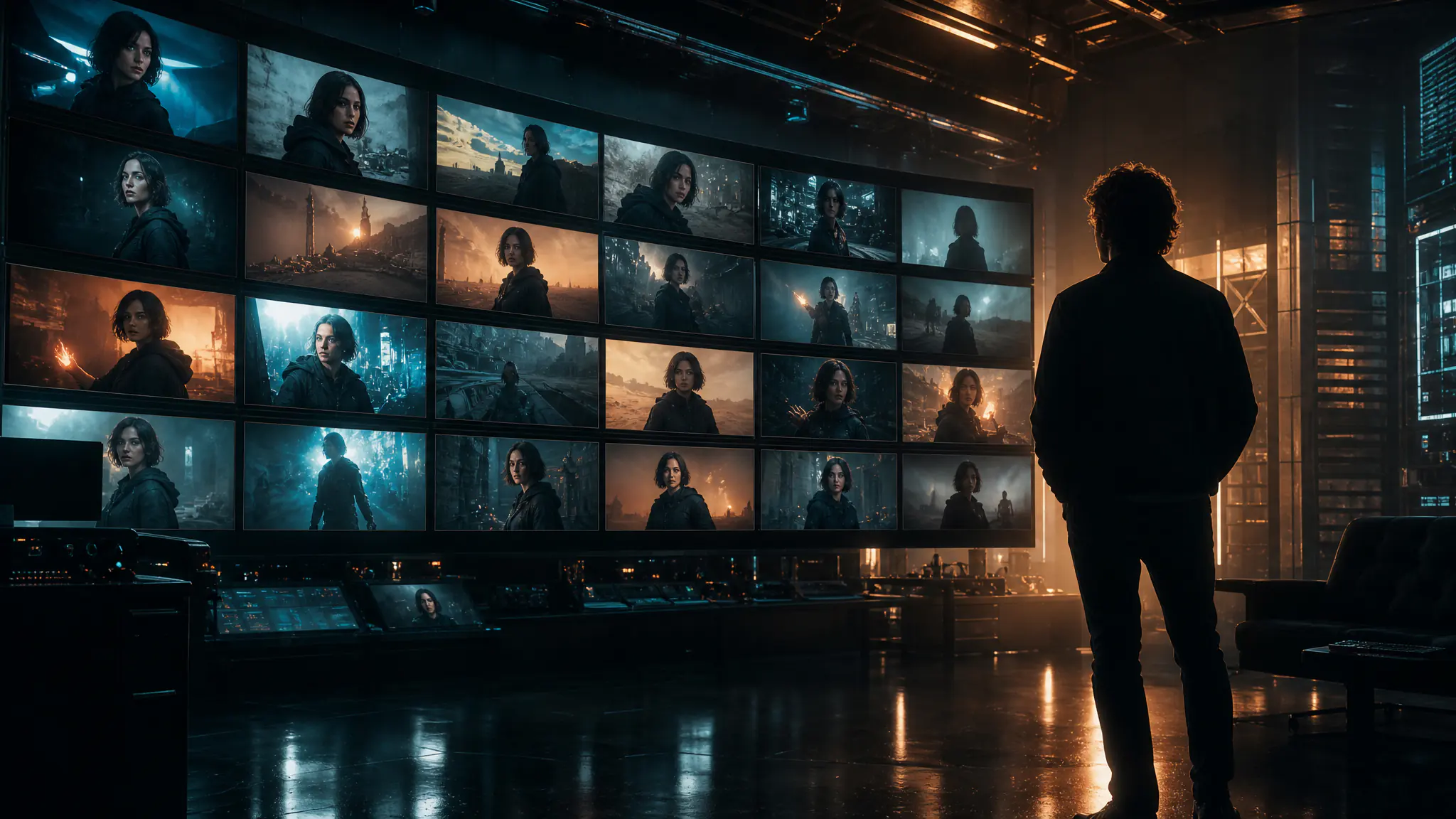
The whole point of motion control: the movement comes from the reference, but the face, hair, style, and identity stay your character's. They never become the person in the original clip — they just learned to move like them.
See motion control in action
Named models, not a black box
You see which engine renders each job, and you pick it yourself — on one credit balance, with no separate subscription per model.
Powered by
Kling 3.0 Motion ControlPlans
Every plan unlocks the whole studio. They differ only in how long they run.
4 weeks
Save 61%Try the whole studio for a month.
for your first 4 weeks, then $38.95 every 4 weeks · $9.74/week
- 3,000 credits every 4 weeks
- Every app, model and studio
- 4K downloads, no watermark
- Commercial use permitted by our Terms
- Download everything you generate
12 weeks
Save 61%The one most people pick.
for your first 12 weeks, then $66.65 every 12 weeks · $5.55/week
- 4,500 credits every 12 weeks
- Every app, model and studio
- 4K downloads, no watermark
- Commercial use permitted by our Terms
- Download everything you generate
Year
Save 61%Lowest price per week.
for your first year, then $149.99 every year · $2.88/week
- 7,600 credits every year
- Every app, model and studio
- 4K downloads, no watermark
- Commercial use permitted by our Terms
- Download everything you generate
Frequently asked questions
Combine with other 7ART features
AI Video Generator
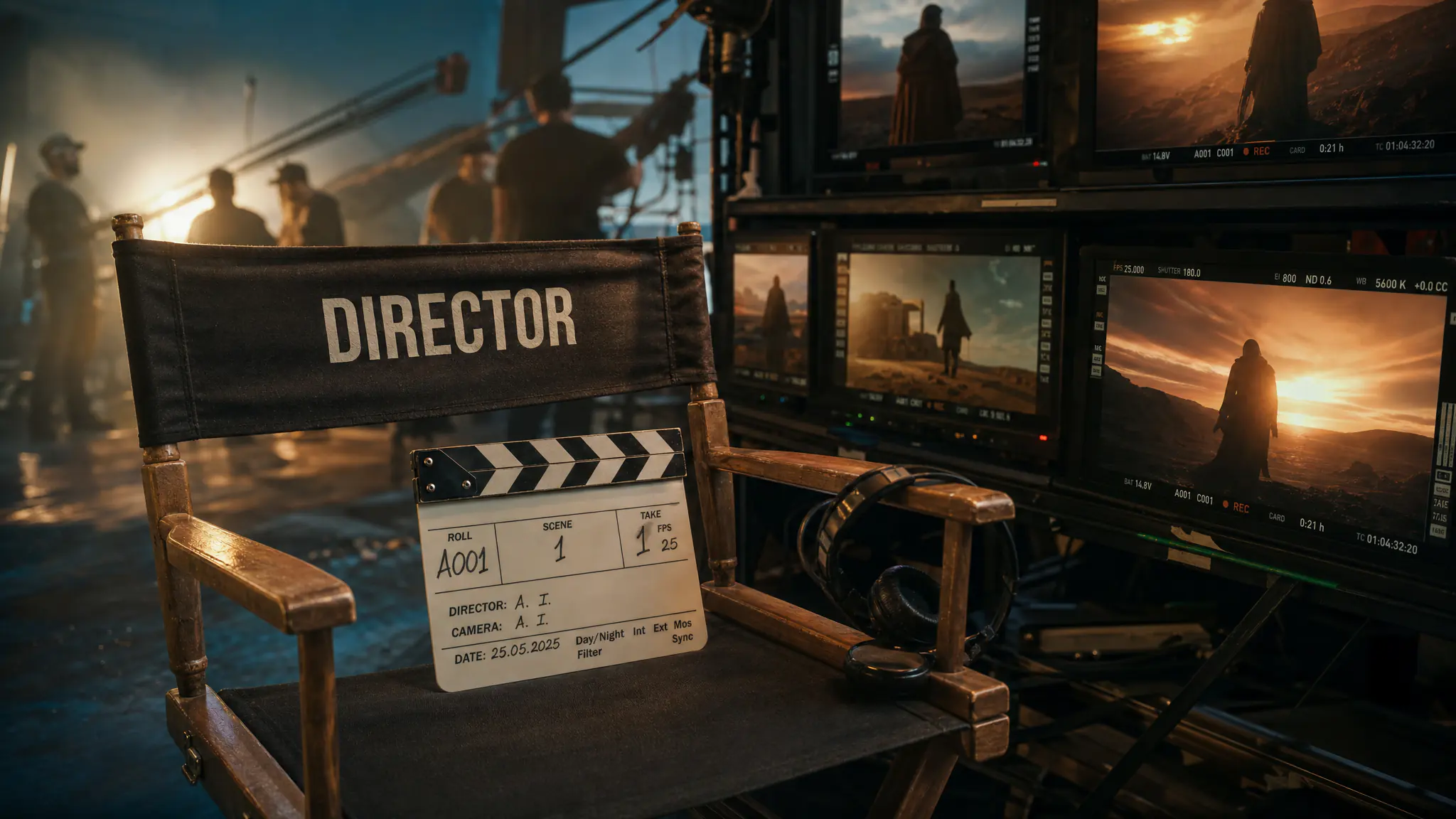
Animate your AI artist into Reels, TikToks, ads and cinematic clips. Kling, VEO 3.1, Seedance, Wan, Grok Imagine, MiniMax H3 and our own 7Video – every major video model in one workspace.
AI Influencer Creator
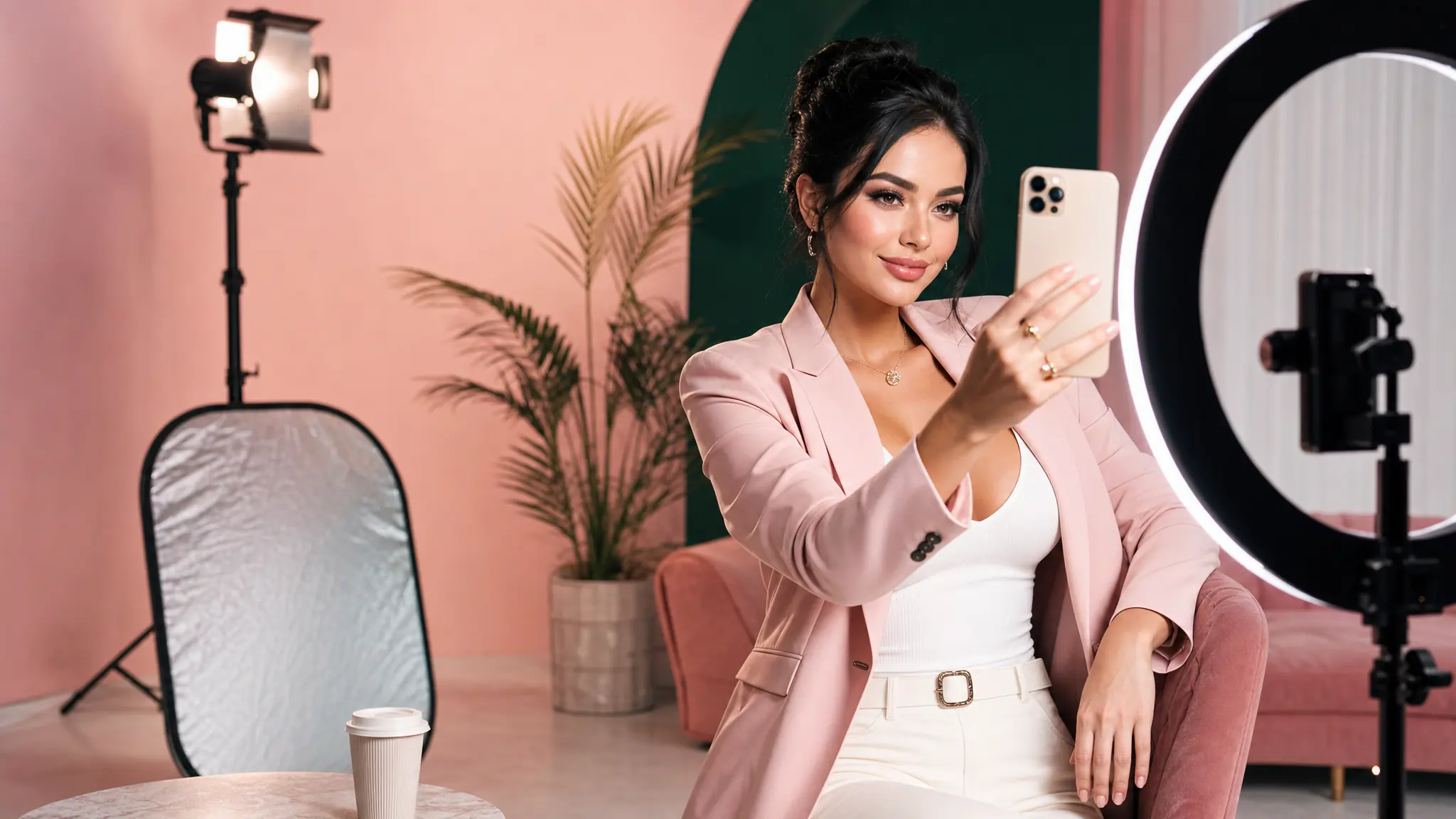
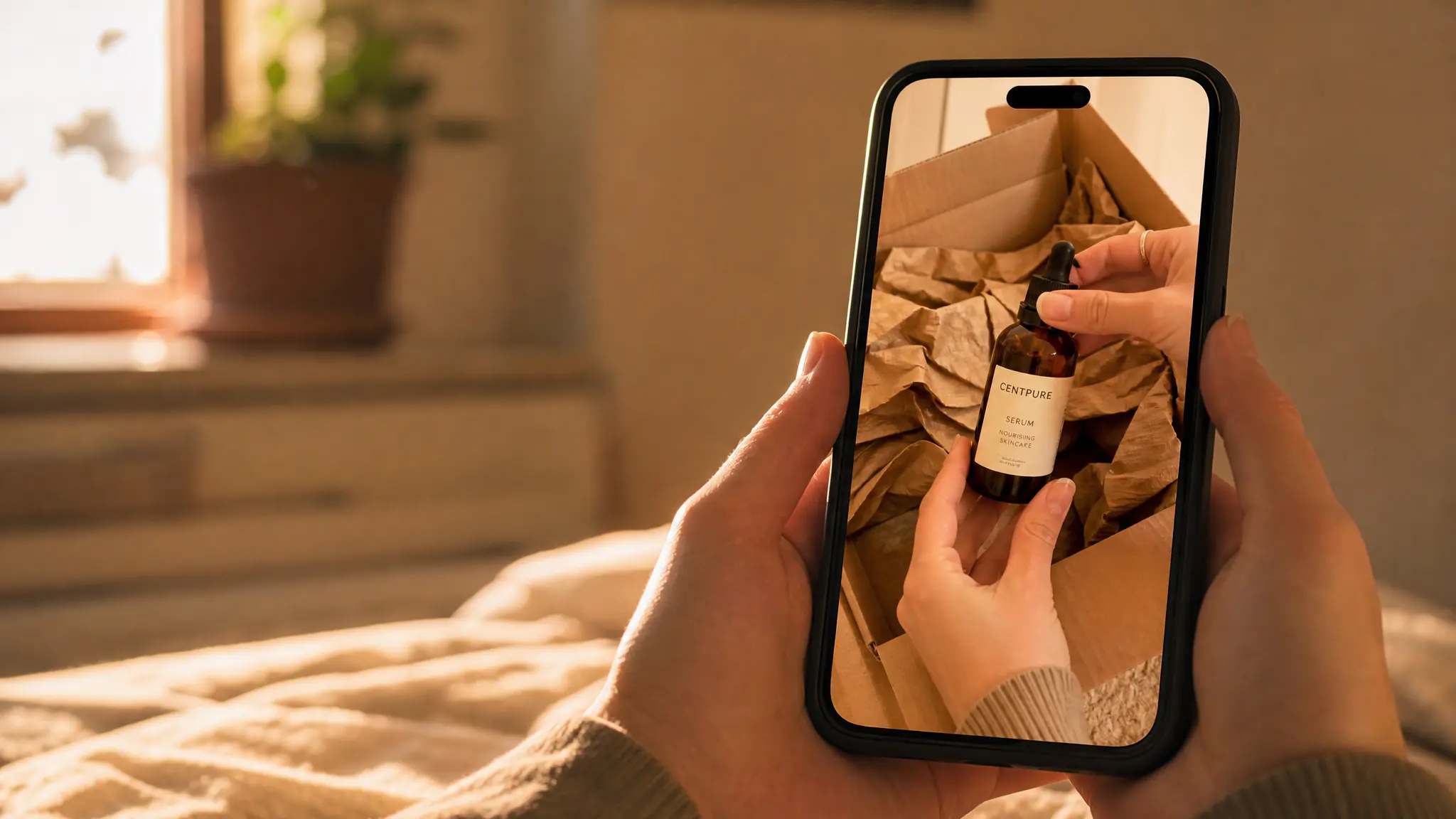
Build a virtual influencer for your brand — one face, every cut. UGC ads, product placements and paid social without casting, contracts or shoot days.
AI Music Video Generator
Pick one of your tracks, choose a look, and the AI plans a storyboard against the lyrics, casts your saved artists into it, renders the scenes, and exports with karaoke captions.
Get insights from our experts
Tutorials, model deep dives, and creator workflows. New articles every week — bookmark the blog and never run out of ideas.
Read more