
Introducing 7ART: The AI Creator Studio for Modern Content

Today we're launching 7ART, a creator studio built around a single idea: AI content only compounds if your character stays consistent. See pricing or jump straight into creating your first AI artist.
This is the launch post — what 7ART is, why we built it, and what we hope it unlocks for the people who use it.
The problem: AI tools are scattered
Anyone who's tried to build a content series with AI in the last two years knows this: the individual tools are great, but the workflow is broken.
To produce one minute of finished AI content today, a creator hops between:
- One service for the image generation
- A different one for video
- A third for voice
- A fourth for lipsync
- A fifth for music
- A sixth for upscaling
Each one is good at its own job. None of them know about the others. The result: every clip features a slightly different face, a slightly different voice, a slightly different style. Inconsistency is the enemy of audience-building, and the current AI tooling actively produces inconsistency. (For a working creator's take on the math, see a16z's analysis of the AI creator stack.)
The few people who've broken through have done it by either (a) running their own integration glue or (b) accepting massive production overhead. Neither scales.
The largest AI influencer accounts on Instagram in 2026 each have a content team of 3-5 people stitching outputs from 6-8 different tools. That's the state of the art before 7ART.
The 7ART approach: one studio for everything
7ART starts from the opposite premise: your character is the unit, not the generation.
You define your AI artist once — appearance, voice, signature style. Save it. Then every future generation, in every modality, references that saved character. The face stays the same in image #1 and image #500. The voice in their lipsync video is the voice you set up months earlier. The aesthetic in their music video matches the aesthetic in their photoshoot.
That single design choice cascades into everything else:
- Images that hold identity across hundreds of generations
- Videos that feature the same person clip after clip
- Music that fits the artist's vibe automatically
- Voice that's consistent across narration, dialogue, and lipsync
- Lipsync between any saved character and any audio
You stop hopping between tools because they're all in the same studio, looking at the same character spec.
Design your AI artist in four quick screens – name, gender and age, ethnicity, art style and hair. 7ART renders their avatar, a reusable reference sheet and a debut track with a matching voice persona.
What you can do today
The launch surface includes:
- AI Artist Generator — design and save consistent characters
- AI Influencer Creator — same engine, framed for brand-facing personas
- AI Image Generator — high-quality images with character consistency, 30+ styles, 1K-4K
- AI Video Generator — 5-10s cinematic clips powered by Kling 3 + Veo 3 + Wan 2.6
- AI Music Generator — full songs across 15+ genres
- Text-to-Speech — natural voices in 30+ languages, voice-cloning supported
- AI Lipsync — make any saved character speak in any language
- Motion Control — transfer any motion (a dance, a gesture, a workout) to your character
- Assets library — every generation lives here, searchable, reusable as references for new generations
The studio chains them automatically: a music video starts in Image, lands in Music, gets choreography from Motion Control, and lipsyncs in the final pass. One workflow, one shared character.
The features in detail
The fastest way to understand 7ART is to walk through producing a single piece of content end-to-end. Take a 30-second talking-head video for an Instagram Reel:
- Character (3 minutes). Design your AI artist in the Artist Generator. Save them.
- Still (1 minute). Generate a portrait in the right setting. Pulls from the saved character automatically.
- Voice (1 minute). Type the script into Text-to-Speech, pick a voice — or use the voice you saved for this artist.
- Lipsync (3 minutes). Combine the still and the audio. Get a finished talking video.
End-to-end: under 10 minutes, all in 7ART, all consistent with the character you'll keep using next week and next month.
Make any portrait speak in sync with your audio. Upload a face or pick one from your library, add a voice clip, and get a talking video – up to 5 minutes on Kling Avatar Pro, 60 seconds on the other four engines.
Who 7ART is for
Three concrete user shapes we built this for:
Solo creators building AI characters as their primary content engine. The character system means you compound followers around one identity rather than churning through one-off images.
Brands and agencies running content-heavy marketing — performance UGC ads, social-first campaigns, e-commerce storytelling. The volume + iteration speed makes content tests that would have taken a quarter take a week.
Small studios producing music videos, short-form film, and animated content. The model chaining and character consistency replace what used to be a six-tool stack and a small team.
The common thread: people whose biggest bottleneck is content production speed, who want to ship more without compromising the story.
Pricing and how to start
Free tier: build a character, run small generations, see if the workflow fits your style. No card needed.
Starter ($X/month) — daily-creator volume, commercial license enabled.
Pro ($Y/month) — full agency or brand volumes, 4K outputs, multiple saved characters.
Unlimited ($Z/month) — team accounts, highest credit grant, priority queue, raw stems on music exports.
Pricing details and plan picker live on the billing page once you're signed in. Credits roll up to whichever plan tier you choose; there's no surprise per-generation billing.
We've been building 7ART for the better part of a year. Most of the work has been on the boring problem of making the character system actually work — locking faces, holding styles, propagating identity across modalities. It's the unsexy, infrastructure-heavy part of an AI tool, and it's also the part that determines whether you can build an audience around the output or just generate disconnected images forever.
If you're building an AI character — for fun, for a brand, for a music project, for a campaign — we hope 7ART takes some of the friction out of it. Give it a try and tell us what's missing.
Try the tools mentioned
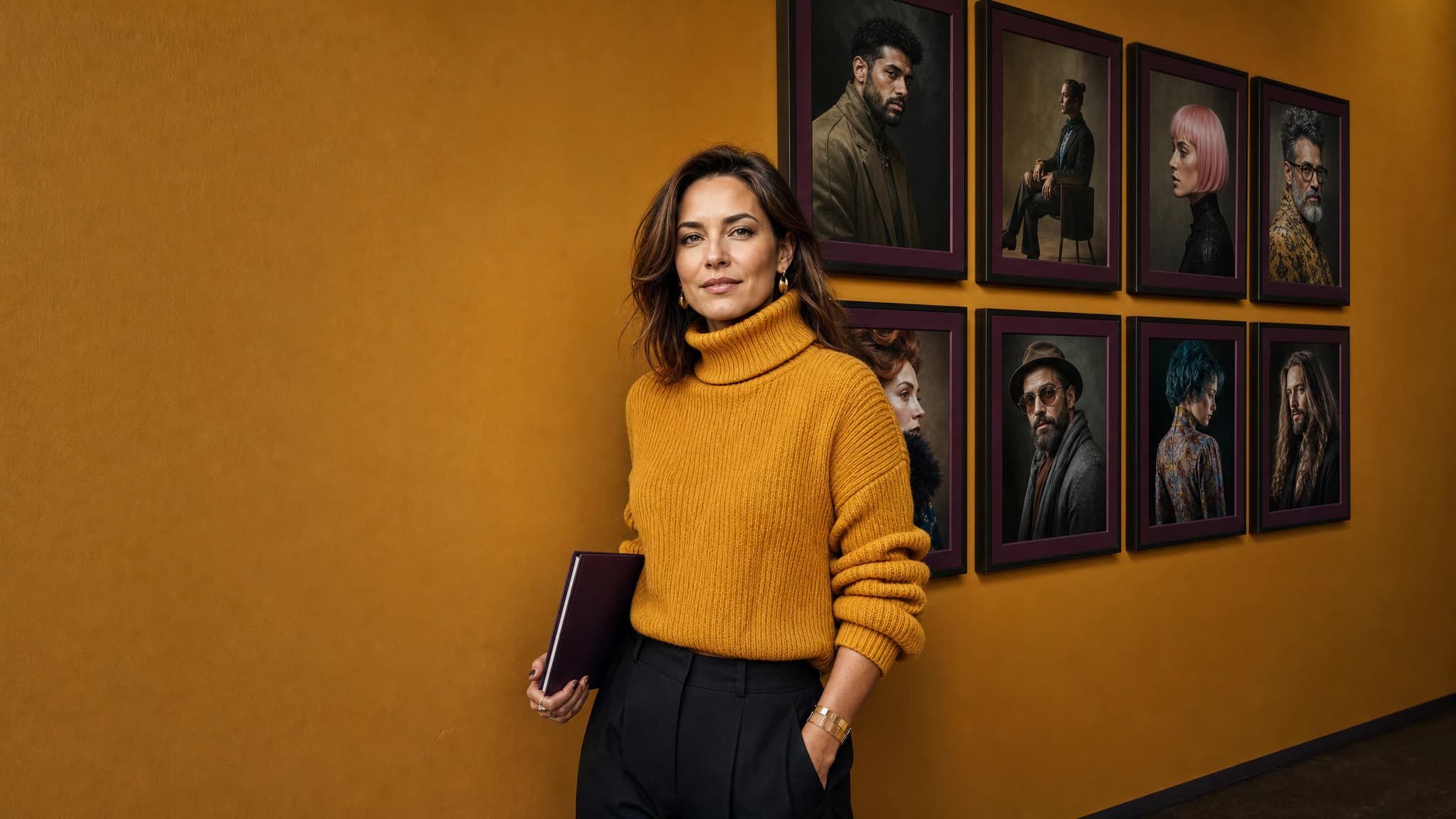
AI Artist Generator
Design your AI artist in four quick screens – name, gender and age, ethnicity, art style and hair. 7ART renders their avatar, a reusable reference sheet and a debut track with a matching voice persona.
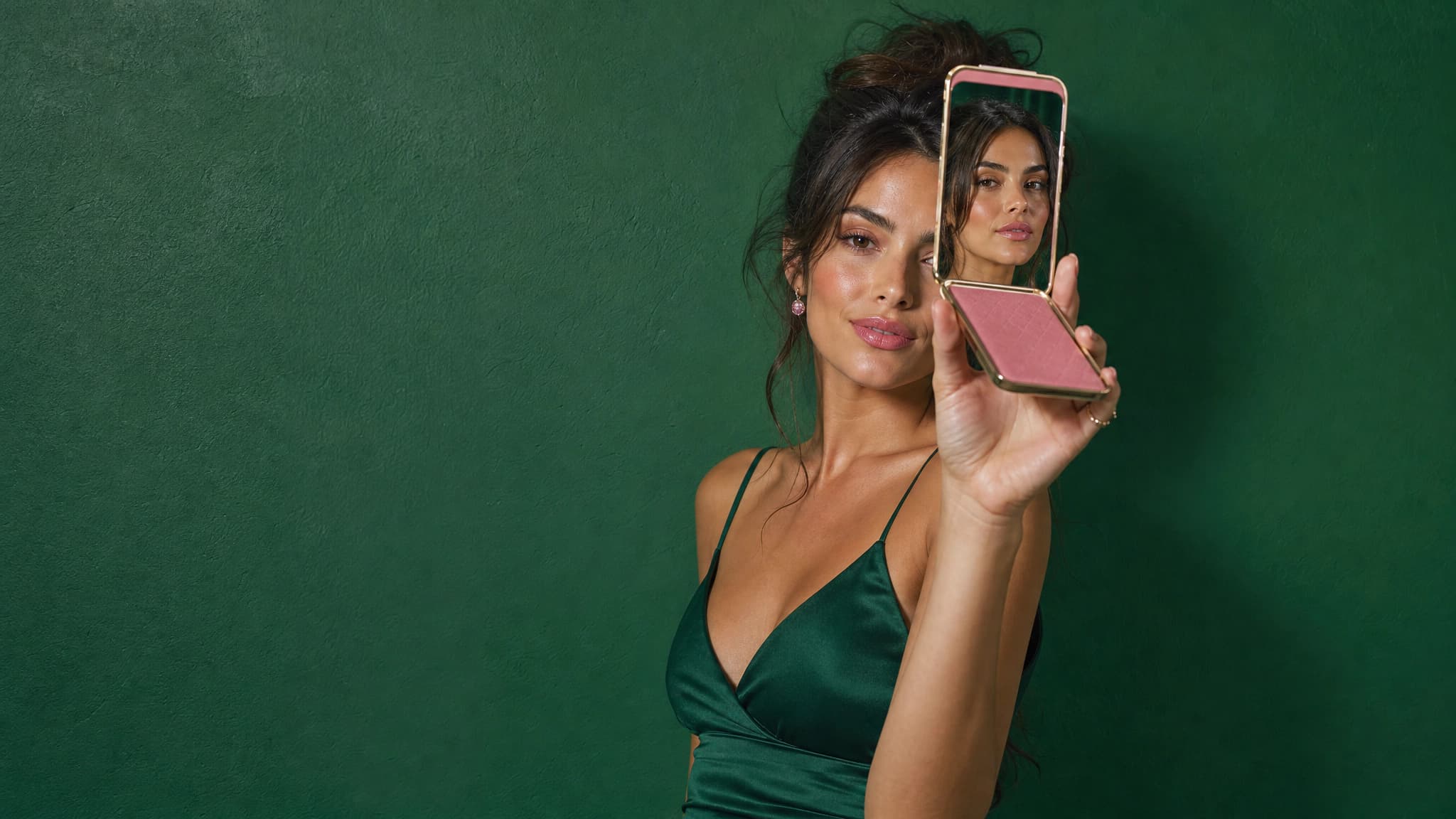
AI Influencer Creator
Build a virtual influencer for your brand — one face, every cut. UGC ads, product placements and paid social without casting, contracts or shoot days.
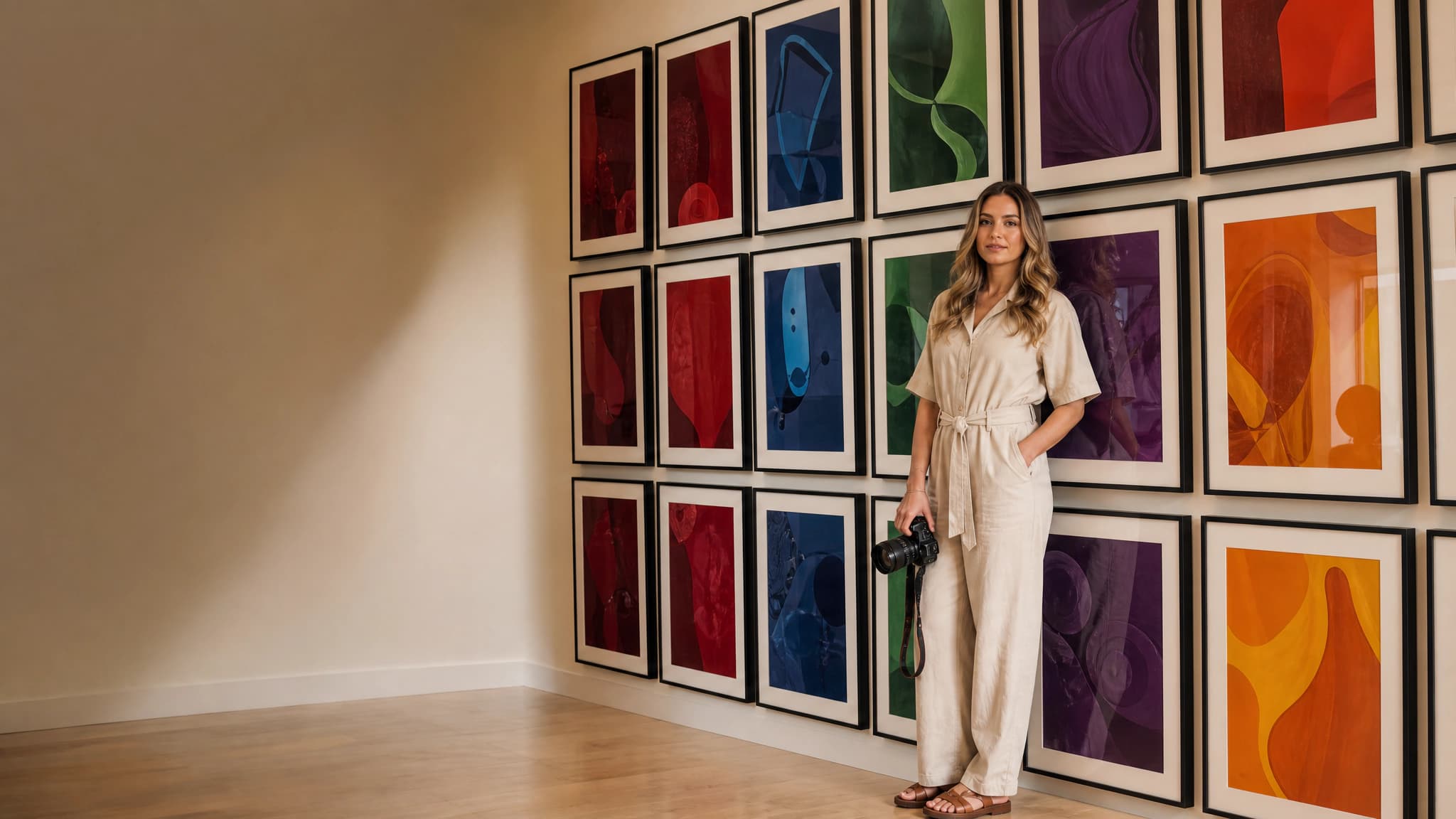
AI Image Generator
Create your AI artist once, then generate every image around them. Sixteen models, batches of up to four, and up to ten aspect ratios – in one place.
Frequently asked questions

George R
Writes about AI creation tools, character consistency, and how to actually ship content with AI. Part of the 7ART team based in San Francisco.
Stay updated
Newsletter signup coming soon.
Continue reading
Gemini Omni: What Google Actually Shipped, and How It Works on 7ART
Google's next-generation video model landed at I/O 2026 — and it isn't called Veo 4. What Gemini Omni Flash does, what Google documents, what it still can't do, and the exact settings and credit costs on 7ART.
 Ilyas I·Aug 13, 2026
How to Create an AI Influencer in 2026: A Step-by-Step Guide
A step-by-step guide to building a virtual influencer with consistent face, style, and voice — and using them to grow an audience or run brand campaigns.
 George R·May 10, 2026
How to Make UGC-Style Ads with AI (Without Hiring Creators)
Replace expensive UGC creator briefs with AI-generated UGC ads. A complete guide for marketers and brands.
 Gera B·May 8, 2026