
AI Manga Generator – Script to Finished Pages
Build a manga or a western comic page by page: characters that keep their face across the book, panel layouts that read like a page, and lettering you type yourself instead of hoping the model spells it.
Try Manga freePowered by the best generation models







How a 7ART comic gets made
Cast, pages, style, lettering and the files at the end — what a comic needs to hold together.
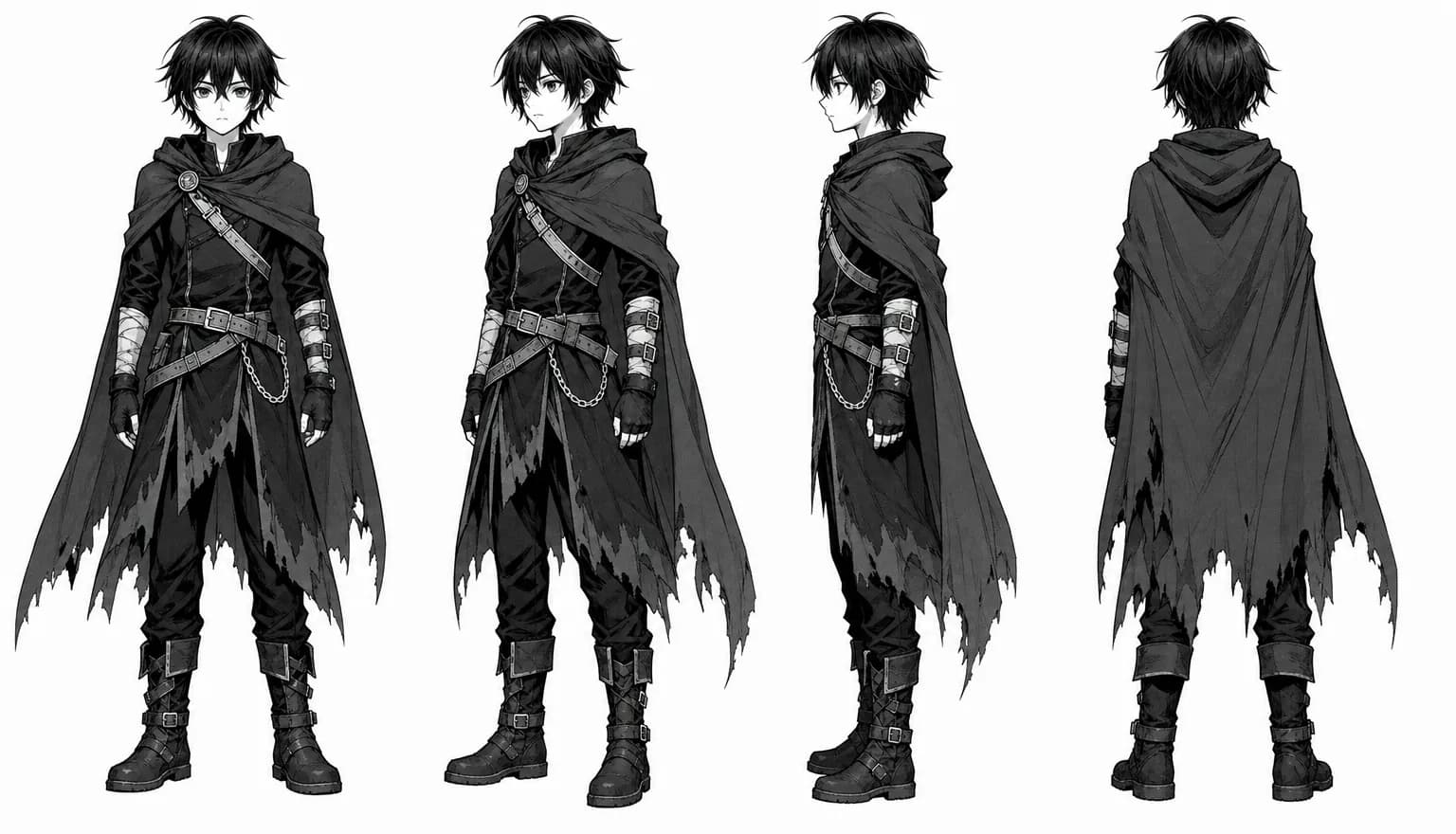
A reference sheet, so the face survives the book
Characters are built once with a consistent reference sheet and carried into every page, which is the difference between a comic and a folder of unrelated illustrations. Locations work the same way. You can also bring in a character you already made elsewhere in 7ART rather than describing them again.
Panel layouts that read like a page
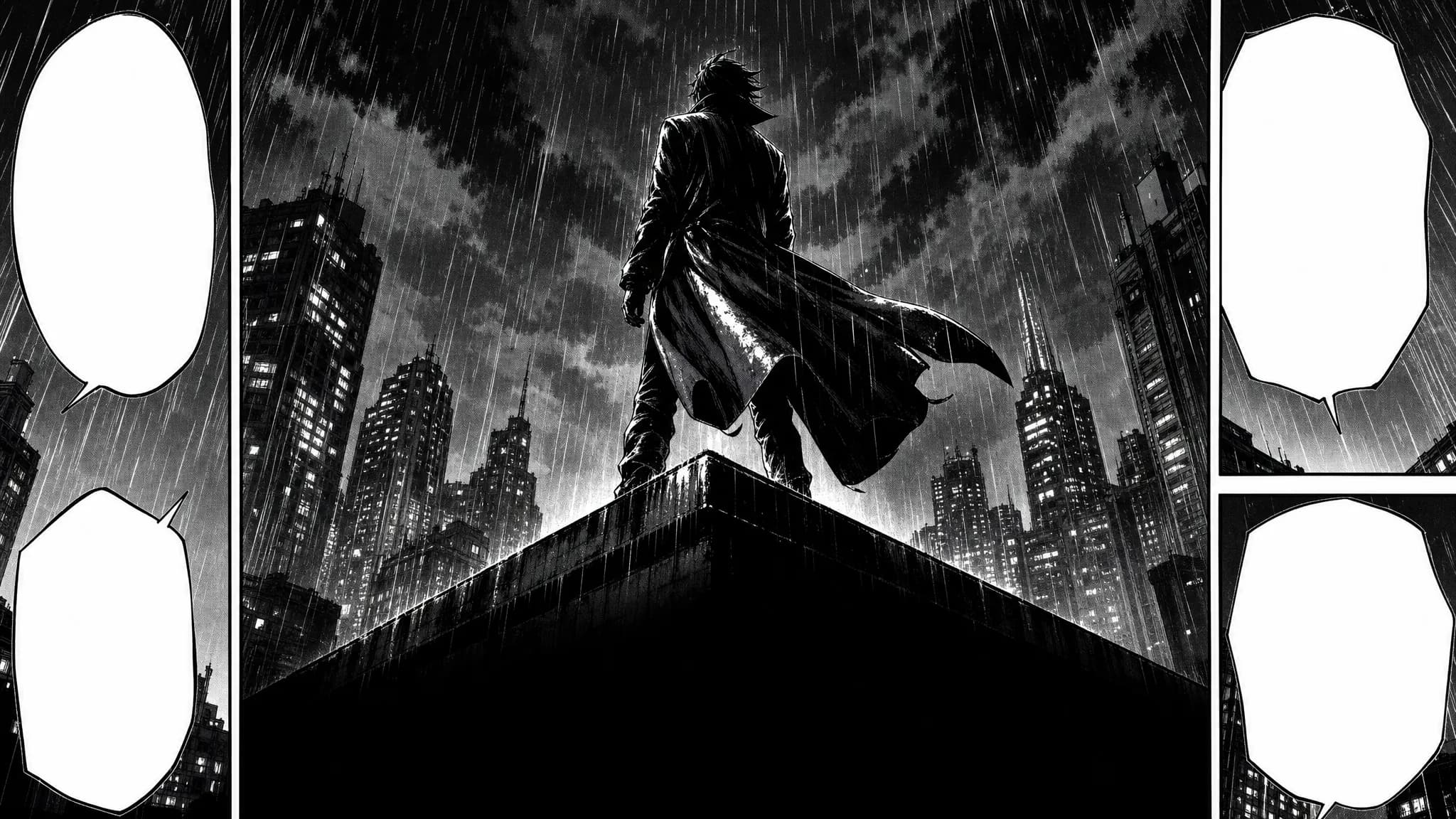
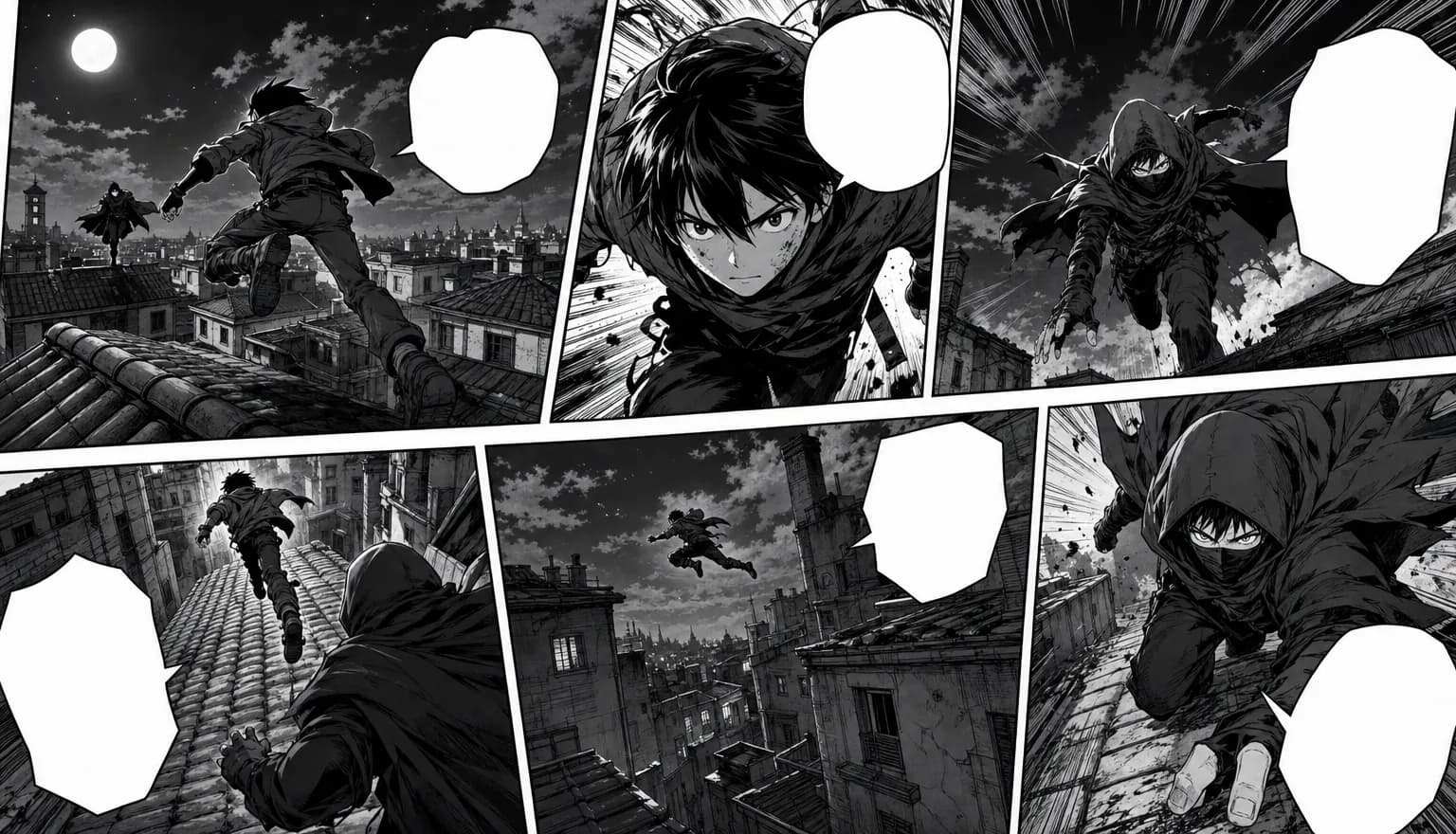
Pages are generated as pages — irregular panel grids, a controlled reading order, and an LLM pass that turns your script beats into a page prompt before anything renders. Pages come out at 2K in 9:16, the shape a phone reads a comic in.
Black and white, full colour, or western comic
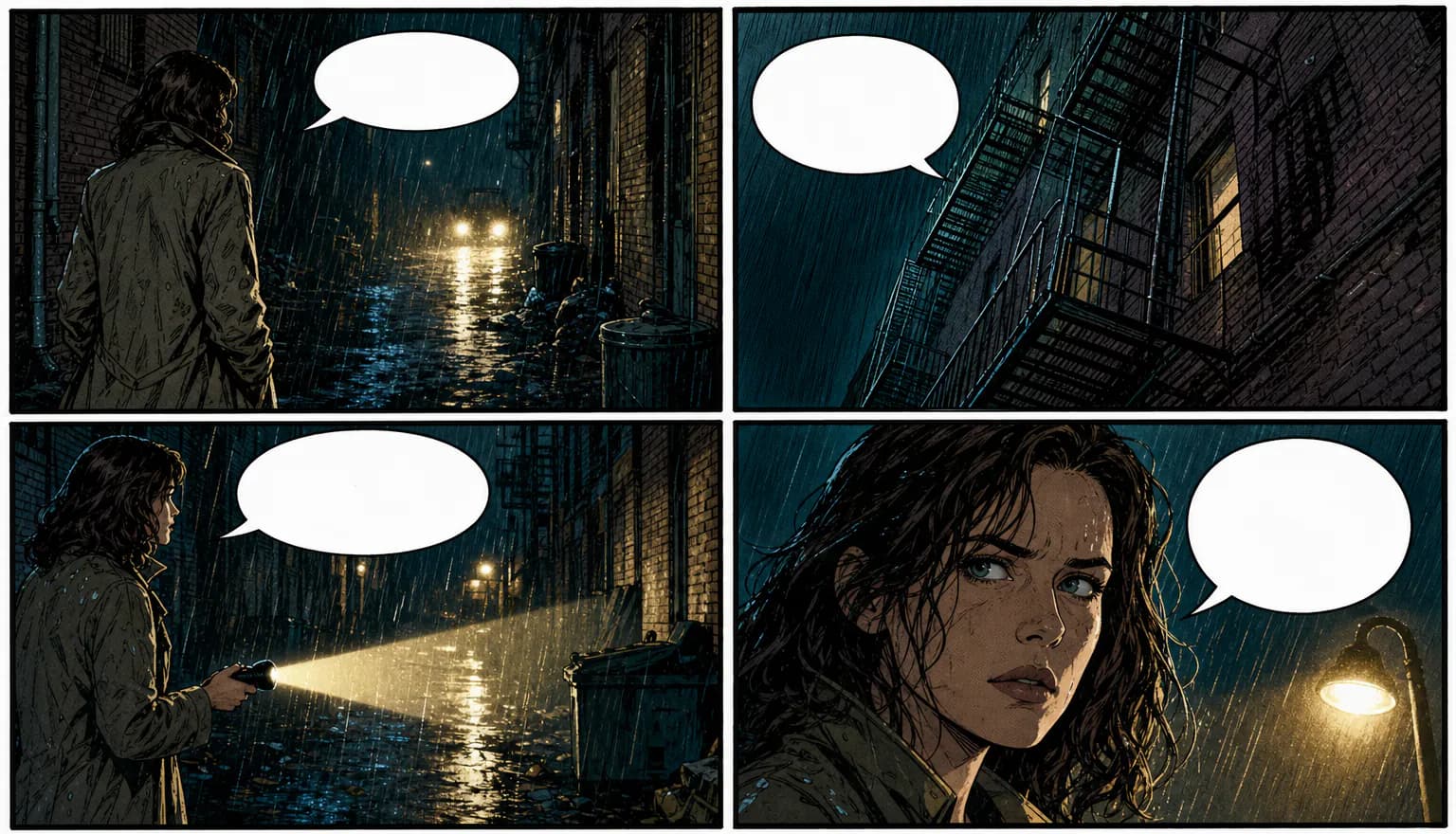
Three looks from the same pipeline: classic black-and-white manga interiors with screentones and a full-colour cover, a fully coloured manga edition, or the western comic template with bold ink outlines and flat saturated colour. Pick the register the story wants; the workflow underneath is identical.
You type the dialogue. The model does not get the last word
Pages come back drawn as pages, balloons and the model's own hand-lettering included — and image models are unreliable at short text. So a lettering editor sits over the art: add a speech bubble, thought cloud, caption or SFX burst, drag it where you want it, point the tail at the right character and type the line. The bubbles are opaque, so yours replace what was drawn, and the overlay is baked into the reader and the export — what you typed is what ships.
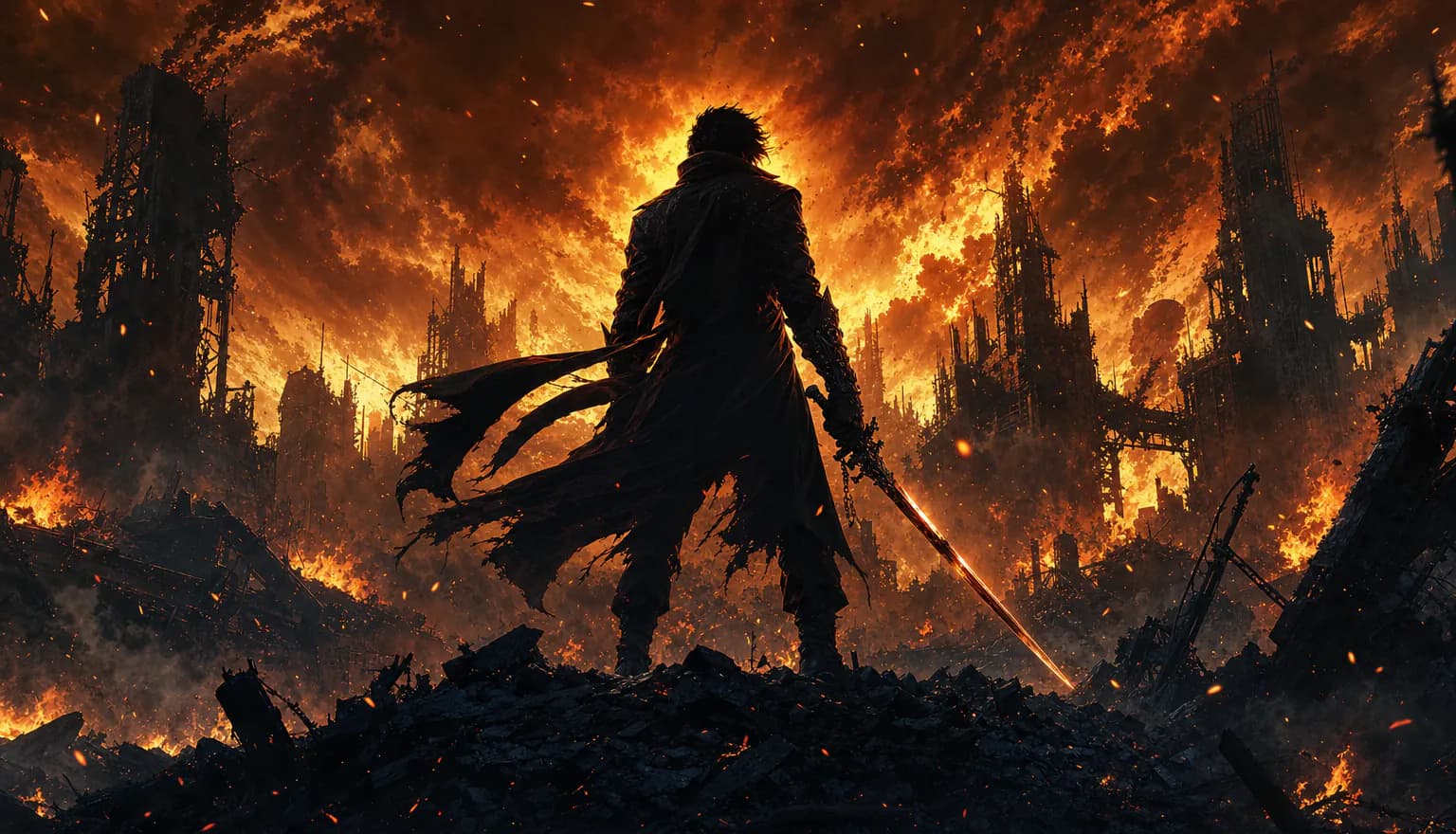
The script gets a bible before page one
Run your script through the enhancer and it comes back as one beat per page, sized to the length you picked, plus a canonical description of every recurring character, place and prop it found. Those descriptions are re-injected into every page that uses them, so the same sword and the same alley do not drift between chapters. It also marks the three-act turns and pins your key lines to their page.
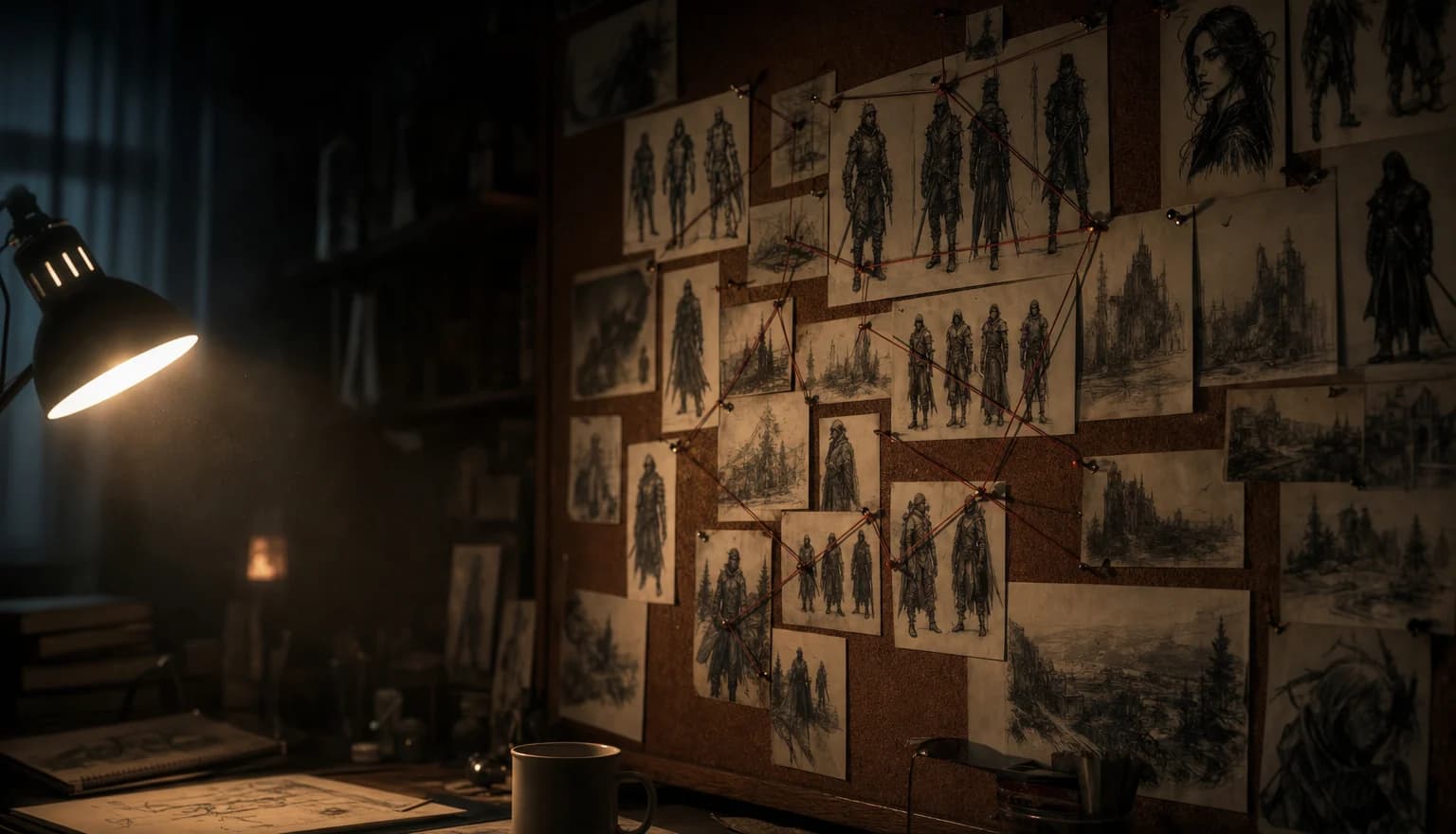
Fix one panel without redrawing the page
A page that is ninety per cent right does not have to be thrown away. Drag a box around the bad hand, the wrong expression or the garbled text, say what should change, and only that region is redrawn and blended back into the page. You can also rewrite one page's script and regenerate that page on its own.
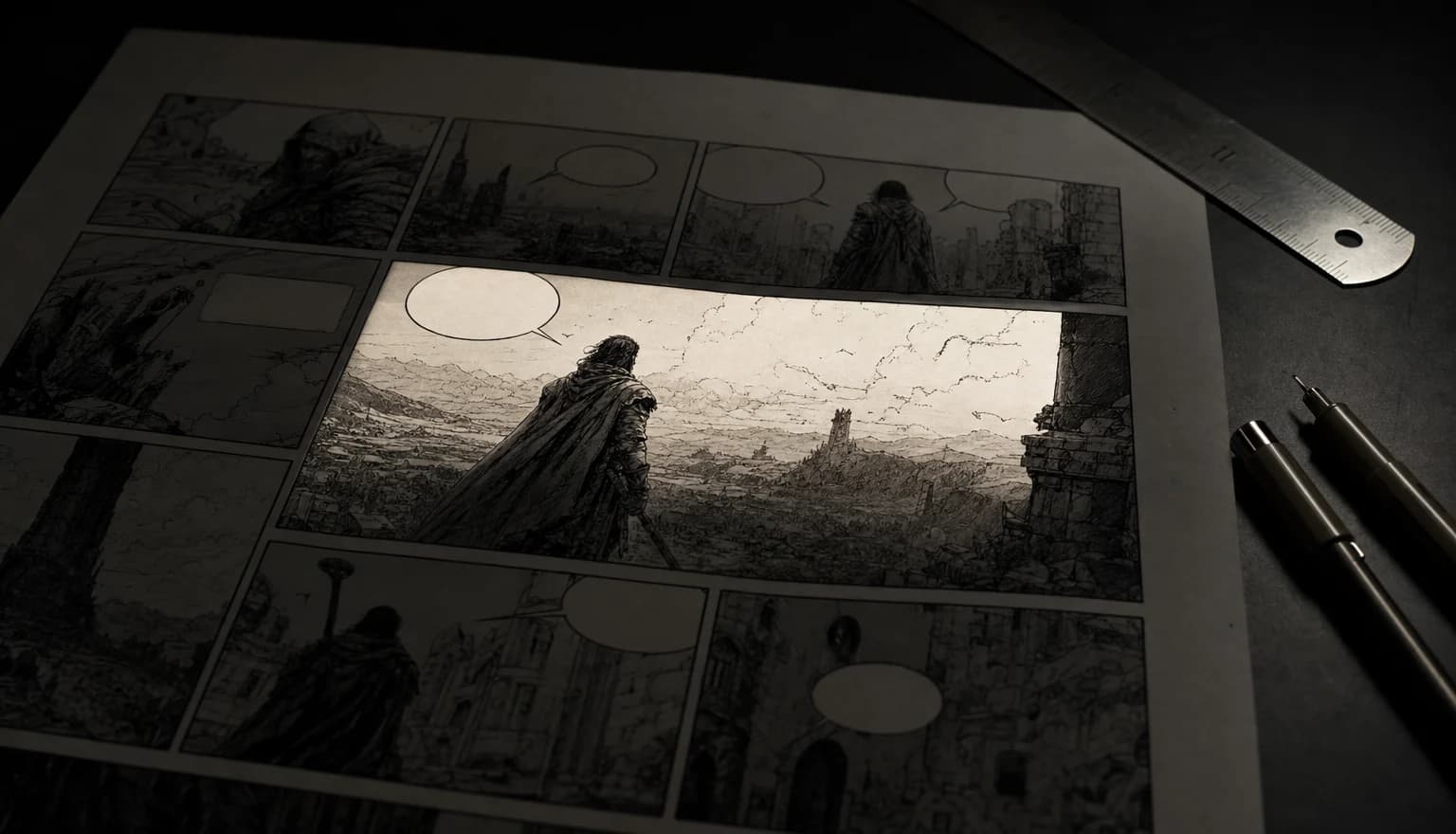
Read it in the app, then take the files
Finished episodes open in a full-screen reader: page by page with arrows and swipe, or as one continuous vertical scroll. From there, export the chapter as a multi-page PDF, download any single page, or stitch the whole episode into one tall webtoon strip. The bubbles you typed are baked into all three, so the files match what you read.
Generate now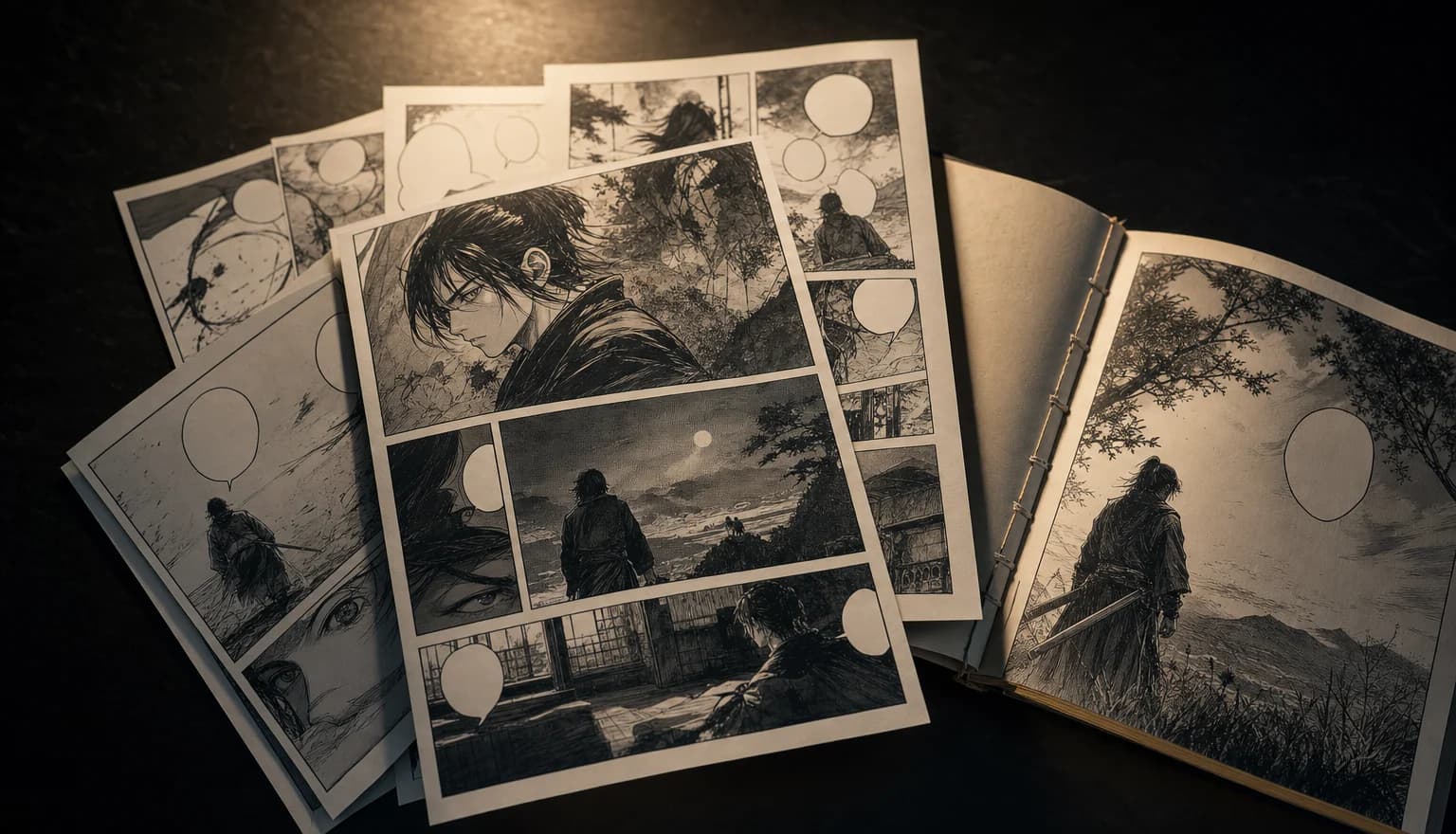
Read one we made
Every page below came out of this tool — art, panels and lettering. Turn through it with the arrows or your keyboard.
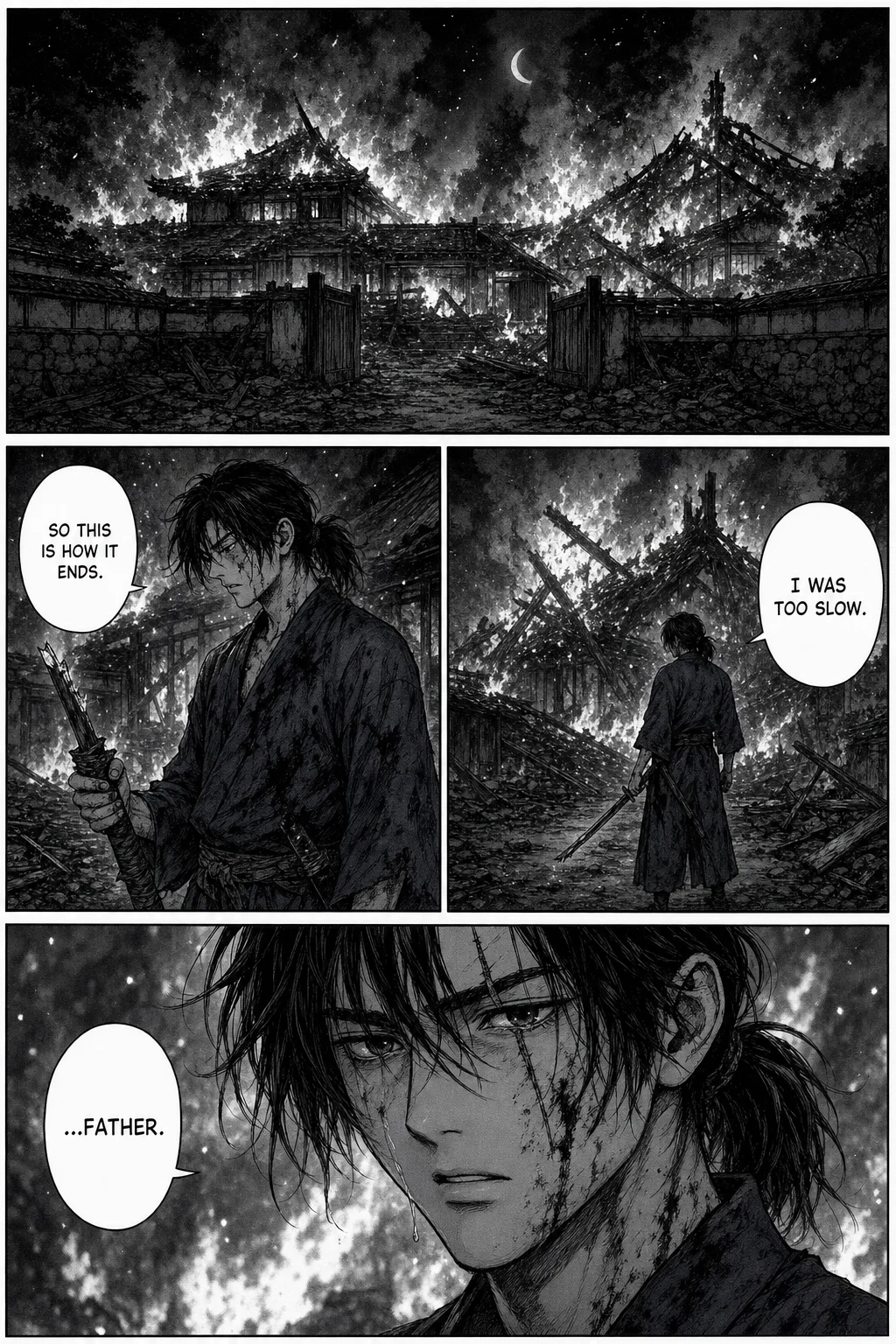
Not This Time, page 1 of 10
Made with 7ART AI Manga Generator
How 7ART compares
| Feature | 7ART | Dashtoon Studio | Anifusion | Neural Canvas |
|---|---|---|---|---|
| Script rewritten into per-page beats | ✓ | partial | ✓ | partial |
| You type and place the speech bubbles and SFX | ✓ | ✓ | ✓ | — |
| Redraw a selected region of a finished page | ✓ | ✓ | Not stated | — |
| Multi-page PDF of a chapter | ✓ | Not stated | Not stated | ✓ |
| Same account also makes video, music and voice | ✓ | — | — | — |
| Train a custom character model (LoRA) | — | partial | ✓ | — |
| Built-in reader audience to publish and monetise | — | ✓ | partial | — |
Plans
Every plan unlocks the whole studio. They differ only in how long they run.
4 weeks
Save 61%Try the whole studio for a month.
for your first 4 weeks, then $38.95 every 4 weeks · $9.74/week
- 3,000 credits every 4 weeks
- Every app, model and studio
- 4K downloads, no watermark
- Commercial use permitted by our Terms
- Download everything you generate
12 weeks
Save 61%The one most people pick.
for your first 12 weeks, then $66.65 every 12 weeks · $5.55/week
- 4,500 credits every 12 weeks
- Every app, model and studio
- 4K downloads, no watermark
- Commercial use permitted by our Terms
- Download everything you generate
Year
Save 61%Lowest price per week.
for your first year, then $149.99 every year · $2.88/week
- 7,600 credits every year
- Every app, model and studio
- 4K downloads, no watermark
- Commercial use permitted by our Terms
- Download everything you generate
Named models, not a black box
You see which engine renders each job, and you pick it yourself — on one credit balance, with no separate subscription per model.
Powered by
Nano Banana 2 · ProSeedream 5 Lite · 4.5 GPT Image 2
Frequently asked questions
Get insights from our experts
Tutorials, model deep dives, and creator workflows. New articles every week — bookmark the blog and never run out of ideas.
Read more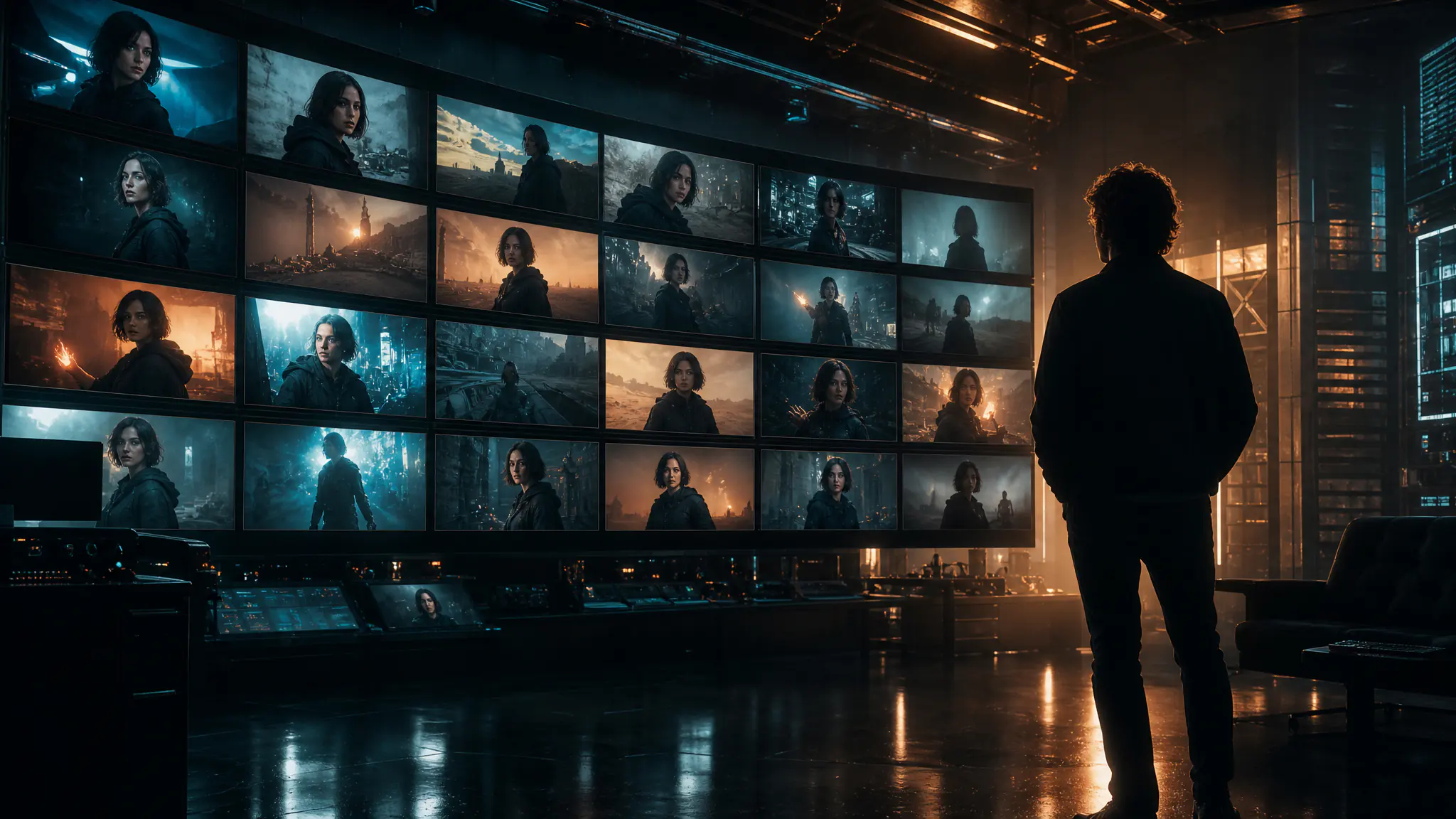


Combine with other 7ART features
AI Comics Generator
Write the issue, cast it once, and get western comic pages back in full colour: painted covers, splash panels, a cliffhanger last page, and speech balloons you type and place yourself.
AI Image Generator
Create your AI artist once, then generate every image around them. Sixteen models, batches of up to four, and up to ten aspect ratios – in one place.
AI Super Agent
Describe what you want and attach whatever you have. The agent asks the questions a director would, then returns a costed plan across image, video, music, voice, 3D and more — and runs nothing until you press Create.