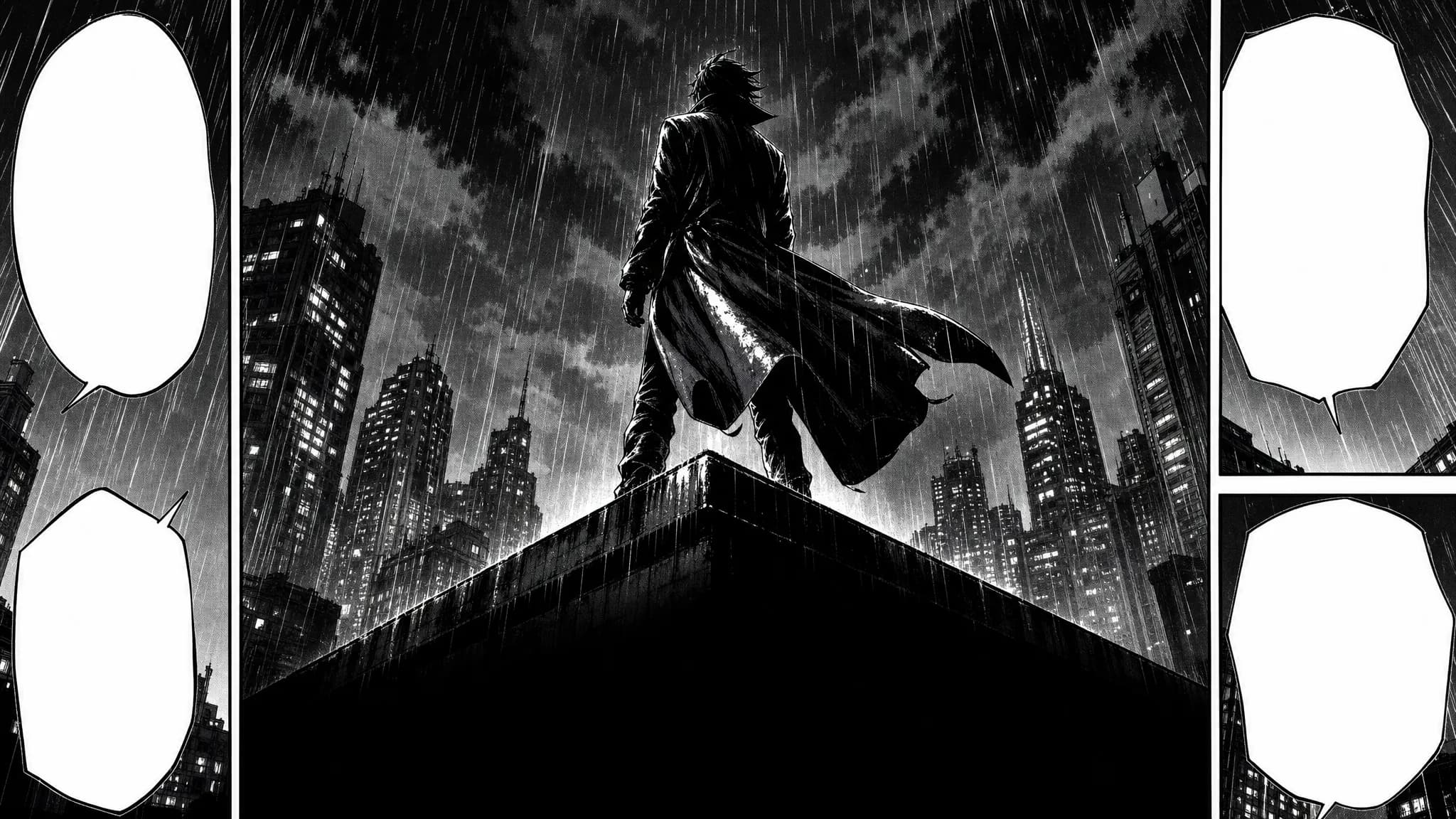

AI comics generator — full-colour western comic art of a caped figure landing on a rain-slick city street under signal light
7ART

AI Comics Generator – Full-Colour Western Pages

Write the issue, cast it once, and get western comic pages back in full colour: painted covers, splash panels, a cliffhanger last page, and speech balloons you type and place yourself.

Try Comics free

Powered by the best generation models

Kling AIGoogleGeminiByteDanceWan AISunoElevenLabs

Made with 7ART AI Comics Generator

Want to make your own?Generate your own

What makes it a comic and not a manga

Same studio, western grammar: colour pages, painted covers, splash panels, English lettering — and the parts every book needs underneath.
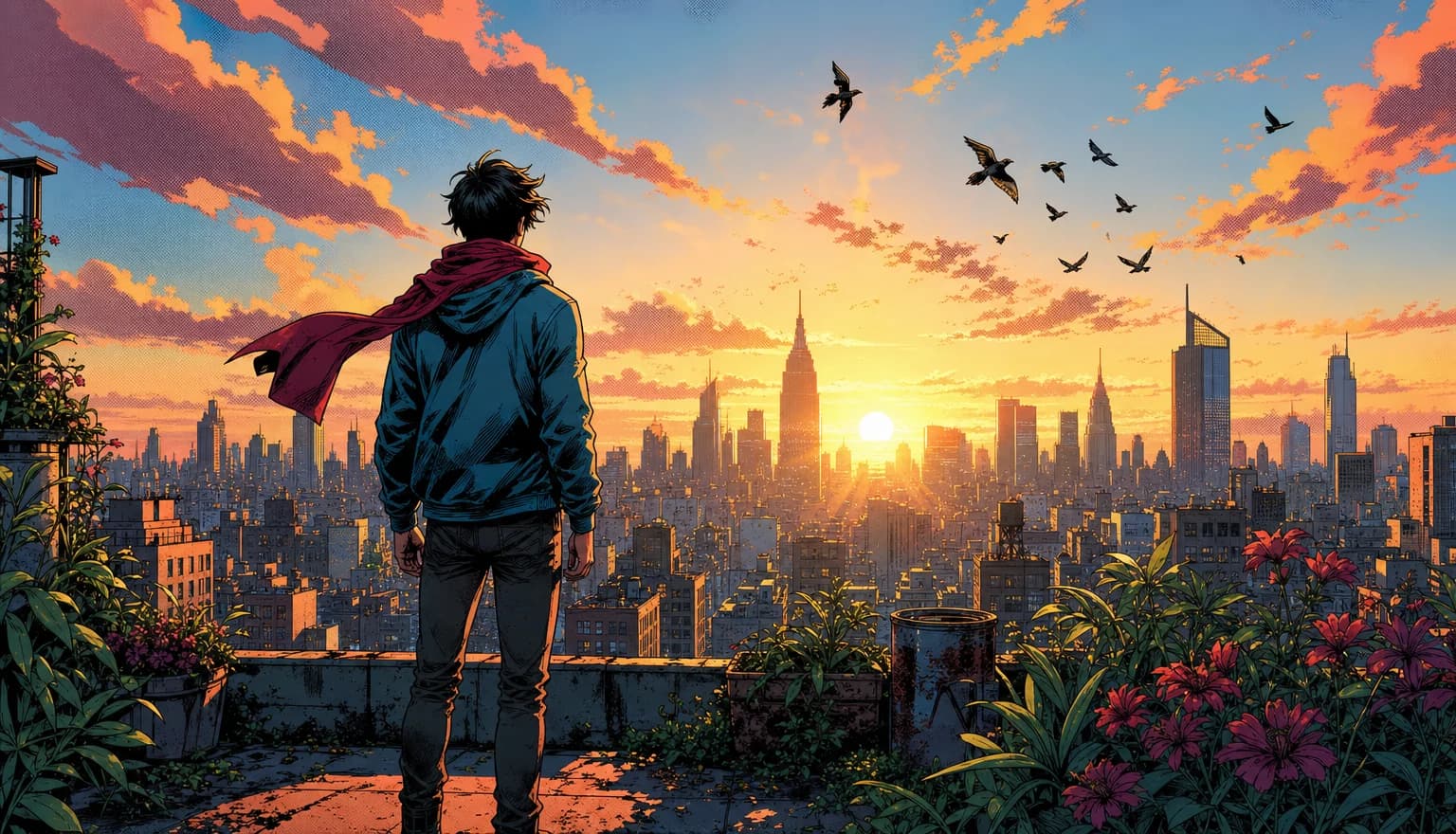
A full-colour comic page with a tall splash panel of a hero mid-leap above a row of three close-up panels
PAGES

Splash pages, tiers and full-bleed hero moments

Interior pages are built from five western page recipes: a tall splash over a row of three close-ups, four stacked widescreen tiers, two panels split by a slanted gutter, a five-panel grid, and a single full-bleed page with no gutters at all. Reading order is left-to-right, top-to-bottom, and the same layout never lands on two pages in a row.
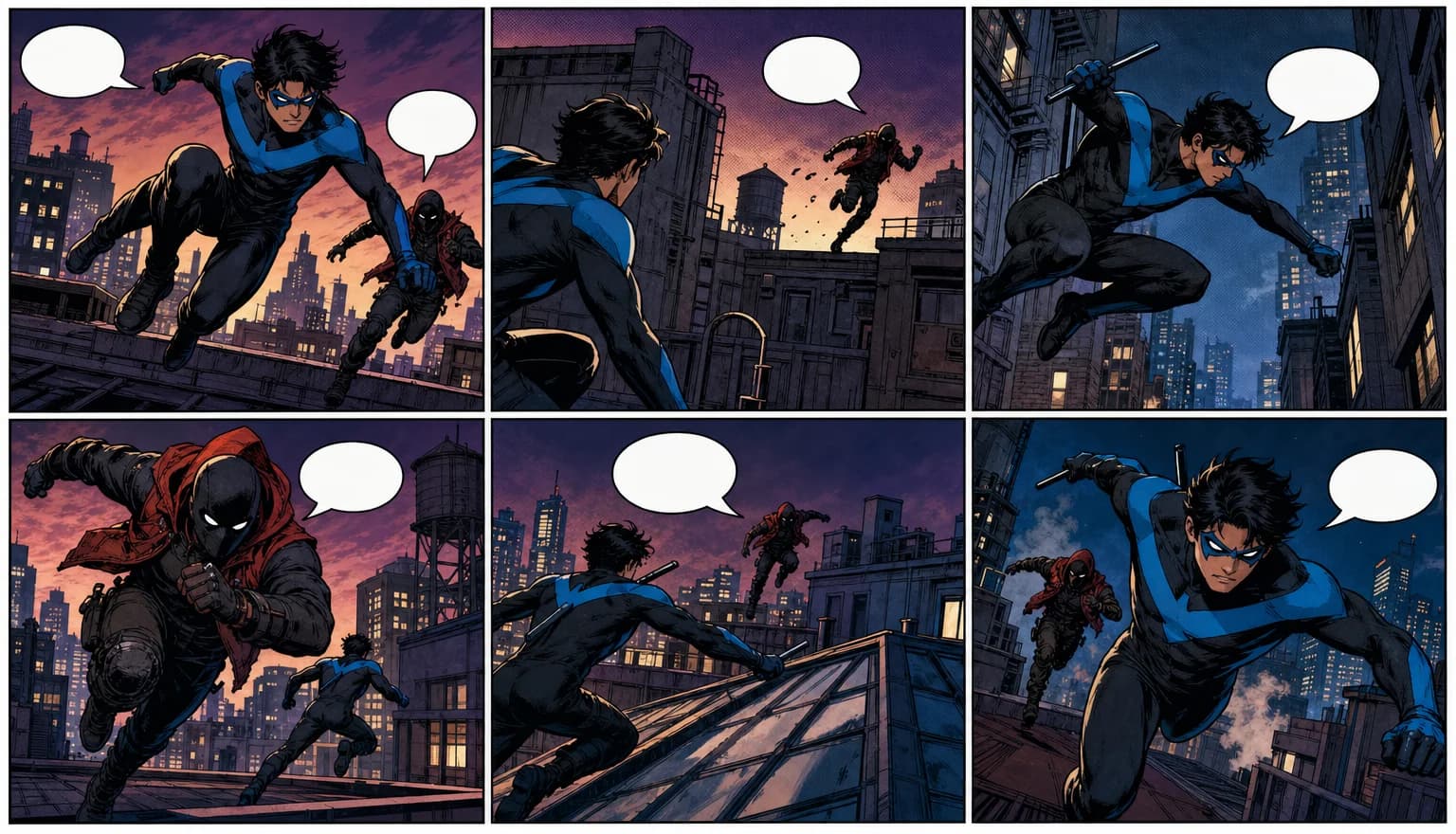
A vividly coloured comic spread of a chase through a neon-lit alley, painted shading and deep blacks
COLOUR

Full colour from the cover to the last page

The western template is coloured all the way through — painted shading, rich palette held steady from panel to panel, clean white or coloured gutters, cinematic perspective. There is no black-and-white interior mode here and no screentone; that is the manga template, one door over in the same studio.
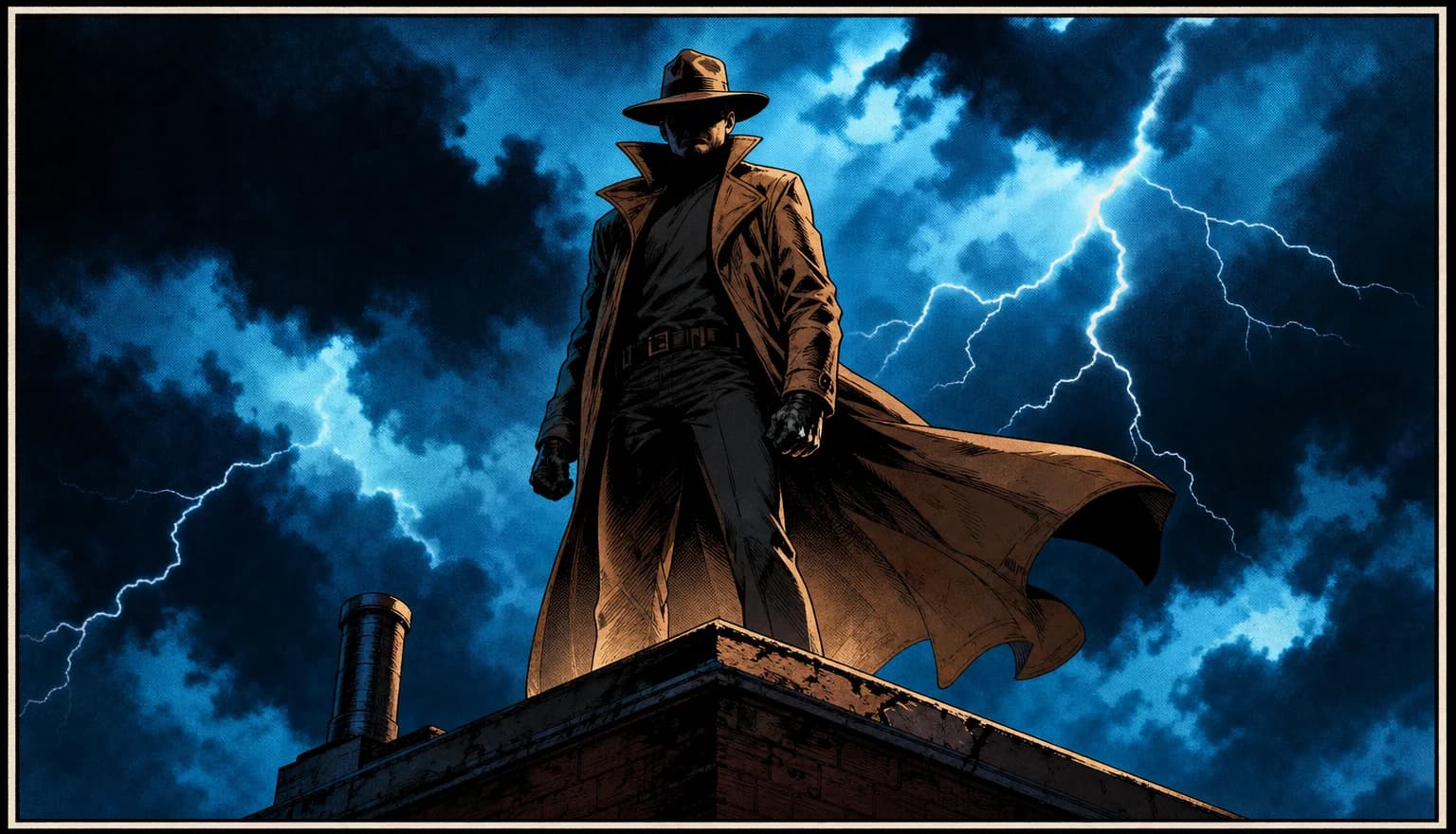
A painted comic issue cover with a chrome series logo across the top and a lone hero lit from behind
COVER

The cover is drawn by a different recipe

Page one is not an interior page with a title on it. The cover renders with no panel gutters and no speech balloons: your series title as a glossy drawn logo, an episode badge in the top corner, key-art lighting and a lead character who reads as a silhouette. It is told in as many words not to print a volume or issue number, so the badge is the only marker on it.
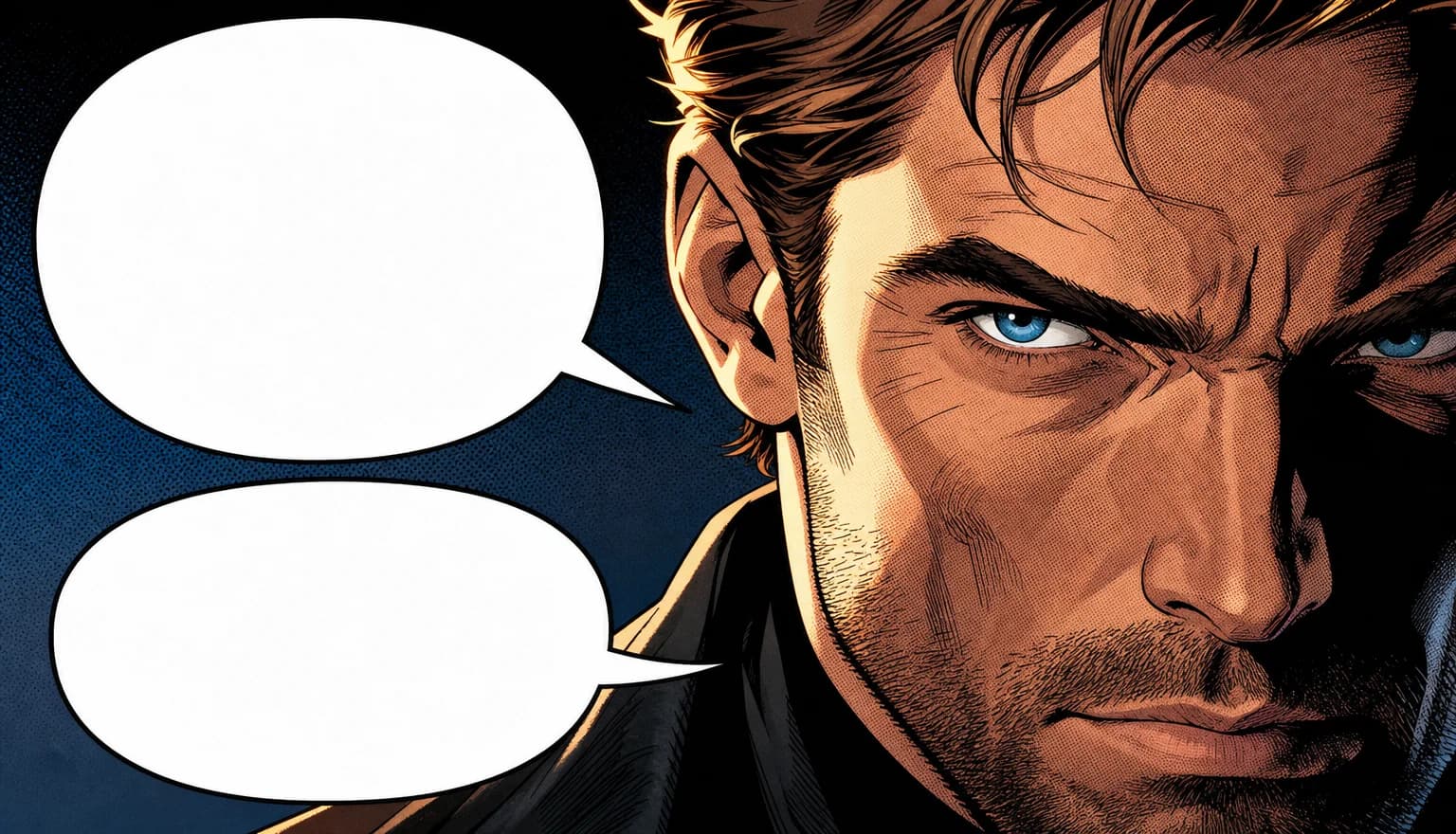
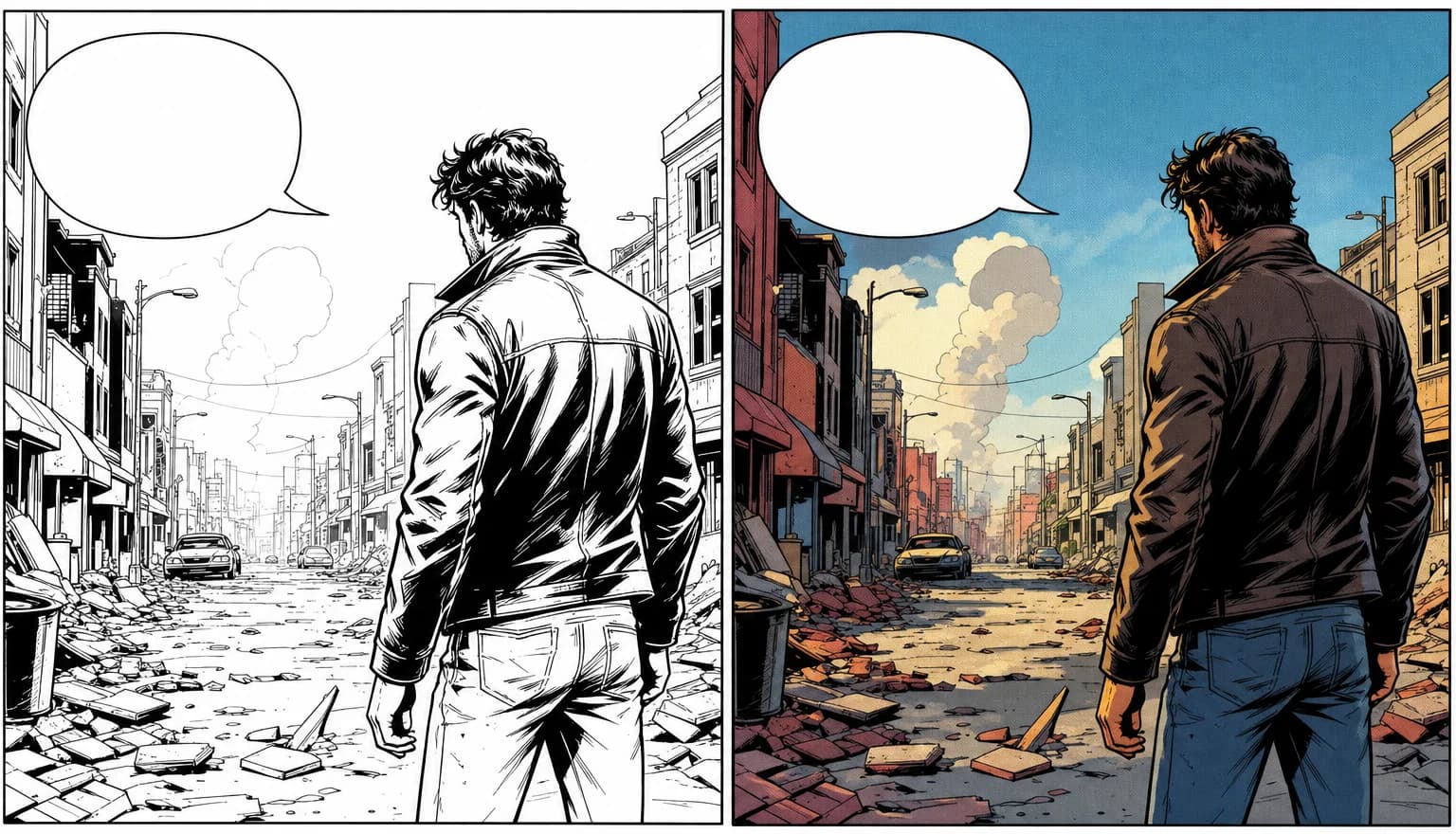
A comic panel with an editable speech balloon selected over the artwork and a yellow narration caption box beside it
LETTERING

English balloons, yellow caption boxes — then you letter it properly

Pages come back already lettered the western way: cleanly tailed balloons, narration in yellow caption boxes, sound effects drawn into the art in block letters. Image models are unreliable at short text, so a lettering editor sits over the finished page — drop a balloon, thought cloud, caption or SFX burst, drag it, aim the tail, type the line. Your bubbles are opaque, so they cover whatever was drawn underneath, and they are baked into the reader and every export.
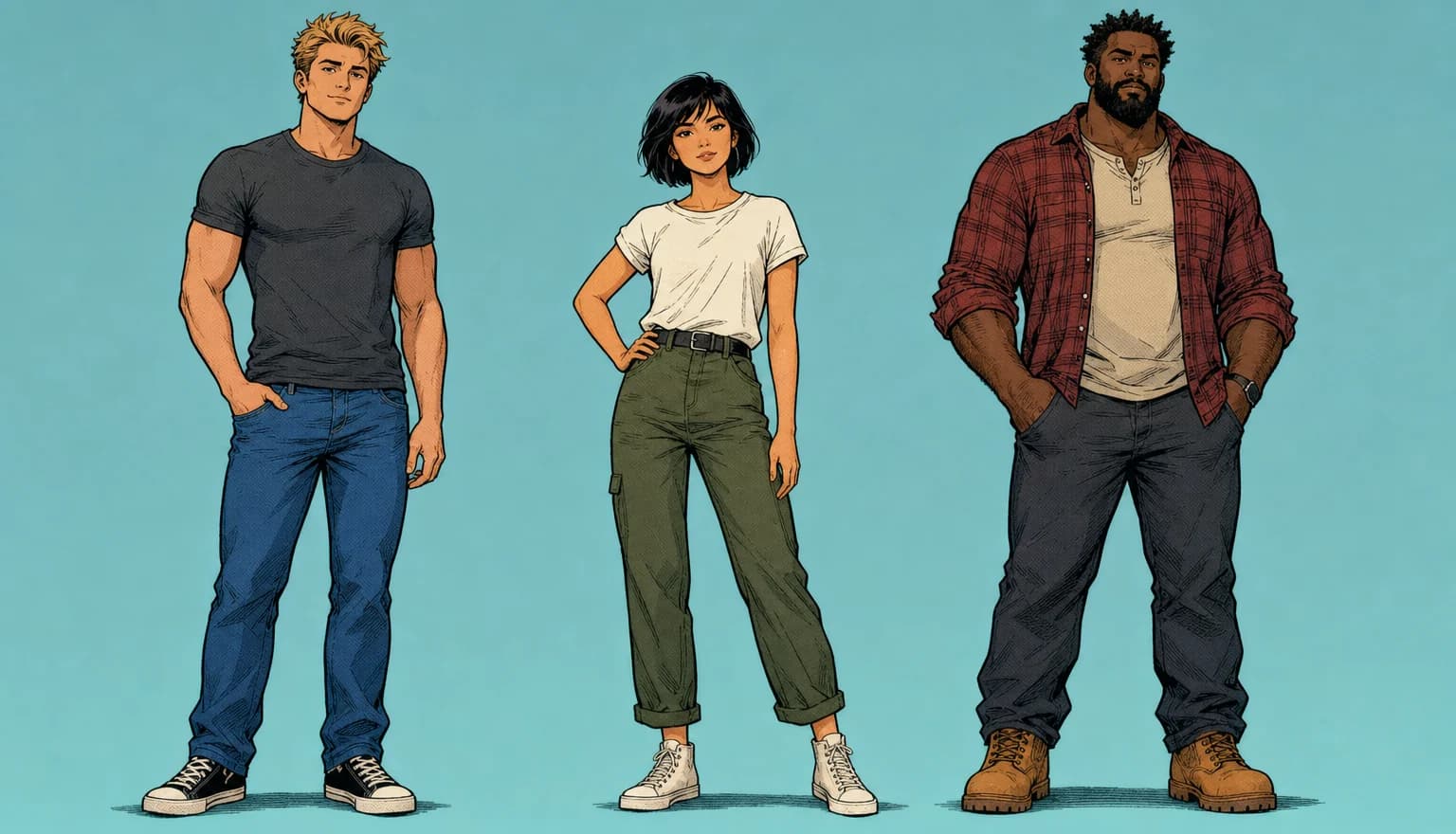
A comic character turnaround sheet in bold ink and flat colour showing one figure from front, profile and back with two expression close-ups
CAST

A cast bible, and a hard rule against cloning it

Every character is built once as a multi-view reference sheet, and a canonical written description of them is re-injected into every page they appear on. The western page prompt also carries an explicit anti-clone rule: anyone not in the cast is a different person, and antagonists must differ in head shape, hair, posture and costume — because the failure mode of comic AI is the villain turning out to be the hero in a different coat.
The closing page of a comic issue — a dramatic painted panel above a black band reading TO BE CONTINUED
ISSUE

It is an issue, so it ends on a cliffhanger

Run the script through the enhancer and it comes back as exactly one beat per page for the length you picked — 10, 21 or 45 pages — with the structure fixed: page one is the cover hook, the middle pages carry the story, and the last page is written for a cliffhanger. That final page renders as its own thing: one painted panel over a textured black band with TO BE CONTINUED across it.
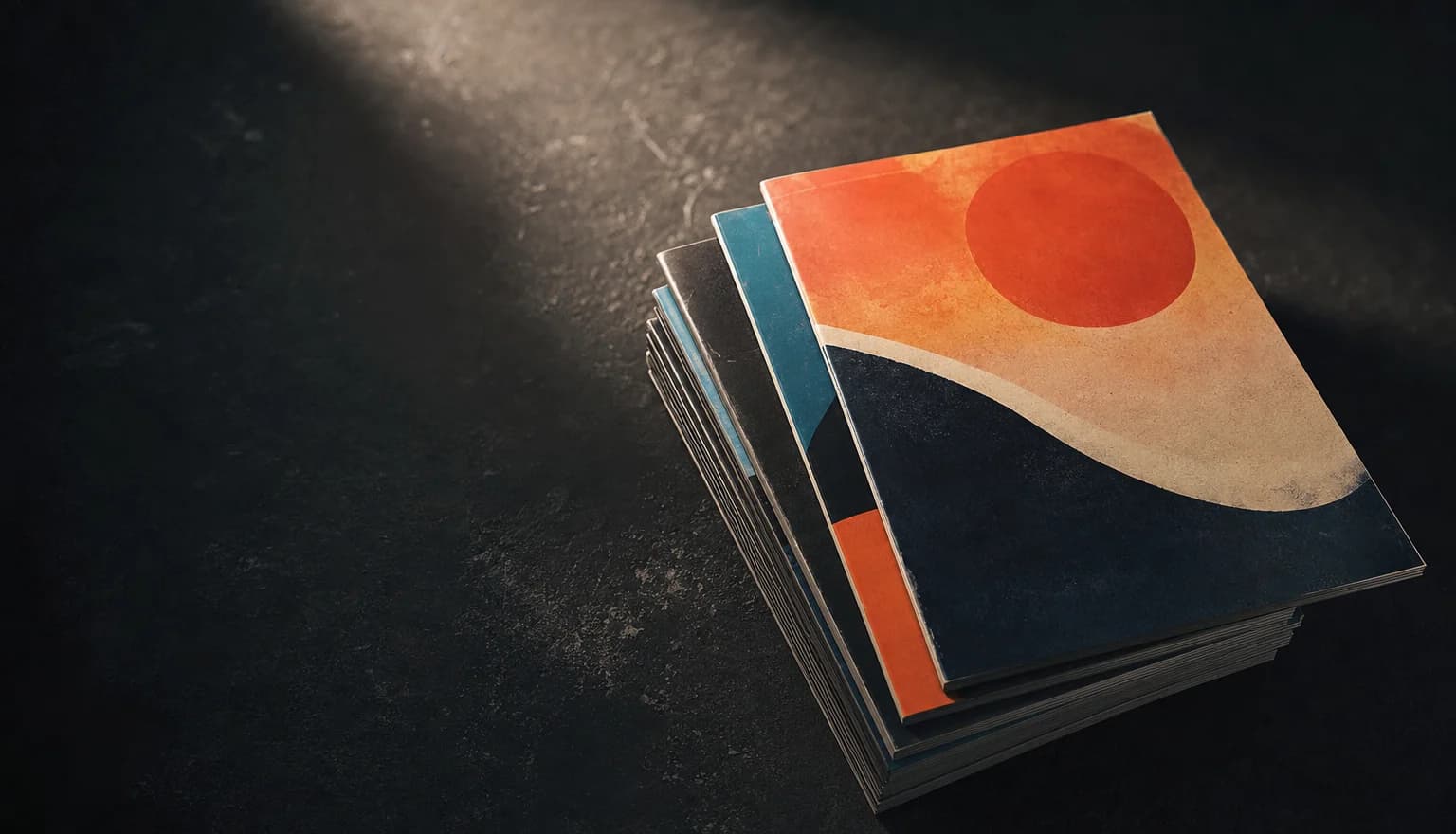
Printed comic pages fanned across a desk beside a tablet showing the same issue in a reader
DELIVERY

Read it, then take the files

Finished issues open in a full-screen reader — page by page with arrows and swipe, or as one continuous vertical scroll. From there, export the issue as a multi-page PDF, download any single page, or stitch the whole thing into one tall strip for vertical-scroll platforms. The balloons you typed are baked into all three.

Read one we made

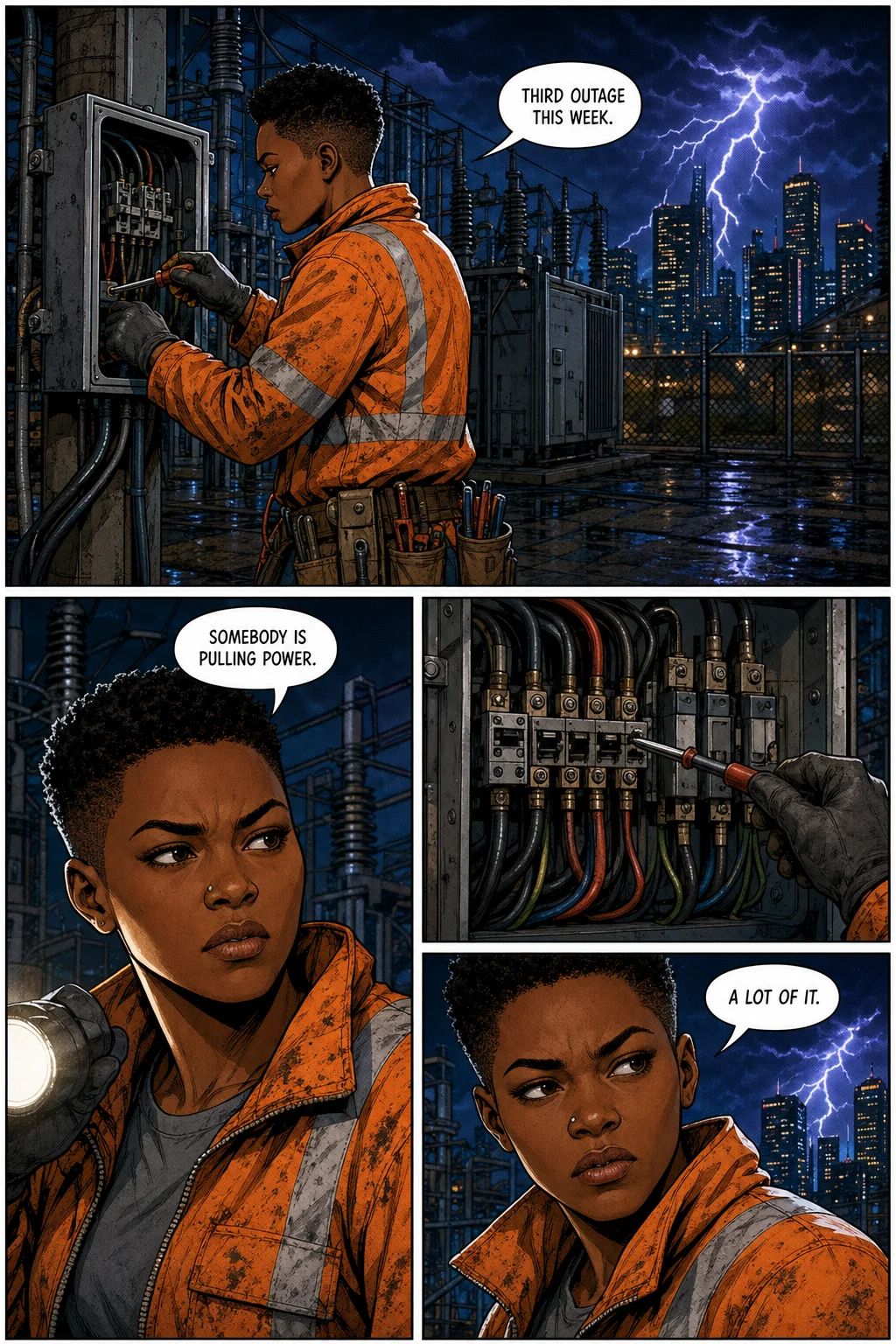
Every page below came out of this tool — art, panels and lettering. Turn through it with the arrows or your keyboard.
My Grid

A night-shift city electrician chasing a run of impossible blackouts takes a full substation surge, walks away without a scratch — and the streetlights start turning to watch her.

My Grid, page 1 of 10. Inked and colour-flatted western comic page with panel gutters and lettered speech balloons.

My Grid, page 1 of 10

Named models, not a black box

You see which engine renders each job, and you pick it yourself — on one credit balance, with no separate subscription per model.

Powered by

OpenAIGPT Image 2
GoogleNano Banana 2

Frequently asked questions

  • No — it is the same studio with a different template. Manga and Comics share one workspace, one cast system, one script pass, one page renderer, one lettering editor and the same per-page price. What changes is the recipe the renderer builds for each page: western comics read left-to-right instead of right-to-left, render in full colour instead of black-and-white screentone, use painted Marvel-Infinity-style framing instead of manga's irregular gutter-breaking grid, letter in English with yellow narration boxes, and stay deliberately sparser on the page than a manga's six-to-twelve balloons.

  • Yes. The balloons the model draws are art; the ones a reader can actually read are yours. The letterer lays speech, thought, caption and sound-effect bubbles over the page and you drag, resize and re-tail them freely, with an opaque fill covering whatever sat underneath. What you lay down is what gets baked into the reader and into every export.

  • Yes, and the character sheets are what make it hold. A cast member is saved with a reference sheet, and every page that mentions them renders from it, so the same face and costume carry from the first issue to the sixth. Adding someone new later does not disturb the pages already drawn, and a member you edit is re-referenced from the next render on.

  • An episode is 10, 21 or 45 pages — you pick the length up front and the script pass sizes itself to it. Pages render four at a time. Each one usually lands inside a minute, but the image provider slows under load and a page can take considerably longer, so a ten-page short is a coffee break and a 45-page issue is not something you sit and watch. Renders keep running on our side if you close the tab, so reopening the project in the same browser picks the finished pages back up.

  • It runs on its own recipe. The cover renders with no panel gutters and no speech balloons at all, with your series title drawn into the artwork as a glossy stylised logo, an optional episode badge in the top corner, an optional author credit, key-art lighting and a lead character composed to read as a silhouette. It is explicitly instructed not to render a volume or issue number, so nothing invents "Vol. 1" on you. The final page has its own recipe too — one painted panel over a textured black band carrying TO BE CONTINUED.

  • Two mechanisms, both automatic. Each character is created once as a multi-view reference sheet — front, profile, back and two expression close-ups — and that sheet is passed to every page they appear on. Then the script pass writes a canonical description of each recurring character, place and prop, and re-injects it into every page that uses them. The western page prompt adds an anti-clone rule on top: characters who are not in the cast are different people, and antagonists must differ in head shape, hair, posture and costume. It is a strong consistency, not pixel identity — over a long book expect to re-render the occasional page where a detail drifts.

  • No. Describe a character in a sentence and 7ART draws their reference sheet in western comic style — bold ink outlines, cel-shaded flat colour, with a colour-palette strip along the bottom — and that sheet becomes their anchor for the rest of the book. If you would rather bring your own, upload an image, pick one from your 7ART library, or import a character you already built elsewhere in the studio as an Element. Locations work the same way, and cast you made in an earlier project can be reused instead of rebuilt.

  • You do, in the end. The model draws the balloons and captions into the page and letters them itself, which is fine for layout and unreliable for spelling — image models garble short text. So the lettering editor sits over the finished page: add a speech balloon, thought cloud, caption box or SFX burst, drag it where it belongs, resize it, point the tail at whoever is speaking, and type the line. Your bubbles are opaque, so they cover the drawn lettering underneath, and they are real text stored per page and flattened into the reader view and every export.

  • No. Box-select the part that is wrong — a botched hand, the wrong expression, garbled text — describe the fix, and only that region is regenerated and composited back into the page; that retouch costs 16 credits, not a full page. If the problem is the writing rather than the drawing, rewrite that single page's script and regenerate just that page, or change the episode script and re-run only the pages you choose. Nothing makes you regenerate an issue to fix one panel.

  • Yes, with one caveat. The renderer detects the script's language and switches the sound-effect vocabulary to match — English block letters by default, Russian Cyrillic, Korean Hangul or Chinese characters — and for those three it also asks for the balloon dialogue in that script. The caveat is Japanese: the western comic template is authored English-first and explicitly tells the model not to use Japanese characters, so a Japanese script pulls it two ways. Write in Japanese and use the Manga template, which is built for katakana sound effects.

  • Projects save to your account, so a book you started on one machine is there when you sign in on another, and pages stay inside the project rather than being mixed into your main image library. You can take an issue out as a multi-page PDF, as individual page images, or as one tall vertical strip for scroll-reading platforms. One caveat worth knowing: the speech-balloon overlay is stored in the browser you letter in, so do the export from that same browser.

  • 7ART's terms permit personal and commercial use of generated content, subject to those terms, applicable law, and any restrictions imposed by the underlying model providers — and because the legal status of AI-generated work varies by country, confirm what applies where you intend to publish. Getting the files out is not plan-gated: the PDF, the single pages and the vertical strip are all built in your browser, on any plan. Two honest limits on a free account — pages get a small "Generated on 7ART.ai" watermark baked into the image, and the 100-credit welcome grant will not stretch to a full issue.

How 7ART compares

Renders a finished page, not one panel at a time
7ART
Dashtoon Studiopartial
TaleAtelier
ComistitchNot stated
You type and place the speech balloons and SFX
7ART
Dashtoon Studio
TaleAtelierNot stated
ComistitchNot stated
Cover, interior and final page use separate recipes
7ART
Dashtoon StudioNot stated
TaleAtelierNot stated
ComistitchNot stated
Redraw a selected region of a finished page
7ART
Dashtoon Studio
TaleAtelierNot stated
ComistitchNot stated
Multi-page PDF of a whole issue
7ART
Dashtoon StudioNot stated
TaleAtelier
ComistitchNot stated
Same account also makes video, music and voice
7ART
Dashtoon Studiopartial
TaleAtelier
Comistitch
Built-in reader audience to publish and monetise
7ART
Dashtoon Studio
TaleAtelierNot stated
ComistitchNot stated

Plans

Every plan unlocks the whole studio. They differ only in how long they run.

4 weeks

Save 61%

Try the whole studio for a month.

$38.95$15.19

for your first 4 weeks, then $38.95 every 4 weeks · $9.74/week

  • 4,000 credits every 4 weeks
  • Every app, model and studio
  • 4K downloads, no watermark
  • Commercial use permitted by our Terms
  • Download everything you generate
Get 4 weeks
Most popular

12 weeks

Save 61%

The one most people pick.

$66.65$25.99

for your first 12 weeks, then $66.65 every 12 weeks · $5.55/week

  • 6,000 credits every 12 weeks
  • Every app, model and studio
  • 4K downloads, no watermark
  • Commercial use permitted by our Terms
  • Download everything you generate
Get 12 weeks
Best value

Year

Save 61%

Lowest price per week.

$149.99$58.49

for your first year, then $149.99 every year · $2.88/week

  • 10,000 credits every year
  • Every app, model and studio
  • 4K downloads, no watermark
  • Commercial use permitted by our Terms
  • Download everything you generate
Get Year

See full pricing details →

Start creating today

Free to start. No card required.