
AI Sound Effects Generator – Foley and Score for Your Clip
Upload a silent video and get sound effects, music, or both, generated against what is on screen and muxed back into the clip. Or make standalone effects and music from a line of text.
Try Sound Effects freePowered by the best generation models







What the sound studio can do
Foley for a clip, a score for a clip, effects or music from text — and the controls around them.
Generate now
Sound generated against what is on screen
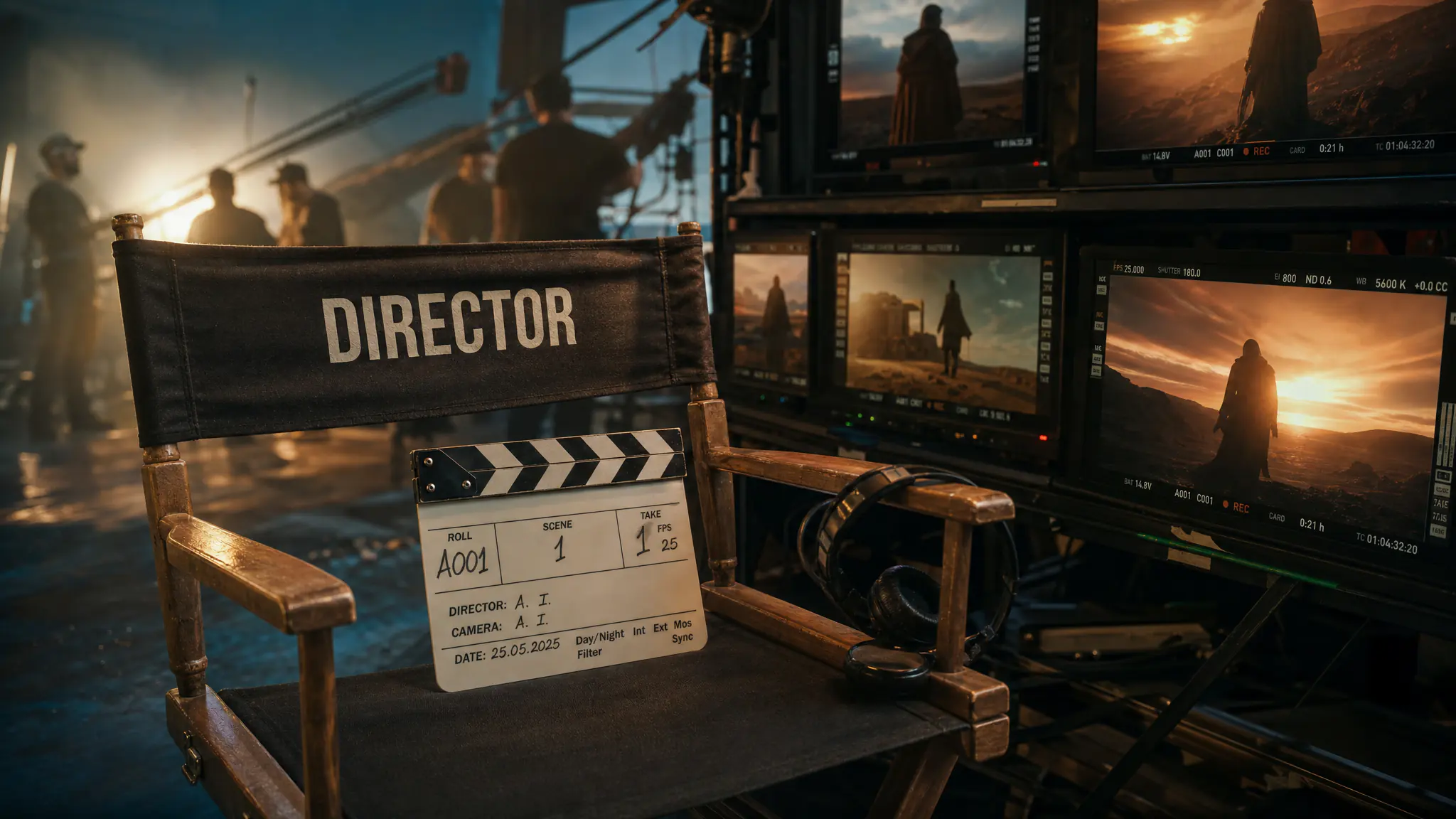
Upload a clip and get effects made for that footage — footsteps on the footsteps, the door on the door. The result comes back as a finished video with the audio already muxed in, so there is nothing to line up in an editor afterwards.
Music written to the cut, section by section
Score a clip instead of dropping a loop under it: describe what each stretch of the video should feel like and the sections are generated as one continuous piece across the whole clip. Same output — the muxed video, ready to post.
Standalone effects and music, no video needed
Two of the four modes need no footage at all. Describe an effect and get the effect; describe a mood and get a piece of music. Useful for building a library, filling a gap in an edit, or auditioning an idea before you commit a clip to it — and both are billed at a fraction of the video modes.
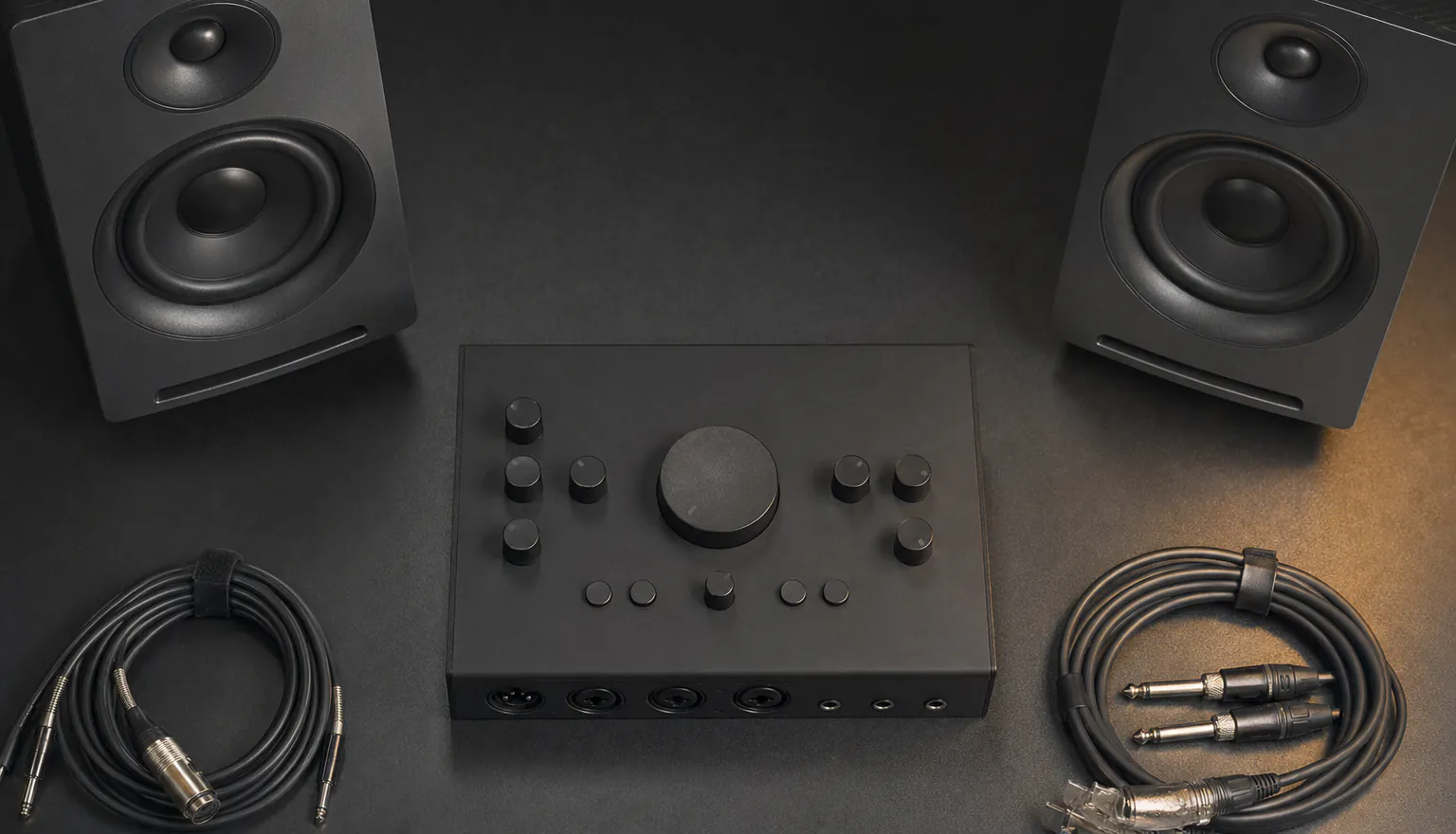
AAC, MP3, WAV or FLAC
Pick the format the next tool in your chain wants: AAC by default, MP3 for the quick share, WAV or FLAC when the audio is going into a mix rather than straight to a platform. Source clips up to 500MB and five minutes long.

Prompt each moment, not the whole clip
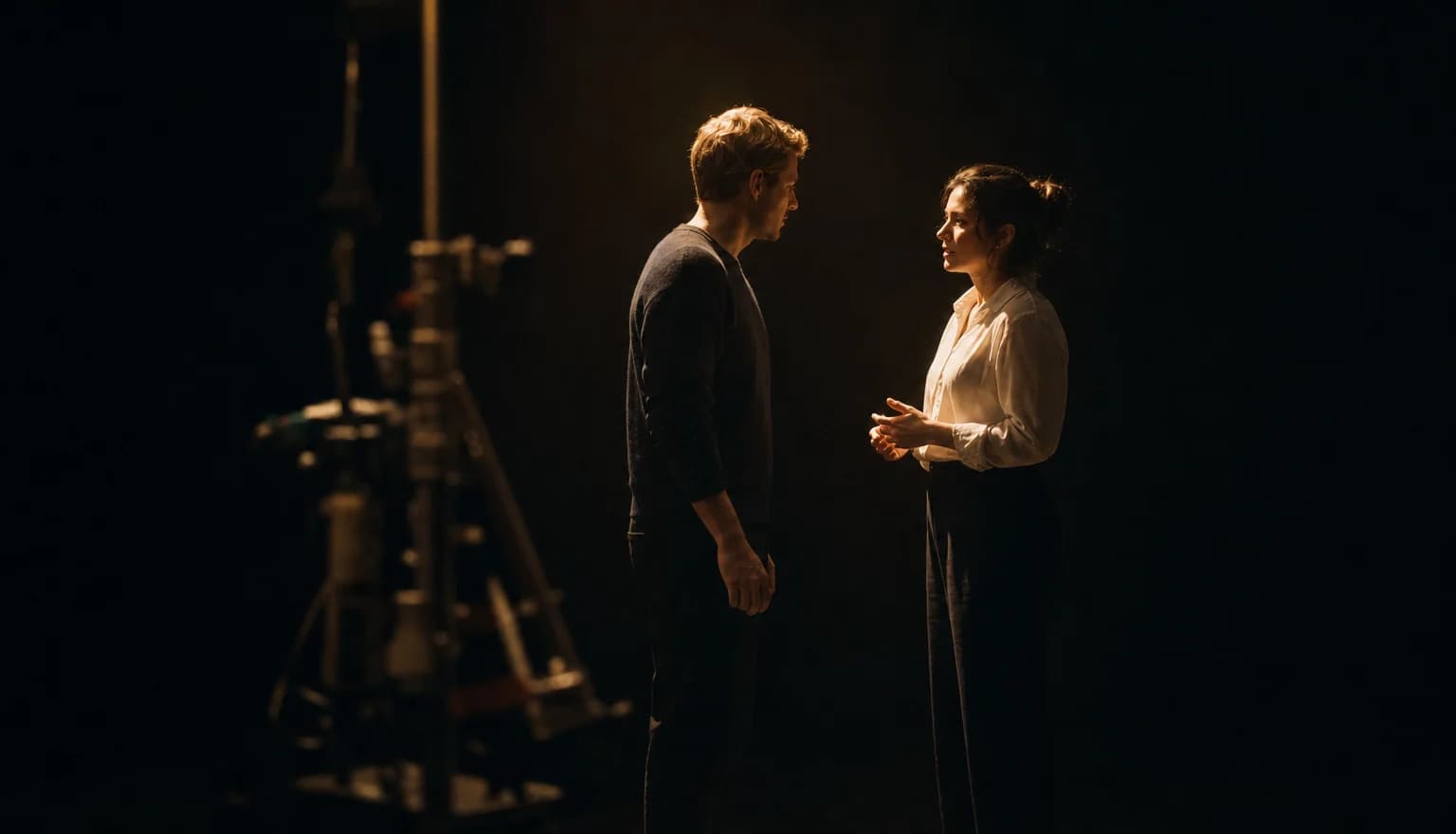
Split the clip into sections and give each one its own line of direction: gravel underfoot here, a door closing there. Sections have to run at least five seconds, each prompt is capped at 200 characters, and the last section is pinned to the end so the whole clip stays covered. Leave it switched off and the model splits the footage into scenes itself.
Keep the voices, score around them
Preserve speech separates the talking in your clip and writes music around it instead of over it. You can also score one stretch rather than the whole thing: set a start point and a length, and only that section gets music. Both switches sit on the music side. The sound-effects pass has no equivalent, so test a short clip first if the dialogue cannot be lost.
Hear it against the original, then take the stem
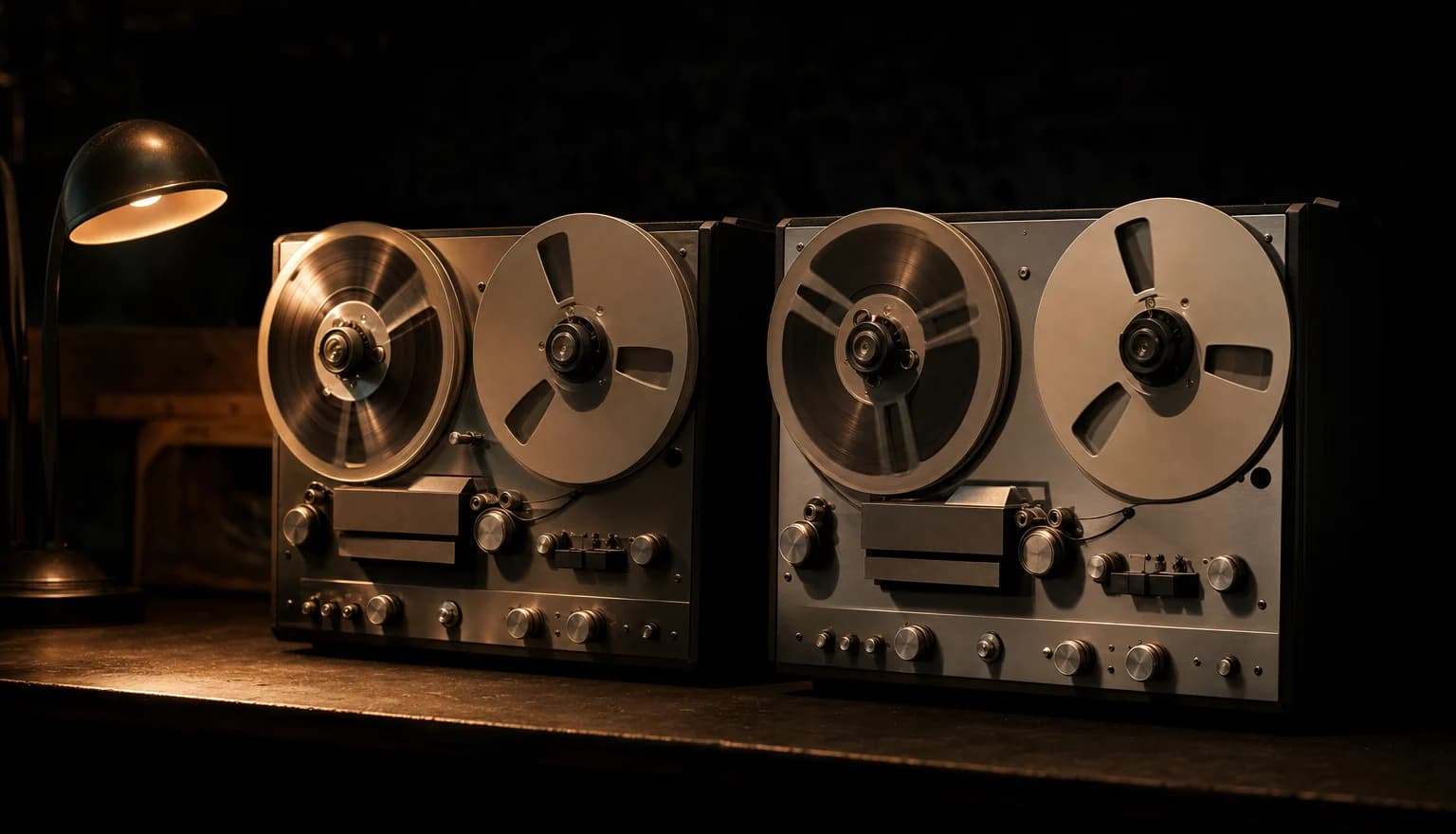
Every result opens on the generated version with a one-tap switch back to your original, so you can hear exactly what changed before you commit. Under it sit the downloads. A sound-effects pass hands back the finished video and the generated audio as a separate file from the same render; a music pass returns the video, or the bare score if you asked for score only.
Made with 7ART AI Sound Effects Generator
How 7ART compares
| Feature | 7ART | ElevenLabs | Adobe Firefly | Sonilo |
|---|---|---|---|---|
| Upload a clip, sound generated against what is on screen | ✓ | partial | partial | ✓ |
| Comes back as the finished clip plus the bare audio | ✓ | — | partial | ✓ |
| Per-moment prompts pinned to the clip's timing | ✓ | — | partial | ✓ |
| Music scored to the clip, not only effects | ✓ | partial | ✓ | ✓ |
| Longest sound from one text prompt | 3 min effects / 5 min music | 30 s | 30 s | Not stated |
| Longest source clip in one job | 5 min | No video input | Not stated | 3-15 min by plan |
Combine with other 7ART features

AI Video Generator
Animate your AI artist into Reels, TikToks, ads and cinematic clips. Kling, VEO 3.1, Seedance, Wan, Grok Imagine, MiniMax H3 and our own 7Video – every major video model in one workspace.
AI Music Generator
Generate full songs on Suno V5.5 – write the lyrics or let the model, keep it instrumental, or hand it the voice persona 7ART built from your artist. One run, twelve credits, two finished tracks.
AI Text to Speech
Turn a script into natural-sounding speech in seconds. 22 studio voices, three ElevenLabs models, adjustable speed, and multi-speaker dialogue – up to 5,000 characters a run.
Named models, not a black box
You see which engine renders each job, and you pick it yourself — on one credit balance, with no separate subscription per model.
Powered by
 Sonilo v1.1 · score · foley · text-to-sound
Plans
Every plan unlocks the whole studio. They differ only in how long they run.
4 weeks
Save 61%Try the whole studio for a month.
for your first 4 weeks, then $38.95 every 4 weeks · $9.74/week
- 3,000 credits every 4 weeks
- Every app, model and studio
- 4K downloads, no watermark
- Commercial use permitted by our Terms
- Download everything you generate
12 weeks
Save 61%The one most people pick.
for your first 12 weeks, then $66.65 every 12 weeks · $5.55/week
- 4,500 credits every 12 weeks
- Every app, model and studio
- 4K downloads, no watermark
- Commercial use permitted by our Terms
- Download everything you generate
Year
Save 61%Lowest price per week.
for your first year, then $149.99 every year · $2.88/week
- 7,600 credits every year
- Every app, model and studio
- 4K downloads, no watermark
- Commercial use permitted by our Terms
- Download everything you generate
Frequently asked questions
Get insights from our experts
Tutorials, model deep dives, and creator workflows. New articles every week — bookmark the blog and never run out of ideas.
Read more