
AI Music Video Generator – Your Song, Cut to Picture
Pick one of your tracks, choose a look, and the AI plans a storyboard against the lyrics, casts your saved artists into it, renders the scenes, and exports with karaoke captions.
Try Music Video freePowered by the best generation models







How the music video comes together
From your track to the export, with a storyboard you approve before anything renders.
Start from a song you already made
The studio reads your 7ART music library and you pick the track. Because the song was generated here, the video can be planned against its actual lyric timing rather than a guess — which is what makes the cuts land on the words instead of near them.
Five looks, or let it surprise you
Choose a visual direction in one click — cinematic film, neon anime, dream pastel, retro VHS or editorial minimal — and every scene is art-directed to match. Or take Surprise me and let the planner choose the register from the song itself.
A storyboard you approve before anything renders
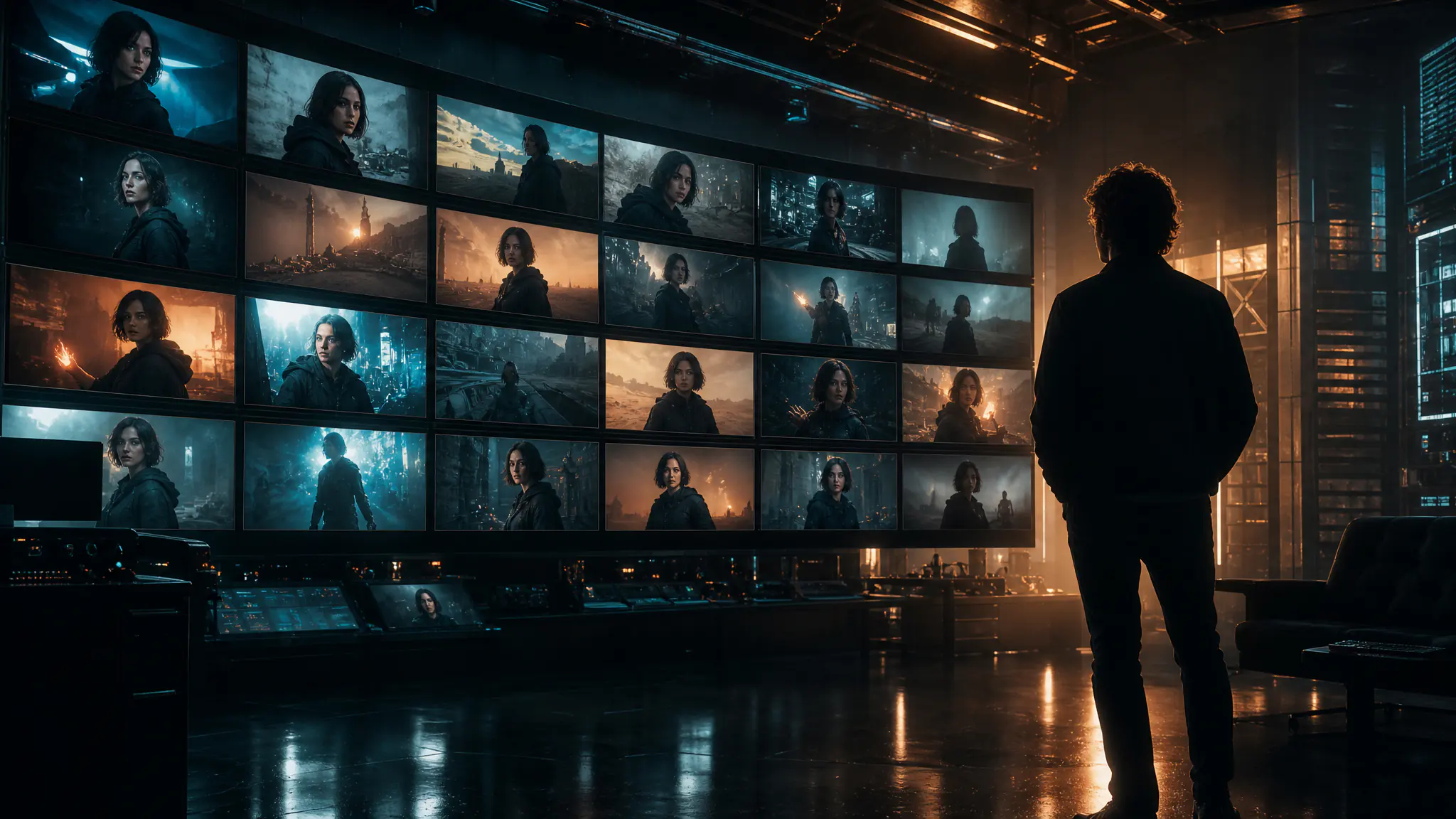
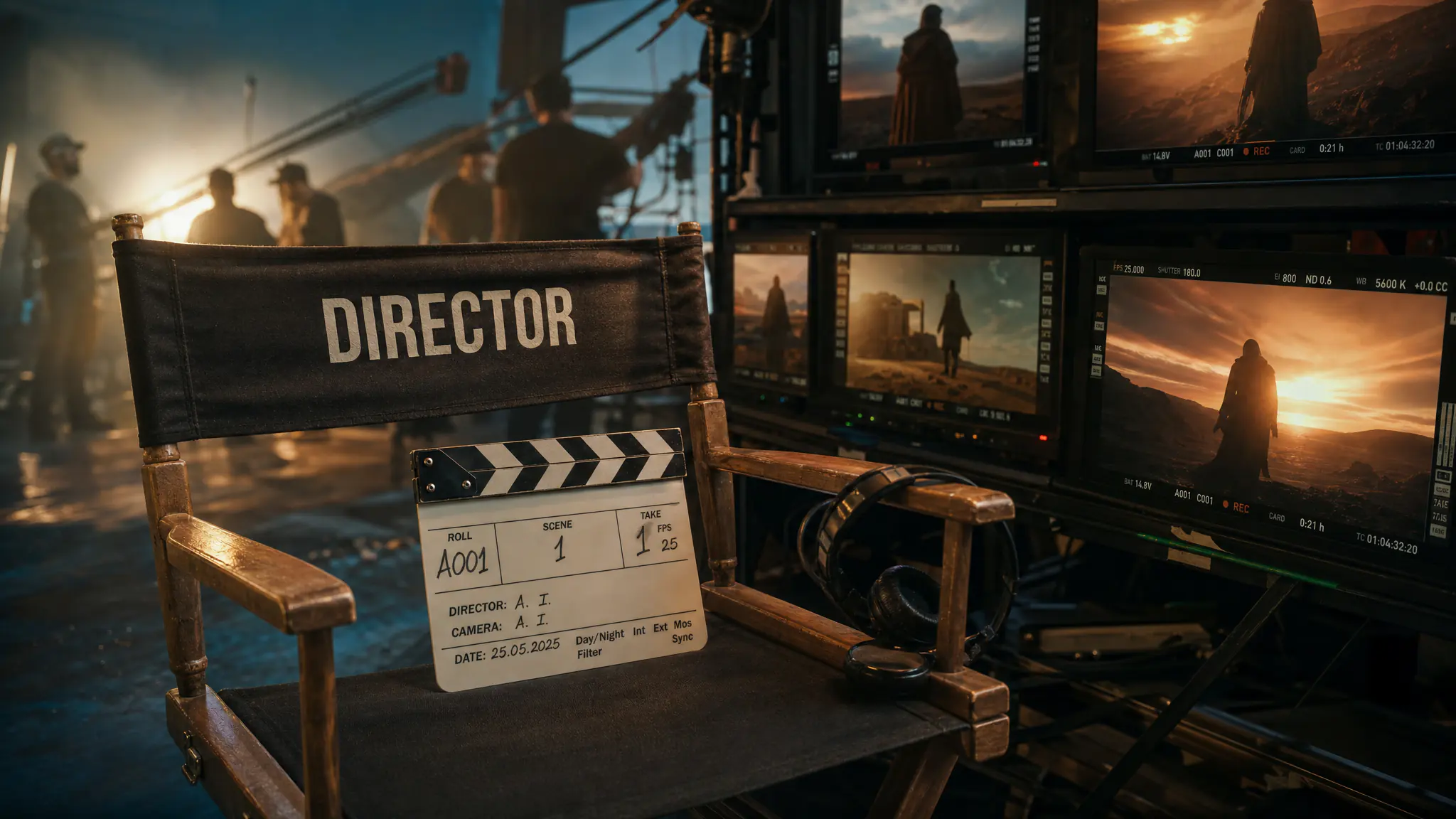
The AI plans the scenes and shots against the lyric alignment and shows you the storyboard first. Locations get an establishing plate that every shot filmed there references, and your saved artists can be cast into scenes so the performer on screen is the one you built.
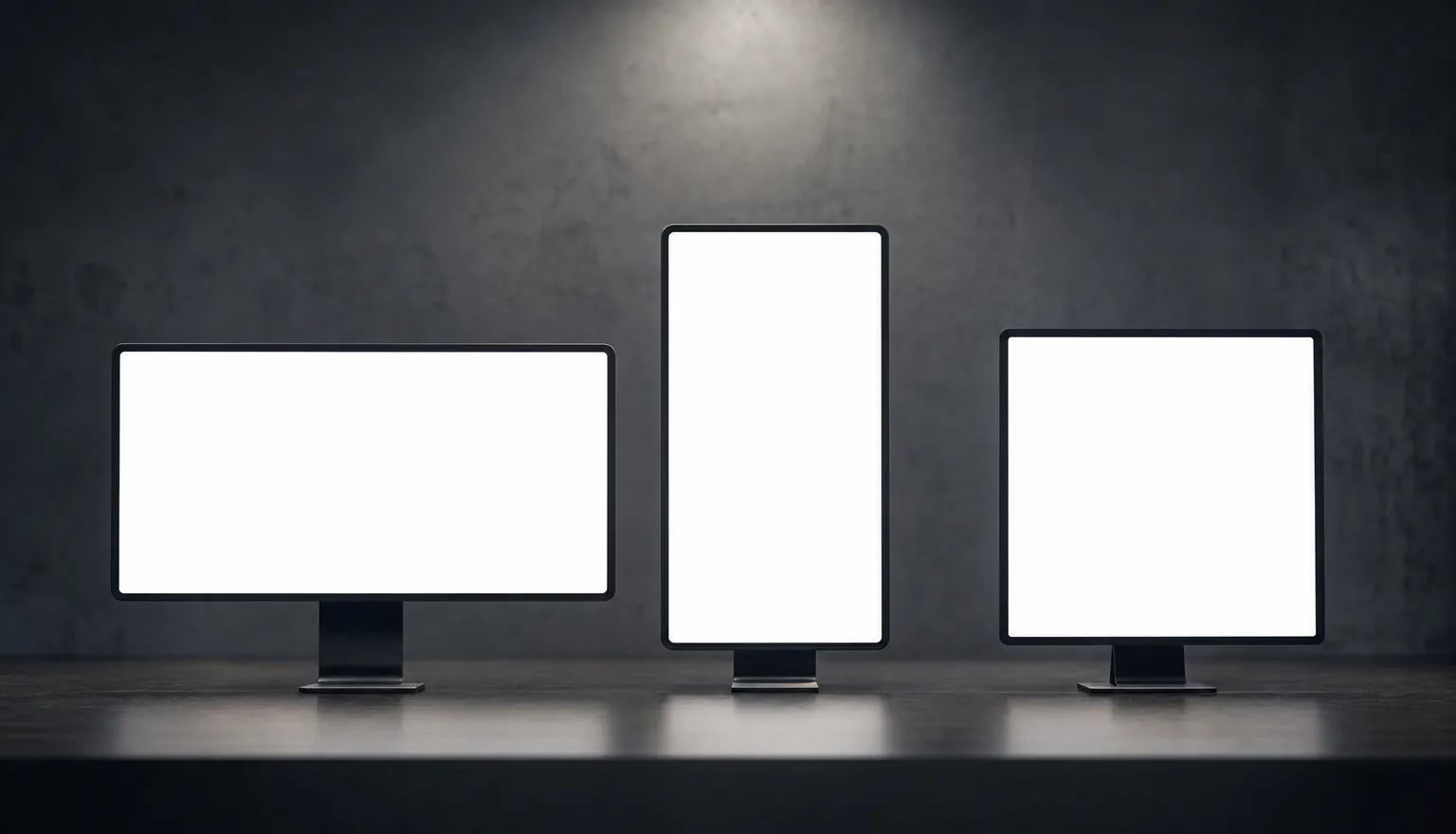
Stills or motion, captions on, three shapes out
Render in stills mode with Ken Burns moves, or in video mode where each scene becomes one animated clip covering its own window. Karaoke captions ride on the lyric timing. Export at 30fps in 1920×1080, 1080×1920 or 1080×1080 — the landscape, the vertical and the square, from one project.
Every scene cuts one to three times
Scenes under about five and a half seconds stay one shot; longer ones cut two or three times, each cut written as its own framing — wide, medium, close-up, detail insert. Every boundary is a hard cut, the way music videos actually edit. In stills mode each cut is one more image; in video mode the cuts are directed inside the scene's single clip, so they cost nothing extra.
Write the story yourself, or don't
There is a box for your own storyline. Whatever you write in it becomes the concept: the director keeps your beats, in the order you wrote them, and maps them onto the song's timeline instead of replacing them with its own idea. A one-line style note works the same way. Leave both empty and the concept comes from the song.
A failed shot doesn't cost you the video
Each still gets up to four attempts across two image models before it is marked failed, and a clip that fails is tried again on a second provider. Anything still broken is listed with a Retry button that re-runs only those steps. Close the tab mid-render and the studio picks the same jobs back up — tasks already running are re-polled, not resubmitted, so you are not charged twice.
Made with 7ART AI Music Video Generator
How 7ART compares
| Feature | 7ART | Neural Frames | Kaiber | Rotor Videos |
|---|---|---|---|---|
| Generates original scenes for your song (not a stock-clip library) | ✓ | ✓ | ✓ | — |
| Works from an audio file you upload | — | ✓ | ✓ | ✓ |
| Scene cuts placed on the song's word-level lyric timing | ✓ | Beat and stem sync | Beat sync | Auto-cut to the beat |
| Storyboard you approve before anything renders | ✓ | Timeline editor | Separate Storyboard mode | — |
| Cast a recurring character across the scenes | ✓ | ✓ | Reference image | — |
| Same account also generates the song, the images and the artist | ✓ | partial | partial | — |
Named models, not a black box
You see which engine renders each job, and you pick it yourself — on one credit balance, with no separate subscription per model.
Powered by
Suno for the trackKling 3.0 · 2.6Seedance 2.5 · 2.0 Transcription
Frequently asked questions
Plans
Every plan unlocks the whole studio. They differ only in how long they run.
4 weeks
Save 61%Try the whole studio for a month.
for your first 4 weeks, then $38.95 every 4 weeks · $9.74/week
- 3,000 credits every 4 weeks
- Every app, model and studio
- 4K downloads, no watermark
- Commercial use permitted by our Terms
- Download everything you generate
12 weeks
Save 61%The one most people pick.
for your first 12 weeks, then $66.65 every 12 weeks · $5.55/week
- 4,500 credits every 12 weeks
- Every app, model and studio
- 4K downloads, no watermark
- Commercial use permitted by our Terms
- Download everything you generate
Year
Save 61%Lowest price per week.
for your first year, then $149.99 every year · $2.88/week
- 7,600 credits every year
- Every app, model and studio
- 4K downloads, no watermark
- Commercial use permitted by our Terms
- Download everything you generate
Combine with other 7ART features
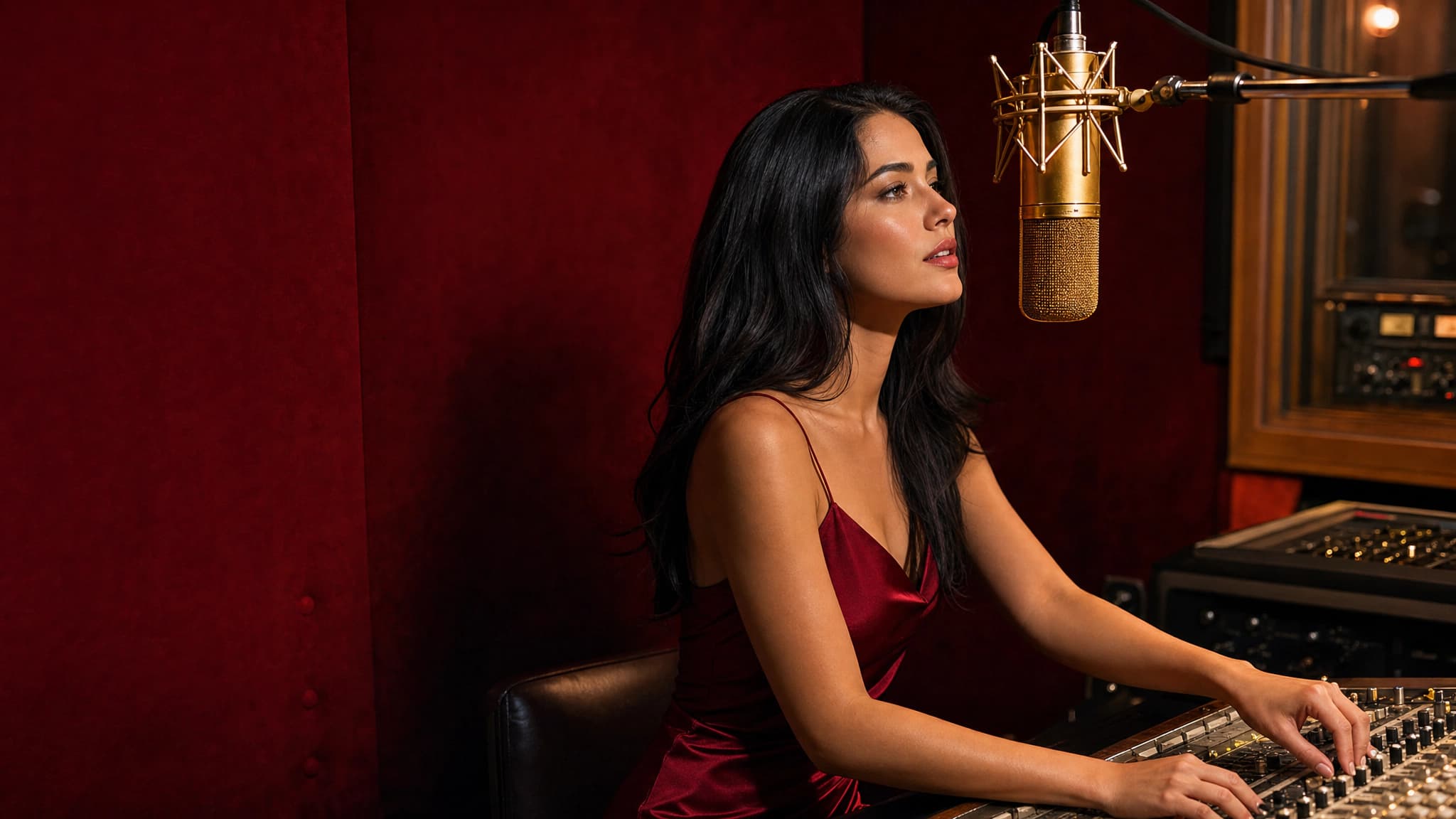
AI Music Generator
Generate full songs on Suno V5.5 – write the lyrics or let the model, keep it instrumental, or hand it the voice persona 7ART built from your artist. One run, twelve credits, two finished tracks.
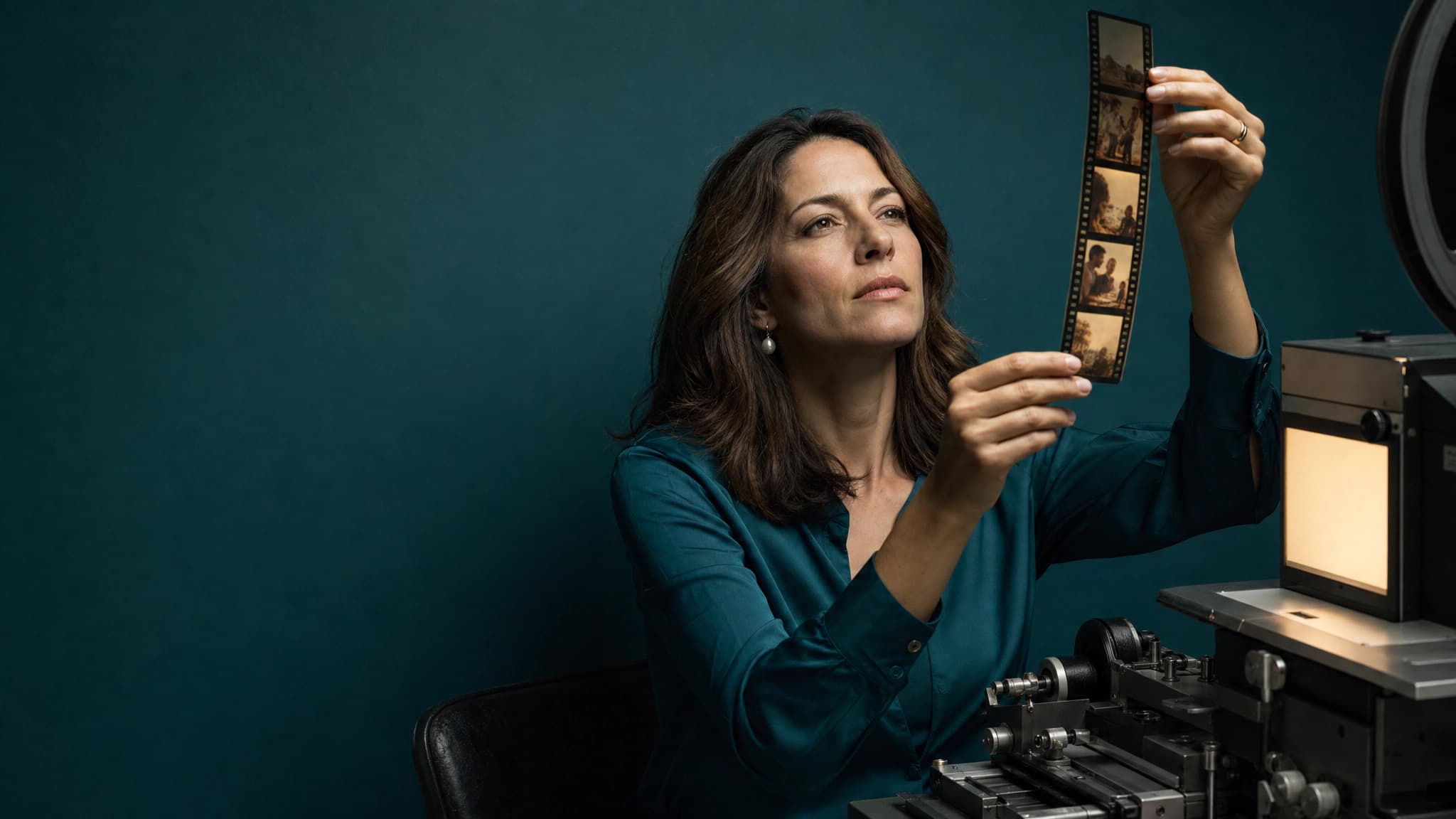
AI Video Generator
Animate your AI artist into Reels, TikToks, ads and cinematic clips. Kling, VEO 3.1, Seedance, Wan, Grok Imagine, MiniMax H3 and our own 7Video – every major video model in one workspace.
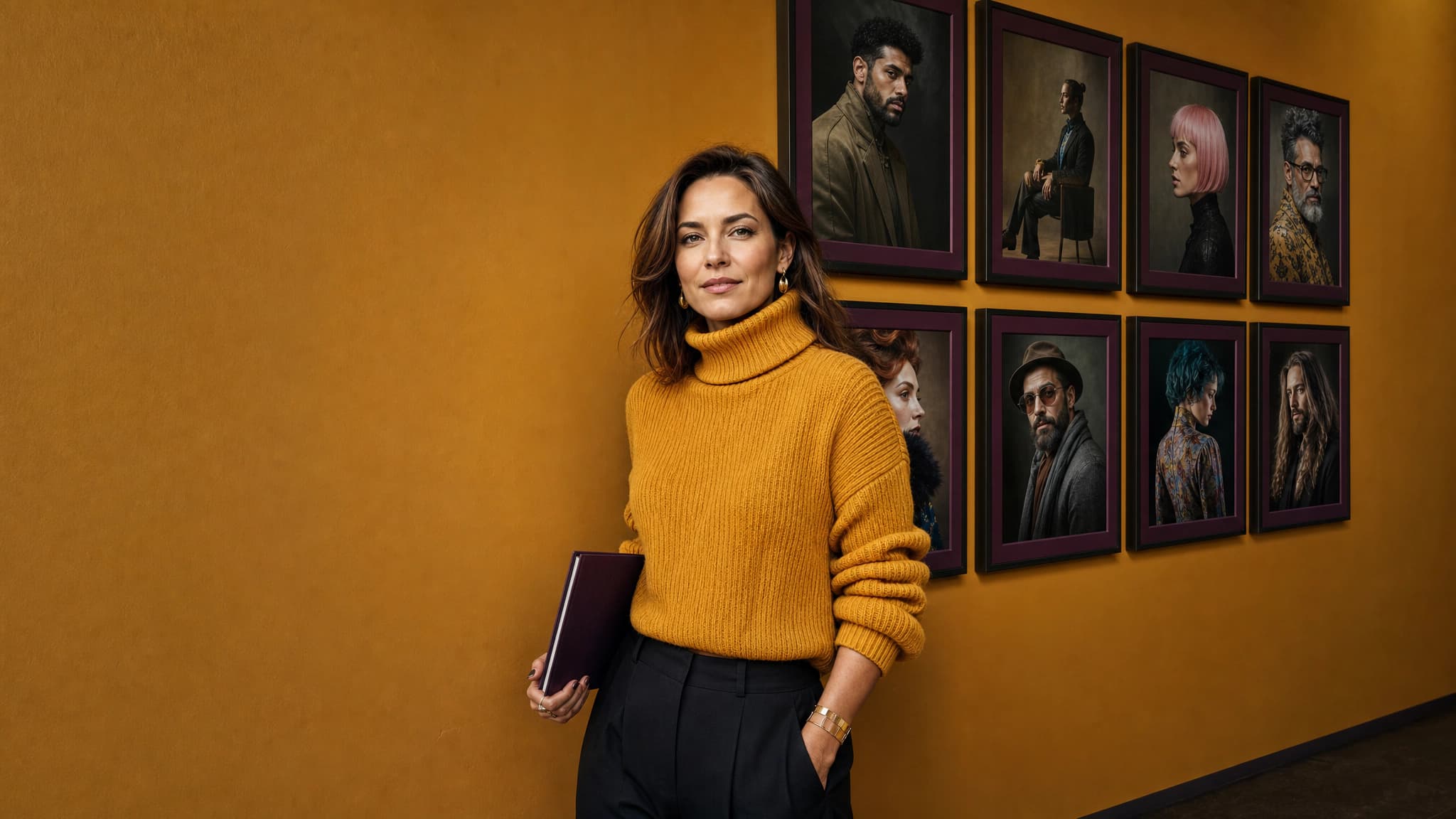
AI Artist Generator
Design your AI artist in four quick screens – name, gender and age, ethnicity, art style and hair. 7ART renders their avatar, a reusable reference sheet and a debut track with a matching voice persona.
Get insights from our experts
Tutorials, model deep dives, and creator workflows. New articles every week — bookmark the blog and never run out of ideas.
Read more