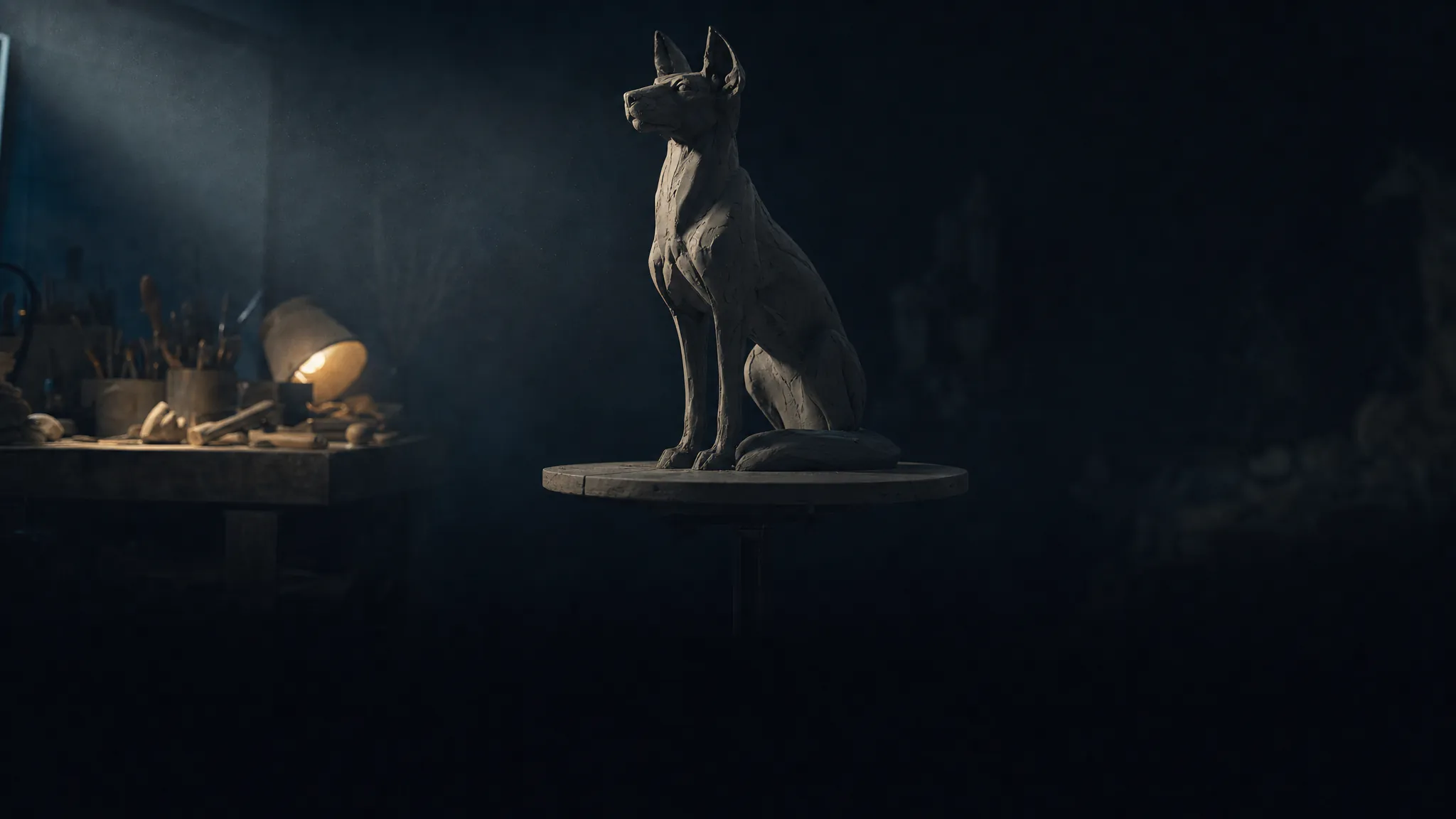

AI 3D Model Generator – Image or Text to a Textured Mesh
Turn one photo, a few reference angles, or a sentence into a textured 3D model you can spin in the browser and download. Four engines, flat pricing, no per-poly surprises.
Try 3D Model freePowered by the best generation models







What the 3D studio can do
From a reference photo to a textured mesh you can rig, render or print.

A photo, four angles, or just a sentence
Three ways in: a single image, several images of the same subject, or a text prompt with no reference at all. Meshy 6, Hunyuan 3.1 Pro and Tripo 2.5 all take up to four images and all three accept text; Trellis 2 is single-image only. Multi-view keeps front, back, left and right in their proper slots so the model knows which side it is looking at.
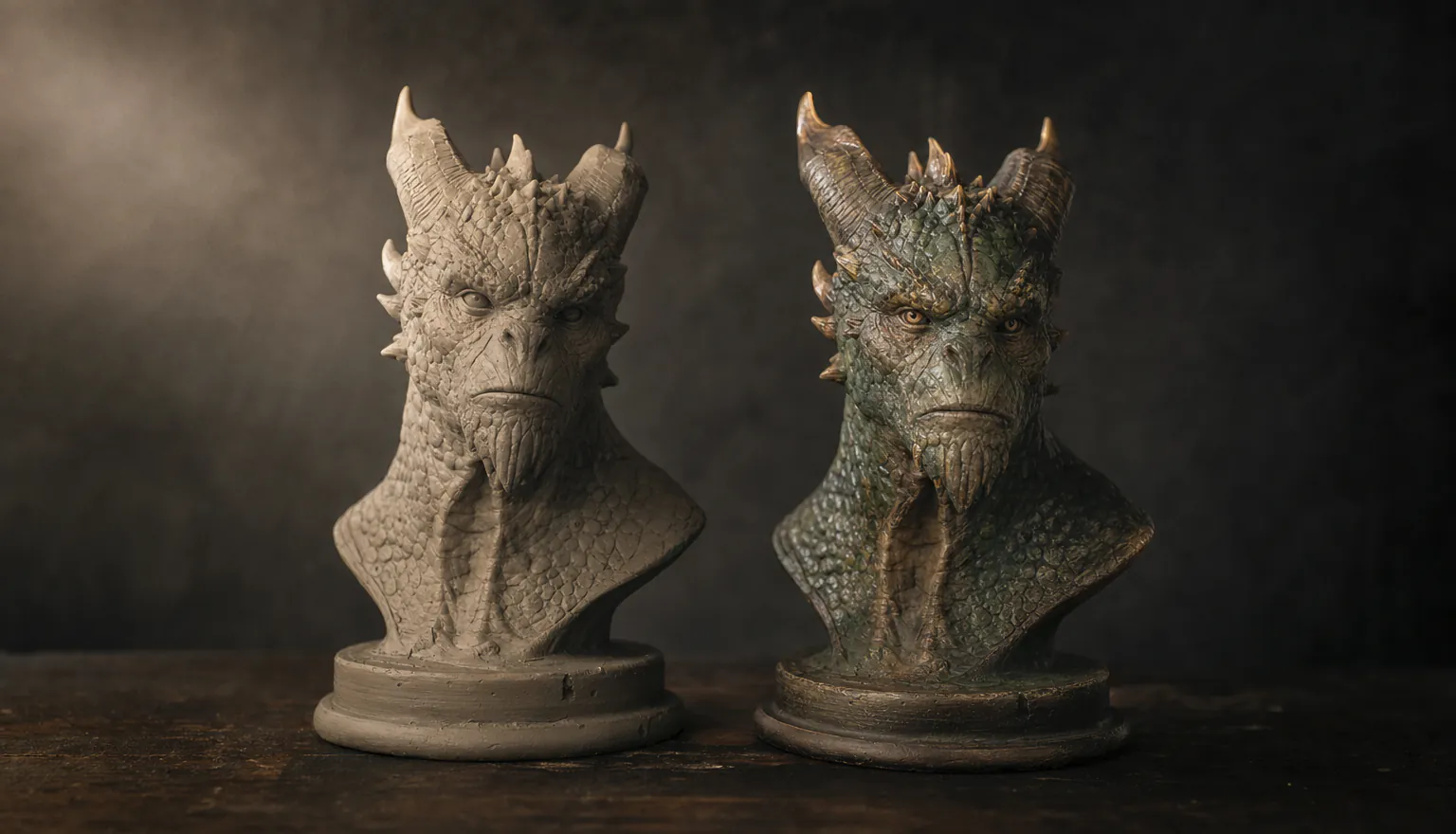
Textured output, and a retexture pass when it is not right
Models come back textured, with PBR available on Meshy 6, Hunyuan 3.1 Pro and Tripo 2.5. If the geometry is right but the finish is not, the retexture tool re-skins an existing mesh from a prompt or a style image without rebuilding it — 60 credits instead of a fresh generation.
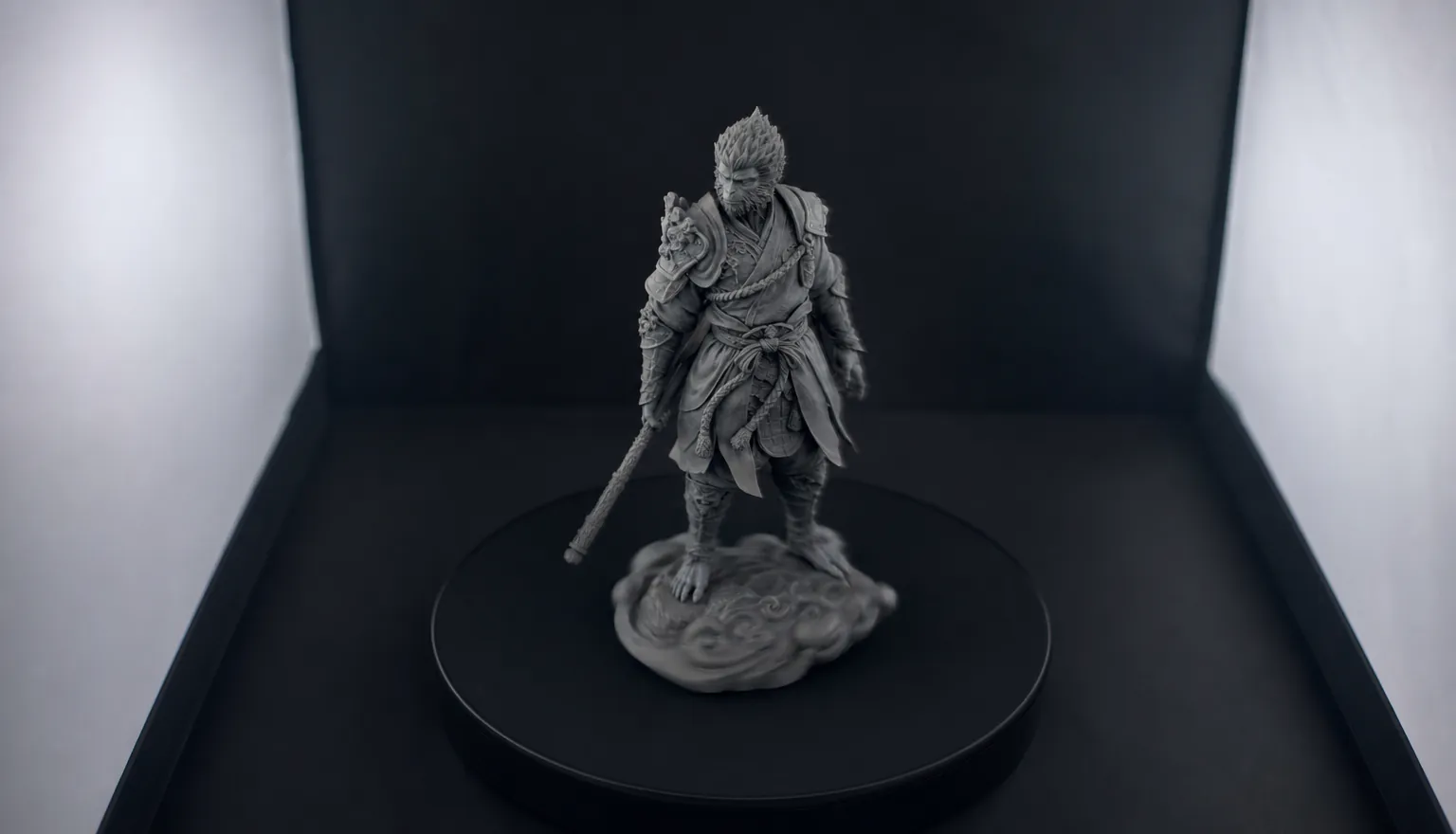
Spin it before you commit to it
Every result opens in a real 3D viewer in the browser — orbit it, look under it, check the back before you download. You can also paste in a mesh URL you already have (.glb, .obj, .fbx or .stl) to view it or run it through retexture and remesh.
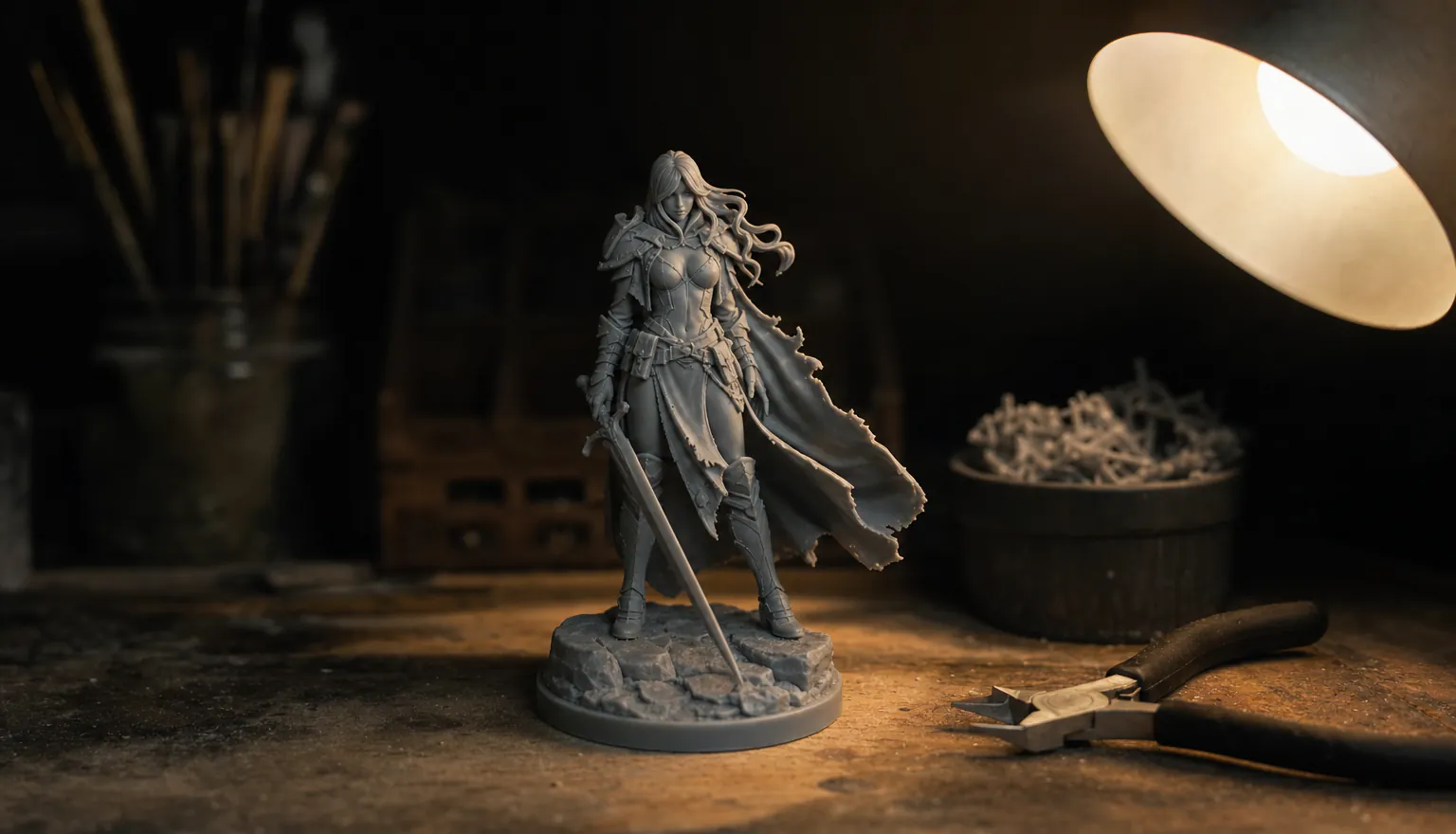
Quad topology, pose, and a print-ready remesh
Meshy 6 can return quad topology, an A-pose or T-pose, and a texture prompt — the options a mesh needs if a rig is coming next. The remesh tool cleans a model for printing and exports STL, OBJ or GLB, with a target height and a choice of where the origin sits, for 40 credits.
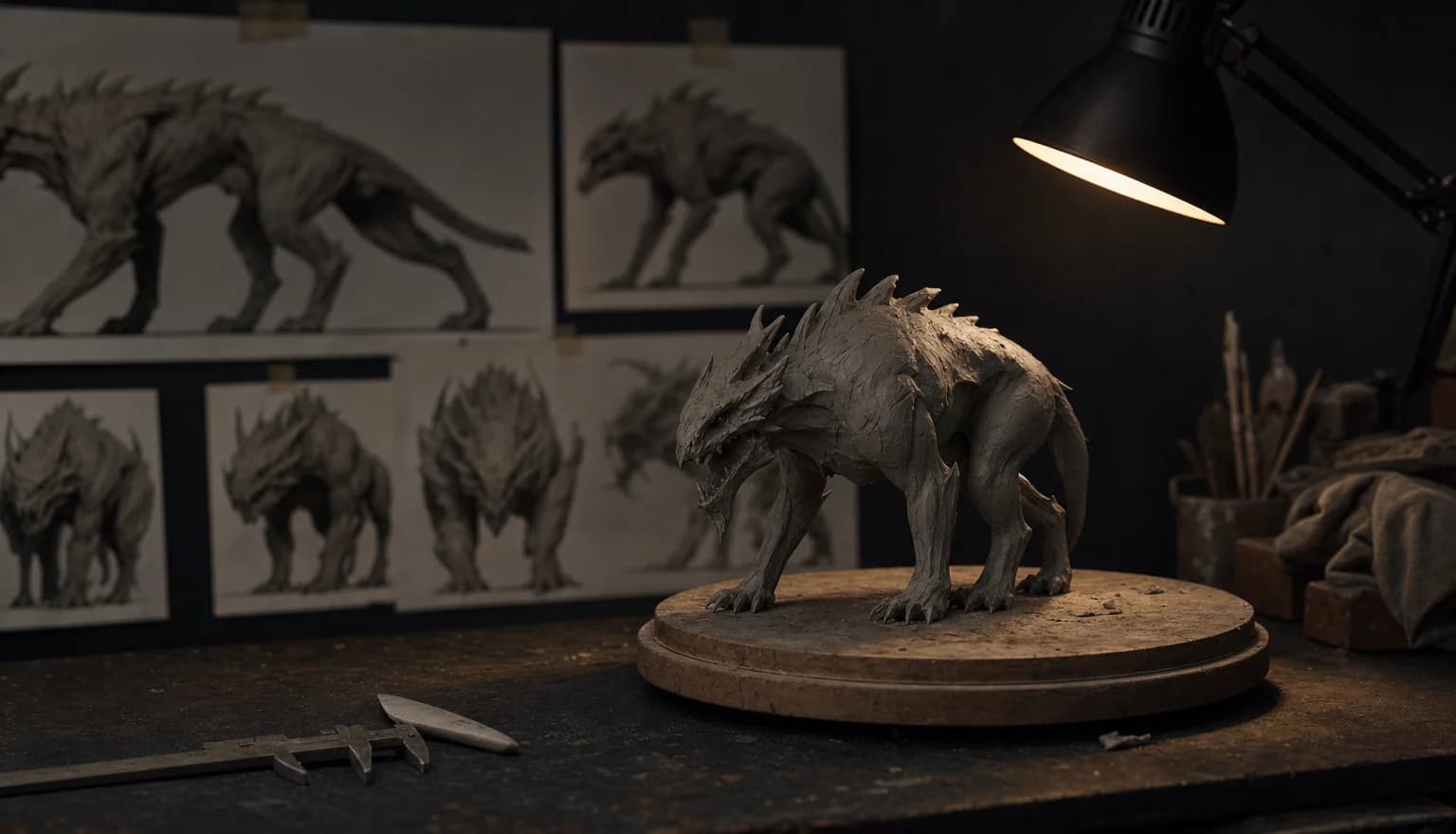
Talk it through instead of filling in a form
Simple mode is a conversation. Describe the object, attach up to four reference photos, and the 3D director picks the mode, the engine, the topology and the polycount, then hands you a plan to approve. If the subject is detailed and you have no reference, it offers to render a concept image first — you approve that image, and only then is it converted to 3D.
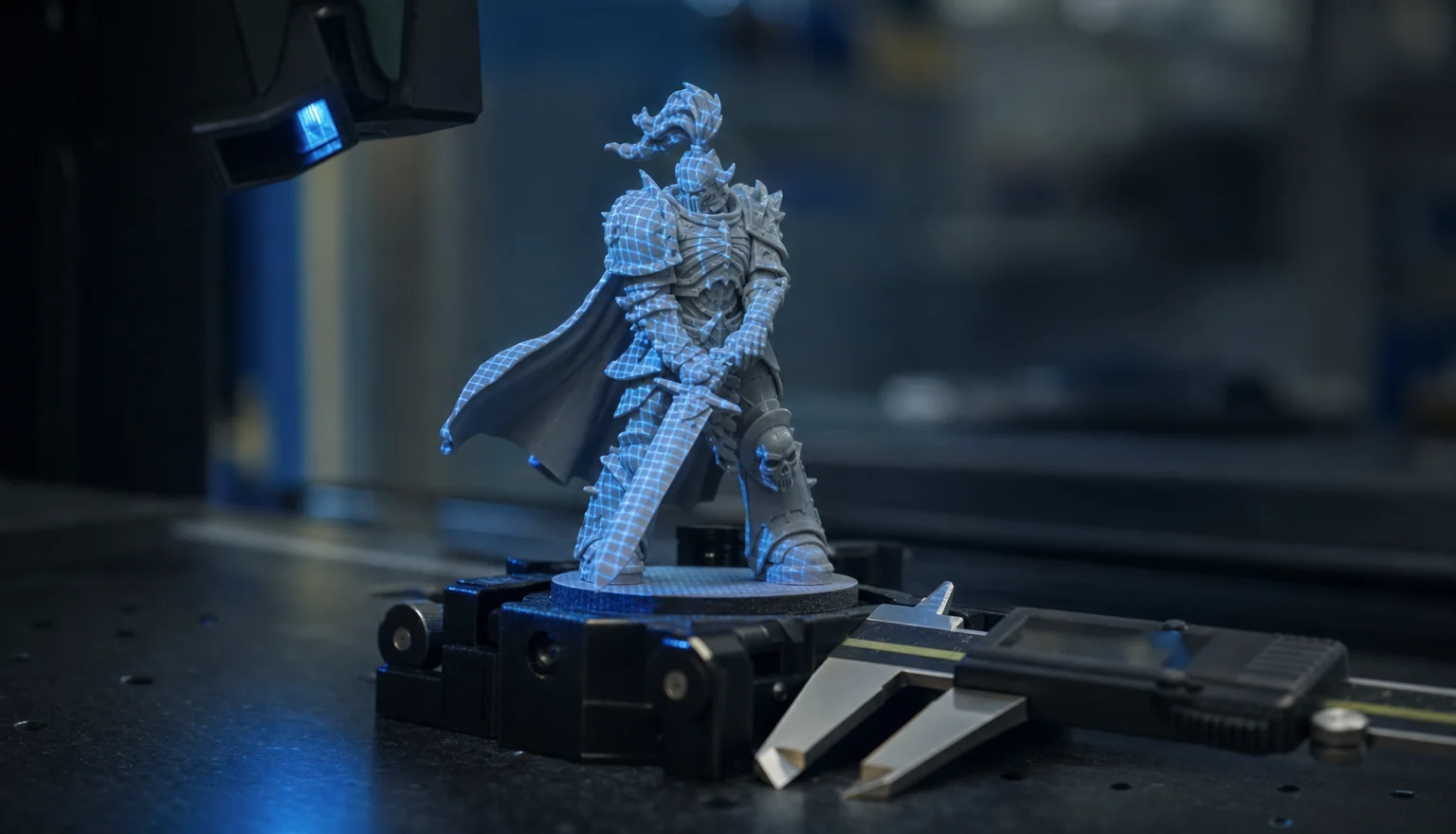
Wireframe, clay, face counts, watertight check
The viewer reports face and vertex counts and the topology it came back with, and switches between textured, wireframe, clay and normals so you can see the geometry under the paint. It also scans the mesh for open edges and tells you whether it is watertight before you send it to a slicer. Four backgrounds, four lighting presets, fullscreen.
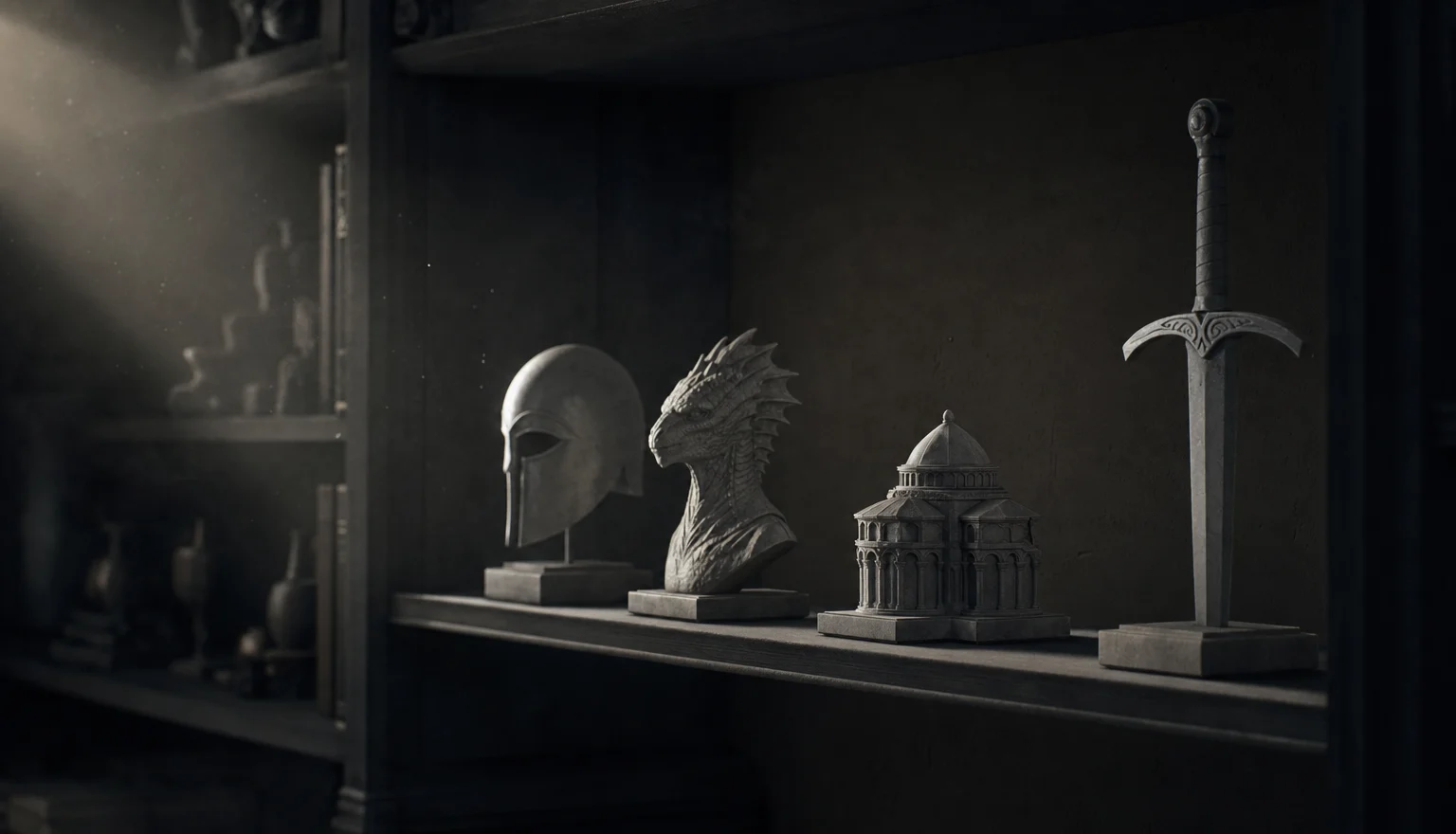
Files land in your library, in every format
Every run lands in your 3D library, and the download menu carries GLB plus FBX, OBJ and USDZ whenever the engine returns them; print prep adds STL. Files are copied to our own storage, so the links keep working after the provider's temporary URLs expire. Close the tab mid-render and the job picks itself back up when you return.
Spin one we generated
Real meshes from this tool. Drag to orbit, scroll to zoom.
Text prompt, 30k triangles, textured.
Made with 7ART AI 3D Model Generator
How 7ART compares
| Feature | 7ART | Meshy | Tripo AI | Rodin (Hyper3D) | 3D AI Studio |
|---|---|---|---|---|---|
| Engines you can switch between | 4 engines, 4 makers | Meshy 4/5/6 | Tripo only | Rodin only | 20+ |
| Image, video, music and voice in the same account | ✓ | Images only | — | Images + video | Images + video |
| Retexture a mesh you already have | ✓ | ✓ | ✓ | partial | ✓ |
| Print prep: retopology, real-world size, STL export | ✓ | ✓ | ✓ | partial | ✓ |
| Multiple reference views of one object | Up to 4 (front/back/left/right) | ✓ | ✓ | ✓ | ✓ |
| Auto-rig and animate in the same tool | — | ✓ | ✓ | ✓ | ✓ |
Named models, not a black box
You see which engine renders each job, and you pick it yourself — on one credit balance, with no separate subscription per model.
Powered by
Plans
Every plan unlocks the whole studio. They differ only in how long they run.
4 weeks
Save 61%Try the whole studio for a month.
for your first 4 weeks, then $38.95 every 4 weeks · $9.74/week
- 3,000 credits every 4 weeks
- Every app, model and studio
- 4K downloads, no watermark
- Commercial use permitted by our Terms
- Download everything you generate
12 weeks
Save 61%The one most people pick.
for your first 12 weeks, then $66.65 every 12 weeks · $5.55/week
- 4,500 credits every 12 weeks
- Every app, model and studio
- 4K downloads, no watermark
- Commercial use permitted by our Terms
- Download everything you generate
Year
Save 61%Lowest price per week.
for your first year, then $149.99 every year · $2.88/week
- 7,600 credits every year
- Every app, model and studio
- 4K downloads, no watermark
- Commercial use permitted by our Terms
- Download everything you generate
Frequently asked questions
Get insights from our experts
Tutorials, model deep dives, and creator workflows. New articles every week — bookmark the blog and never run out of ideas.
Read more


Combine with other 7ART features
AI Image Generator
Create your AI artist once, then generate every image around them. Sixteen models, batches of up to four, and up to ten aspect ratios – in one place.
AI Super Agent
Describe what you want and attach whatever you have. The agent asks the questions a director would, then returns a costed plan across image, video, music, voice, 3D and more — and runs nothing until you press Create.
AI Video Generator
Animate your AI artist into Reels, TikToks, ads and cinematic clips. Kling, VEO 3.1, Seedance, Wan, Grok Imagine, MiniMax H3 and our own 7Video – every major video model in one workspace.