
AI Super Agent – One Brief, Every Medium
Describe what you want and attach whatever you have. The agent asks the questions a director would, then returns a costed plan across image, video, music, voice, 3D and more — and runs nothing until you press Create.
Try Super Agent freePowered by the best generation models







What the creative agent can do
It reads the brief, writes the plan, and waits for you to approve it.

Start with a sentence, not a settings panel
Type what you are trying to make and attach anything relevant — photos, a clip, an audio file, or assets you already generated. The agent can see attached images, and it routes the rest: an attached video is what a foley, restyle, dubbing or motion step will use, attached audio is what a lipsync step will speak.
It plans. You approve. Then it runs
The agent never generates on its own. It converses, then emits a plan of steps — you see every step and the total credit cost on the card, and nothing is charged until you press Create. Independent steps run together; chained ones run in order, so a character image can become a video and that video can become a lipsynced clip.
Image, video, music, voice, 3D — one console
A plan can cross image, video, music, voice, 3D, lipsync, motion control, sound effects, foley, video restyle and translation. It is also the only place a few engines are reachable at all: upscale, relight and FLUX.1 Kontext instruct-edit are not in the Image workspace picker, and foley and video restyle are not in the Video one.

Whole books and whole websites, not just clips
Two jobs are big enough to have their own path through the agent. It can build a complete manga or comic book, and it can build a website or landing page with generated imagery, downloadable as a single HTML file or a full project folder. Both start from the same conversation as everything else.
It keeps your cast and brand on model
Save a character, location, style or product as an Element and the agent sees it. @mention one and it reuses that exact reference across every step; a trained Element generates from its own LoRA and trigger word. Set a Brand kit — logo, colours, fonts, tone, dos and don'ts — and it writes them into every prompt, and reuses your logo as a reference where the logo belongs.

Fix one step without rerunning the whole plan
Every finished step keeps its own controls: regenerate it as it is, or rewrite its prompt and regenerate from there. Because a chained step was built on the output you are replacing, regenerating re-runs the steps downstream of it as well — the button quotes what that commits, and the line under it tells you how many later steps come along, before you tap. Steps nothing depends on cost only themselves. From an image you can iterate, use it as a reference, animate it, turn it into 3D or save it as an Element. Stop a run and whatever had not started is not charged.
It remembers the project, not just the turn
The thread lives on your account rather than in one browser, so a plan and its finished steps are still there on another machine. The agent is also shown what you already made — assets from this chat and from your library, with labels — so "make that one vertical" edits the file you meant instead of starting over. Everything it renders is saved to your library.
Made with 7ART AI Super Agent
How 7ART compares
| Feature | 7ART | Higgsfield Supercomputer | Flora | LTX Studio |
|---|---|---|---|---|
| Chat agent that plans a multi-step production | ✓ | ✓ | ✓ | partial |
| Credit cost shown on the plan before it runs | ✓ | ✓ | Not stated | Not stated |
| Pick which language model directs the plan | 12 models | 5 models | Not stated | Not stated |
| 3D models as a step in the same plan | ✓ | Not listed | Not listed | Not listed |
| Music, voice and sound effects as steps | ✓ | partial | Not listed | ✓ |
| Builds a downloadable website or landing page | ✓ | partial | Not listed | Not listed |
| Builds a full manga or comic book | ✓ | Not listed | Not listed | Not listed |
Frequently asked questions
Named models, not a black box
You see which engine renders each job, and you pick it yourself — on one credit balance, with no separate subscription per model.
Powered by
Nano Banana 2 · Veo 3.1Kling 3.0 · 2.6Seedream · SeedanceSuno V5.5 Voice · SFX
Plans
Every plan unlocks the whole studio. They differ only in how long they run.
4 weeks
Save 61%Try the whole studio for a month.
for your first 4 weeks, then $38.95 every 4 weeks · $9.74/week
- 3,000 credits every 4 weeks
- Every app, model and studio
- 4K downloads, no watermark
- Commercial use permitted by our Terms
- Download everything you generate
12 weeks
Save 61%The one most people pick.
for your first 12 weeks, then $66.65 every 12 weeks · $5.55/week
- 4,500 credits every 12 weeks
- Every app, model and studio
- 4K downloads, no watermark
- Commercial use permitted by our Terms
- Download everything you generate
Year
Save 61%Lowest price per week.
for your first year, then $149.99 every year · $2.88/week
- 7,600 credits every year
- Every app, model and studio
- 4K downloads, no watermark
- Commercial use permitted by our Terms
- Download everything you generate
Combine with other 7ART features
AI Video Generator
Animate your AI artist into Reels, TikToks, ads and cinematic clips. Kling, VEO 3.1, Seedance, Wan, Grok Imagine, MiniMax H3 and our own 7Video – every major video model in one workspace.
AI Image Generator
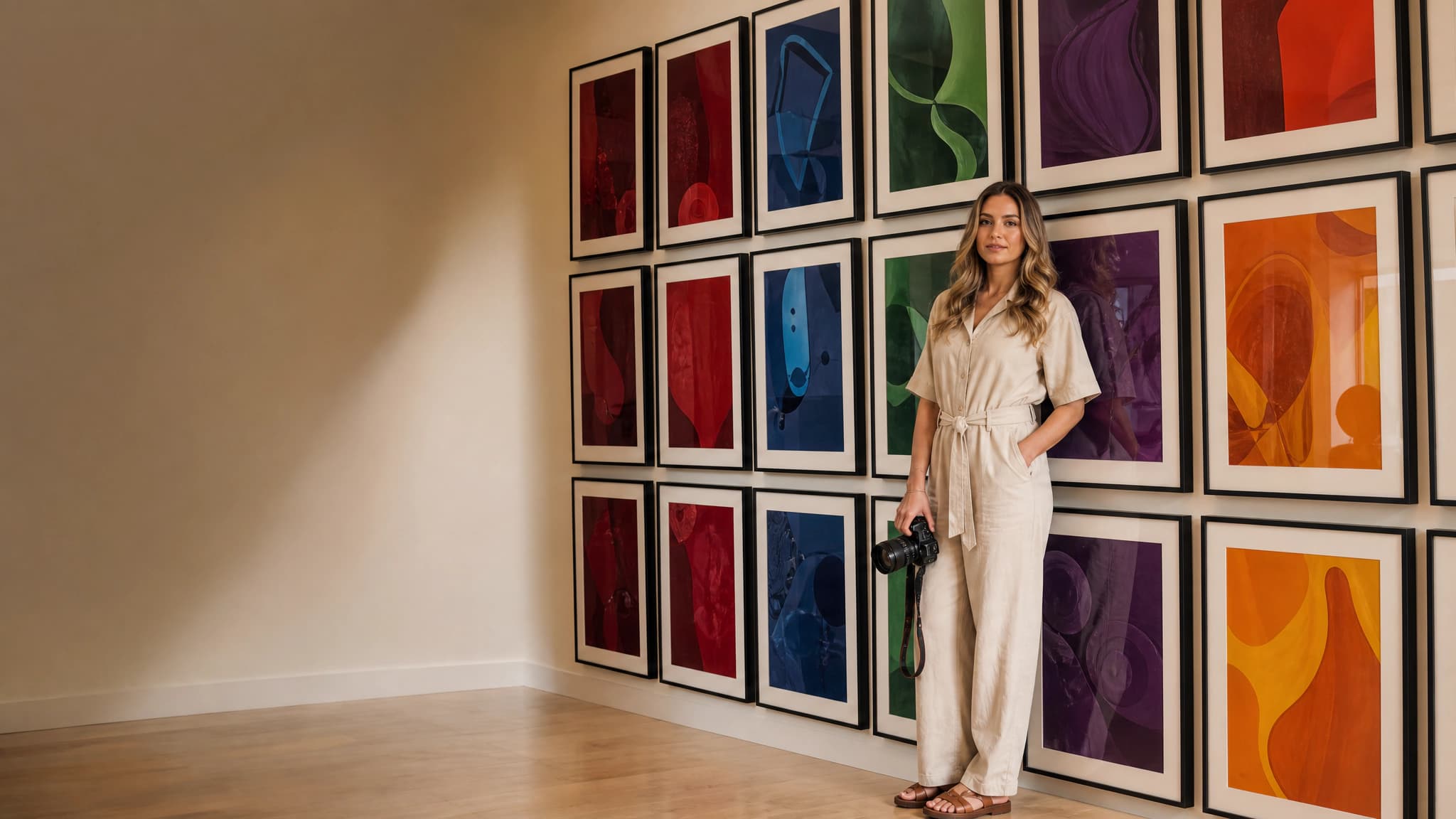
Create your AI artist once, then generate every image around them. Sixteen models, batches of up to four, and up to ten aspect ratios – in one place.
AI 3D Model Generator
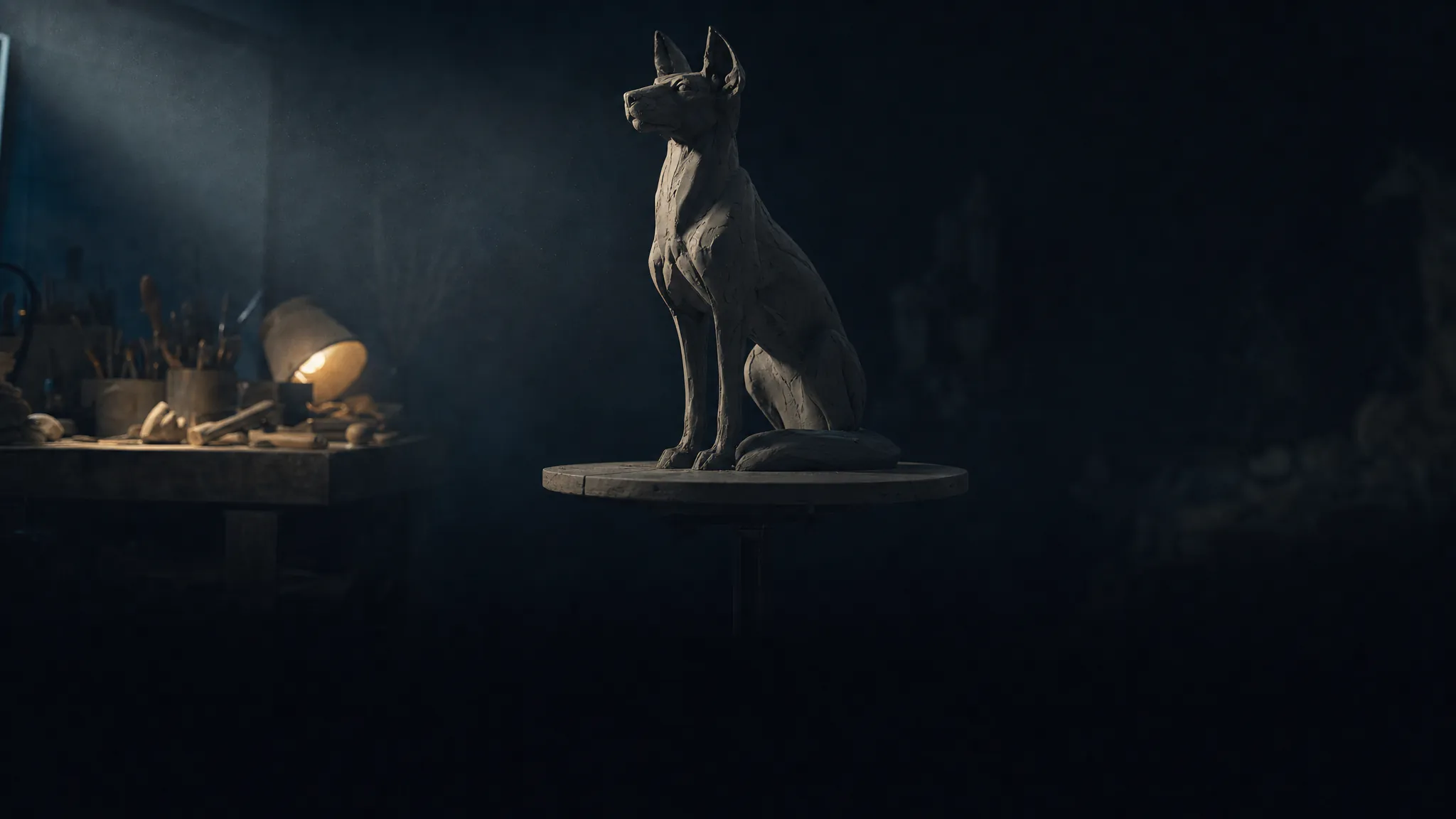
Turn one photo, a few reference angles, or a sentence into a textured 3D model you can spin in the browser and download. Four engines, flat pricing, no per-poly surprises.
Get insights from our experts
Tutorials, model deep dives, and creator workflows. New articles every week — bookmark the blog and never run out of ideas.
Read more